

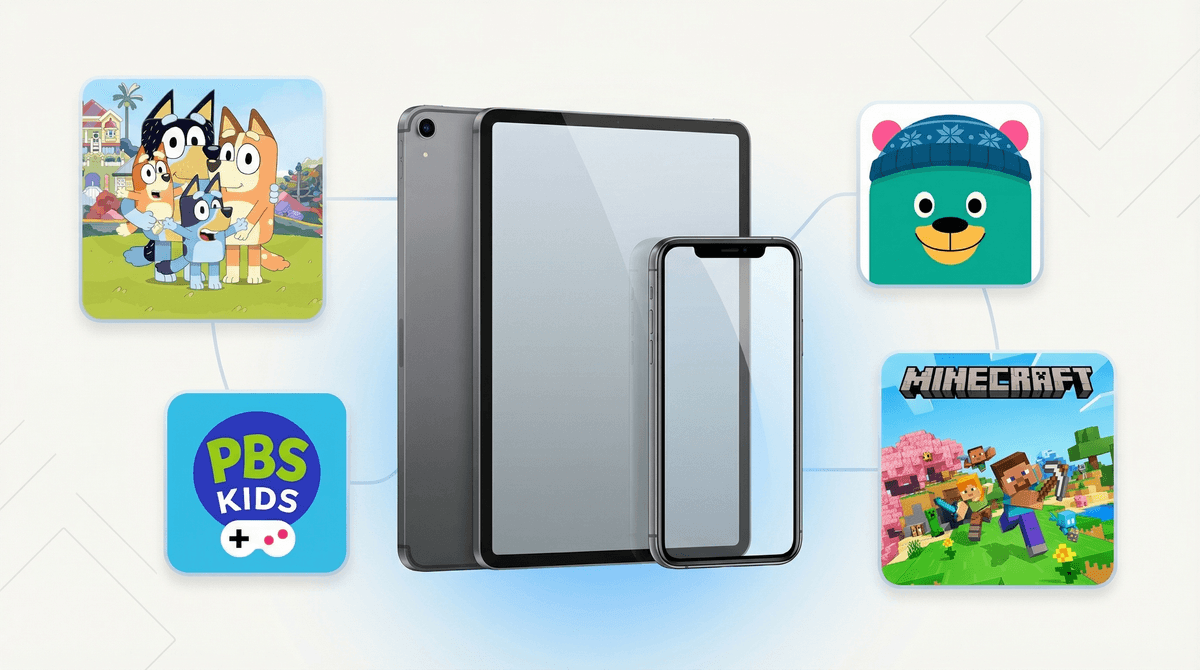
Let's be real: if you're reading this, you probably already know what an iPhone and iPad are. But what you might not fully understand is how Apple's ecosystem works as a family technology platform — and that's what really matters for intentional parenting.
Apple devices include iPhones, iPads, Apple Watches, and Macs. But the real story here isn't the hardware — it's the interconnected ecosystem of Family Sharing, Screen Time controls, iCloud, and built-in parental tools that can either be your best friend or a source of constant frustration, depending on how well you understand them.
Here's what the data tells us: In our community, 70% of families report no smartphone usage for their kids, while 25% use supervised smartphones and 5% allow independent use. Meanwhile, tablets tell a different story — only 15% report no tablet usage, with 50% allowing unsupervised tablet access. This makes sense: iPads often feel "safer" than phones, even though they can access most of the same content and apps.
Apple has become the default choice for many families, and it's not just about the sleek design. The company has invested heavily in parental controls and family management tools that actually work pretty well — once you figure them out.
The appeal for kids is obvious: iPads are incredibly intuitive, even for toddlers. Roblox, Minecraft, YouTube, TikTok — everything they want is right there. For parents, the promise is control and visibility. The reality? It depends on how much time you invest in setup.
Let's talk numbers. Our community data shows kids are averaging 4.2 hours of screen time daily — about 4 hours on weekdays and 5 hours on weekends. Before you panic or feel smug (depending on where your family falls), remember this includes everything: homework on devices, FaceTime with grandparents, that Bluey episode that bought you 20 minutes of peace.
The Screen Time feature on Apple devices can help you understand where those hours are actually going. But here's the thing nobody tells you: Screen Time is only as good as your setup. If you haven't configured it properly, or if your kid has figured out the workarounds (and they will try), it's basically useless.
Ages 3-7: The iPad as First Device
Most families start here. An iPad with heavy restrictions can work well for this age. Focus on:
- Setting up Guided Access to lock them into specific apps
- Using Apple's Communication Limits to control who they can contact
- Creating a kids-only Apple ID through Family Sharing
- Downloading age-appropriate apps like PBS Kids, Khan Academy Kids, or Epic Books
Ages 8-12: The Supervised Phone Years
This is where it gets interesting. Some families introduce a phone around 4th or 5th grade, usually when kids start having more independence. If you go this route:
- Use Downtime to limit usage during school and bedtime
- Set App Limits for categories (looking at you, YouTube Shorts)
- Enable Ask to Buy so you approve all downloads
- Turn on Location Sharing through Find My
- Consider starting with an older iPhone model, not the latest Pro
Ages 13+: Gradual Independence
Teenagers need more autonomy, but that doesn't mean no guardrails. This is about teaching digital responsibility , not surveillance. Consider:
- Transitioning from hard limits to conversations about usage
- Keeping Communication Safety features enabled
- Having regular check-ins about what they're seeing online
- Discussing social media safety before allowing platforms like Instagram or Snapchat
Family Sharing Is Your Friend (Once You Set It Up)
Family Sharing lets you share purchases, subscriptions, and storage with up to six family members. More importantly, it's the gateway to parental controls. But setup can be confusing, and if you don't do it right from the start, fixing it later is a headache.
The "One More Minute" Battle
Screen Time can send warnings before limits are reached, but kids will absolutely ask for "one more minute" repeatedly. Be prepared to hold boundaries, or consider setting limits that include buffer time for transitions.
iCloud and Privacy
If you're using Family Sharing with kids under 13, you have access to their data. But here's a nuance: access doesn't mean you should read every text. Think about what level of monitoring aligns with your family values and your child's age and maturity. Learn more about privacy vs. safety.
The Workarounds Are Real
Kids are creative. They'll figure out they can message through games if you block Messages. They'll delete and reinstall apps to reset timers. They'll ask Siri to text when you've blocked the Messages app. Stay one step ahead by regularly reviewing settings and having honest conversations about why limits exist.
Apple devices can be excellent tools for families — they're not inherently good or bad. The ecosystem offers robust parental controls, but they require intentional setup and ongoing management.
The fact that 50% of families in our community allow unsupervised tablet access while only 5% allow independent smartphone use suggests we're all navigating similar questions about which devices feel "safer" and at what ages. There's no perfect answer, but there are informed choices.
- Audit your current setup: Go into Screen Time settings and actually look at what's enabled (and what's not)
- Set up Family Sharing if you haven't already
- Have a family meeting about device expectations and boundaries
- Review your settings quarterly as your kids grow and their needs change
- Join the Screenwise community to see how your family's device usage compares and get personalized recommendations
Remember: the goal isn't to create a perfect, screen-free childhood. It's to make intentional choices about technology that align with your family's values. And sometimes that means letting them watch Octonauts for the third time today because you need to make dinner in peace. We've all been there.