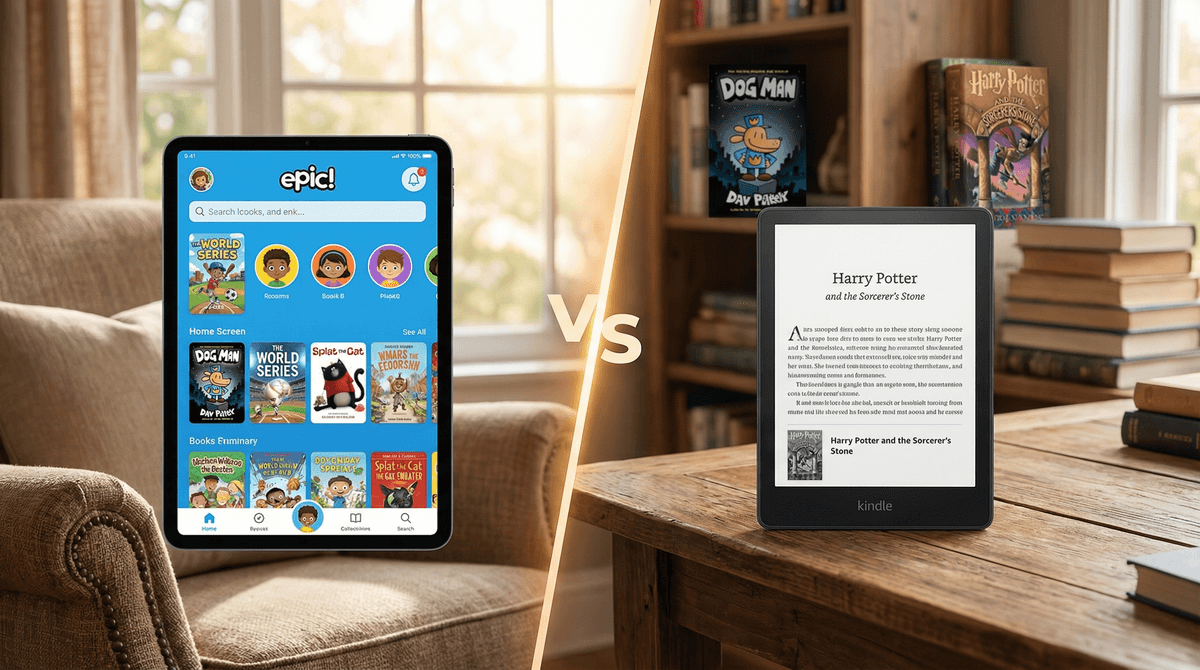
The Kindle Kids app is built on a solid foundation—reading is unquestionably good for kids, and having millions of books at their fingertips is powerful. The app itself is clean, ad-free, and includes genuinely useful learning tools like dictionary lookups and progress tracking.
But here's the problem: the parental controls are frustratingly weak. Multiple parent reviews confirm that kids can bypass filters, search for inappropriate content, and access books you didn't intend. Amazon's Parent Dashboard exists, but it's clunky and requires constant vigilance. If you're expecting set-it-and-forget-it content safety, you'll be disappointed.
Bottom line: this works well if you're willing to actively curate your kid's library, disable search, and check in regularly. It's a good reading app with mediocre guardrails. The reading experience itself is excellent—just don't trust the safety features blindly.
Age Fit
Best for independent readers ages 6-16 who can navigate the app and select books with some parental guidance. Younger kids (4-6) can use it if parents pre-load specific titles and disable search. Teens and adults also use the regular Kindle app, so the upper range depends on whether kids mode restrictions are still needed.
WISE Breakdown
Wholesome
85
The app itself is a neutral container for reading—wholesome depends entirely on what books parents select. The Kids mode provides parental controls to curate content, and reading as an activity promotes calm, focused engagement rather than chaotic stimulation. The interface is straightforward without manipulative design patterns.
Imaginative
88
Access to millions of books, comics, manga, and magazines opens vast imaginative worlds. The app includes features like X-Ray, dictionary lookups, and Wikipedia integration that encourage curiosity and deeper exploration. Reading inherently builds imagination, and the breadth of content—from fiction to nonfiction across all genres—supports creative thinking and knowledge-building.
Safe
78
Kids mode is available with parental controls and content curation. However, search results reveal significant frustrations: one detailed review from TidBITS called it 'a huge mistake' citing limited parental controls, difficulty managing content, and kids being able to access inappropriate material despite filters. The app itself has no ads or social features, but the safety depends heavily on parent vigilance in curating the library. Amazon's ecosystem can be complex to navigate for content restrictions.
Enriching
92
Reading is one of the most enriching activities for cognitive development, vocabulary building, empathy, and critical thinking. Built-in dictionary, translation tools, X-Ray character tracking, and Wikipedia lookups add educational layers. Progress tracking and bookmarking encourage engaged, thoughtful reading. Access to diverse genres and nonfiction supports learning across subjects. The ability to switch to audiobooks (Audible) offers multimodal learning.
Parent Info
✓
Why It Might Be Great
Unlimited access to books encourages reading habits and literacy development
Built-in dictionary, X-Ray, and Wikipedia lookups turn reading into active learning
Syncs across devices so kids can read on tablet, phone, or Kindle device seamlessly
Progress tracking and customizable reading settings (font, brightness, page layout) support different learning styles
No ads or social features—just books
⚠
What to Watch For
Parental controls have documented weaknesses—kids may be able to search and access inappropriate content despite filters
Requires careful library curation by parents; the app won't do all the heavy lifting
Amazon ecosystem can be confusing to navigate (Kindle Unlimited, Prime Reading, individual purchases)
One critical review called it 'a huge mistake' due to control limitations—test thoroughly before relying on it
Conversation Starters
"What book are you reading right now? What's happening in the story?"
"Did you use the dictionary or X-Ray feature? What new words did you learn?"
"What genre do you want to try next—mystery, fantasy, graphic novels, or something else?"
"How far through your book are you? Do you think you'll finish it this week?"