

Look, we all know the usual suspects: Roblox, YouTube, TikTok (for the older kids), and whatever game is currently draining your phone battery. But here's the thing—there's a whole universe of apps out there that actually build skills while still being, you know, fun enough that kids will actually use them.
I'm talking about apps that teach coding without feeling like homework, creative tools that aren't just filters and stickers, and productivity apps that might actually help with that executive function stuff we're all worried about. These aren't the apps that'll rack up millions of downloads or become the next viral sensation. They're the quiet overachievers of the app store.
The algorithm-driven entertainment apps aren't going anywhere. Your kid will still play Minecraft and watch YouTube. But if we can slip in some apps that teach actual transferable skills—creativity, problem-solving, organization, critical thinking—we're basically sneaking vegetables into the digital diet.
Plus, a lot of these apps give kids a sense of making things rather than just consuming things, which is honestly the sweet spot we're all trying to find.
For Creative Kids (Ages 6+)
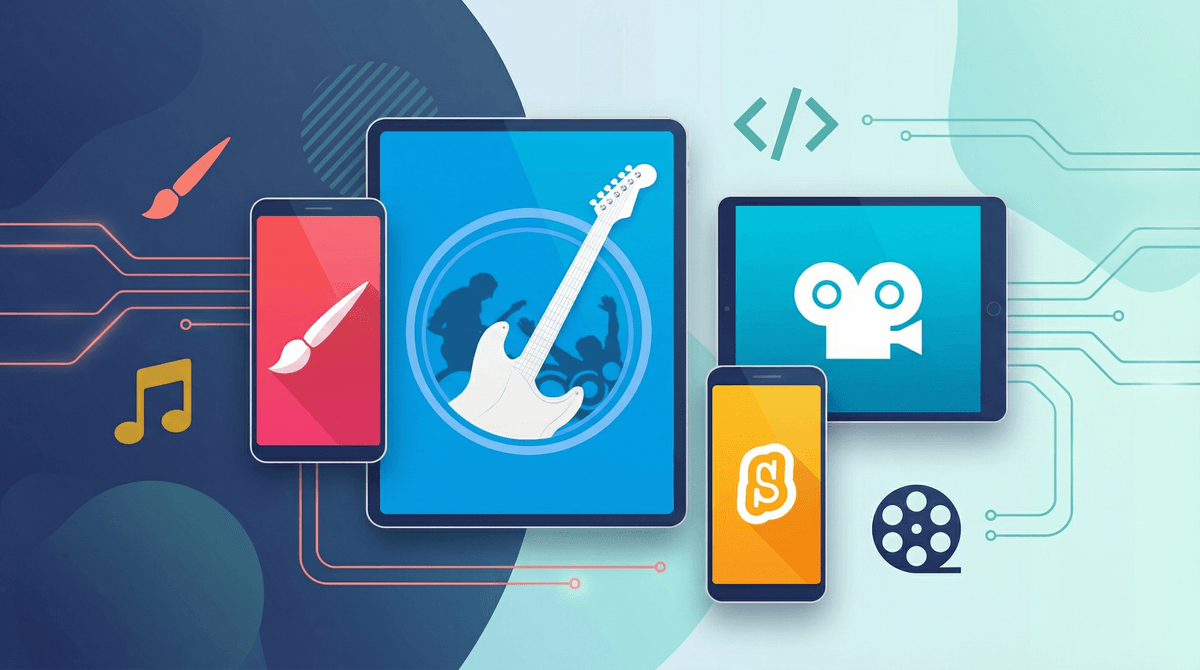
GarageBand (iOS, free)
If your kid has ever tapped out a beat on the table or hummed a melody, this is it. GarageBand makes music creation genuinely accessible. Kids can layer tracks, experiment with instruments they'll never own, and actually produce something they're proud of. Ages 8+ will get the most out of it, but even younger kids can mess around and make noise (which, fair warning, they will).
Procreate (iOS, $12.99)
Yes, it costs money. Yes, it's worth it. This is professional-grade digital art software that kids can actually use. It's what the artists on Instagram are using, and it's incredibly intuitive. If your kid likes to draw, this app will blow their mind. Ages 10+ will really unlock its potential, but younger artists can still create amazing stuff.
Stop Motion Studio (iOS/Android, free with in-app purchases)
Remember those claymation Christmas specials? Your kid can make those. Stop motion teaches patience, planning, and storytelling. Plus it gets them off the couch and actually manipulating physical objects. Works great for ages 7+.
For Future Coders (Ages 8+)
Scratch (Web/iOS/Android, free)
This is the gold standard for teaching kids to code. Developed by MIT, it uses visual blocks instead of text, so kids learn programming logic without getting stuck on syntax. They can make games, animations, and interactive stories. It's genuinely educational AND genuinely fun. Ages 8-14 is the sweet spot.
Tynker (iOS/Android, subscription)
Similar vibe to Scratch but with more structured lessons and progression. Great for kids who want a bit more hand-holding or parents who want to see clear learning objectives. The subscription is pricey though, so maybe try the free version first.
For Curious Minds (Ages 6+)
Khan Academy Kids (iOS/Android, free)
For younger kids (ages 2-8), this is basically the gold standard for educational apps. Reading, math, social-emotional learning, all wrapped up in a genuinely engaging package. No ads, no in-app purchases, just solid learning. It's almost suspiciously good for being free.
Duolingo (iOS/Android, free with ads)
Yeah, the owl is a meme at this point, but Duolingo actually works for language learning. The gamification is effective, and learning a language is one of those skills that compounds over time. Ages 10+ will stick with it best, though younger kids can dabble. Just be aware of the notification pressure .
.
Star Walk 2 (iOS/Android, paid)
Point your phone at the sky and it shows you what stars and constellations you're looking at. It's basically magic for kids interested in space. Great for ages 6+, especially if you can get them outside at night (I know, I know, bedtimes exist).
For Organization & Productivity (Ages 10+)
Notion (iOS/Android/Web, free)
Hear me out. For tweens and teens who are starting to juggle homework, activities, and projects, Notion can be a game-changer. It's like a digital notebook/planner/organizer hybrid. The learning curve is real, but once they get it, it's incredibly powerful. Ages 12+ will appreciate it most.
Forest (iOS/Android, paid)
This app gamifies focus time. You plant a virtual tree, and it grows while you stay focused (and don't use your phone). If you leave the app, the tree dies. It's weirdly effective for building concentration habits. Ages 10+ will actually use it.
Not every app will stick. Download a few, let your kid explore, and don't be surprised if only one or two become regulars. That's fine. Even one good app in the rotation is a win.
Some of these have learning curves. Apps like Procreate and Notion aren't pick-up-and-play. Your kid might need some YouTube tutorials or your help getting started. That's actually a good thing—it teaches persistence.
Free doesn't always mean free. Watch out for in-app purchases and subscriptions. Some apps are genuinely free (Khan Academy Kids, Scratch), others have aggressive upsells.
Screen time is still screen time. Yes, these apps are more enriching than TikTok, but they're still screens. Balance is still important. Making music on GarageBand is great; doing it for 4 hours straight is still probably too much.
You're not going to replace Fortnite with coding tutorials, and that's fine. But if you can get your kid to spend even 20% of their screen time on apps that actually teach them something or let them create something, that's a massive win.
The goal isn't to turn every moment into a learning opportunity. It's to expand the menu of what "fun screen time" can look like. Sometimes that's watching Bluey, sometimes that's building a game in Scratch, sometimes that's just zoning out. All of it has a place.
Start with one. Pick the app that matches your kid's current interests. Artsy kid? Try Procreate or Stop Motion Studio. Into music? GarageBand. Likes puzzles and logic? Scratch.
Download it together. Spend 10 minutes exploring it with them. Show genuine interest. Ask questions. Then step back and let them experiment.
Don't force it. If they hate it, they hate it. Try another one in a few months. Forcing "educational" apps just makes them resentful of learning.
And if you want more specific recommendations based on your kid's age and interests, Get creative app recommendations—it's actually helpful.