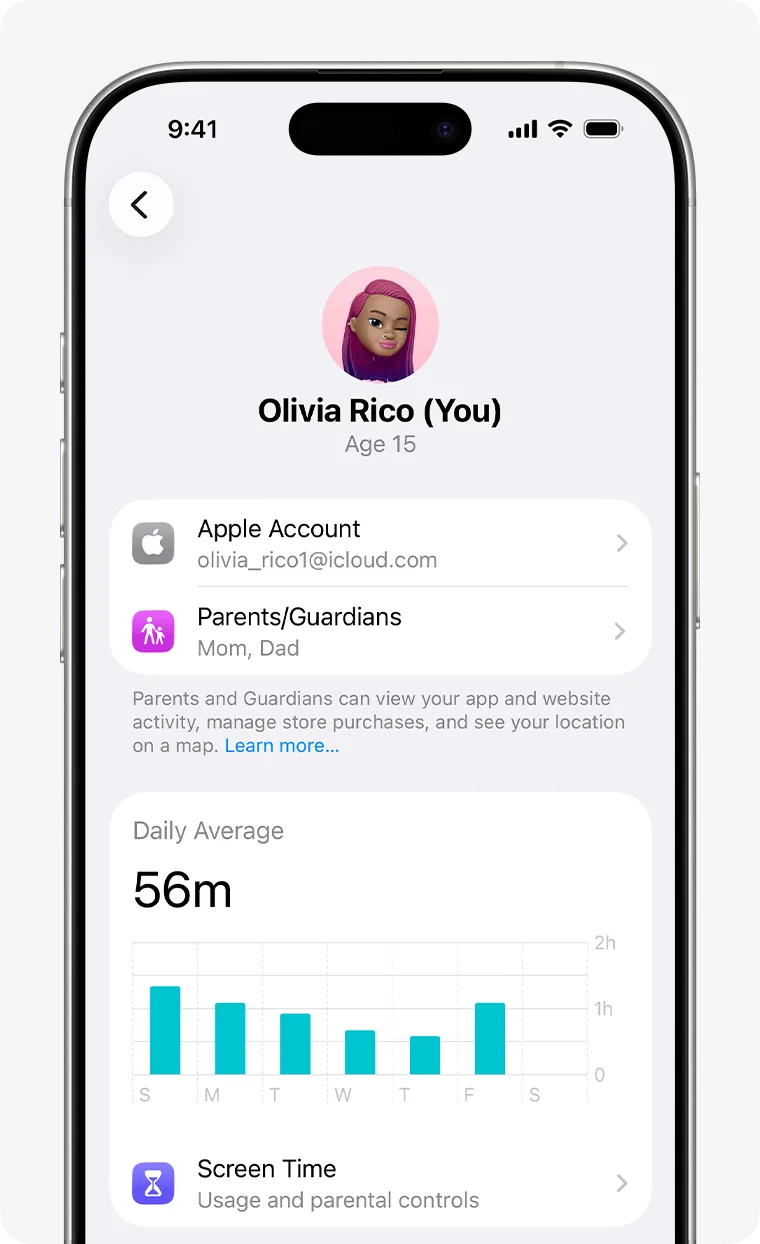
If your kid is in the Apple ecosystem, this isn't optional. It’s the highest-quality set of 'training wheels' available for digital life. It’s not a substitute for parenting, but it’s the best set of tools to help you do it intentionally.
Don't treat Screen Time as a 'gotcha' tool. Use it as a mirror to show your kid what the algorithm is doing to their attention. Apple’s privacy-first approach means most of this happens on the device, not in a cloud database somewhere, which is as safe as it gets in 2026.
Age Fit
This is strictly for parents (18+) who are managing devices for kids of any age. It's the infrastructure, not the entertainment.
WISE Breakdown
Wholesome
85
The interface and intent are purely about family cohesion and protection. It doesn't sell 'junk' content; it provides the plumbing for a cleaner digital home.
Imaginative
15
It's a settings menu. While it allows you to toggle on 'Creative' apps, the tool itself is a utility for management, not a spark for original thought.
Safe
98
This is the benchmark for OS-level safety. From communication blurring to granular content filters, Apple provides the most 'floor' of any major tech ecosystem.
Enriching
75
It enables enrichment by allowing parents to curate what matters. The Screen Time data provides the mirror parents need to see where attention is actually going.
Parent Info
✓
Why It Might Be Great
Granular control over every app, website, and purchase without needing third-party 'spyware' apps.
Communication Safety blurs sensitive images locally on the device, protecting privacy while flagging risks.
Ask to Buy puts an end to the 'surprise $200 Roblox bill' by sending a notification to your phone for approval.
Family Sharing lets you share subscriptions and storage, making it the most cost-effective way to manage a digital household.
⚠
What to Watch For
Kids are tech-literate and will find workarounds (like watching YouTube through the built-in iMessage browser) if they're motivated enough.
The 'Downtime' feature is a blunt instrument; it can't distinguish between a kid doing homework on Safari and a kid scrolling endlessly.
Setting these up requires an Apple ID for the kid, which anchors them into the ecosystem for the long haul.
Conversation Starters
"Let's look at the Screen Time report together—was there anything that surprised you about where your time went this week?"
"Why do you think we have 'Ask to Buy' turned on? Is it about the money, the content, or both?"
"If you feel a limit is too strict for something you're actually learning from, how should we negotiate that?"