

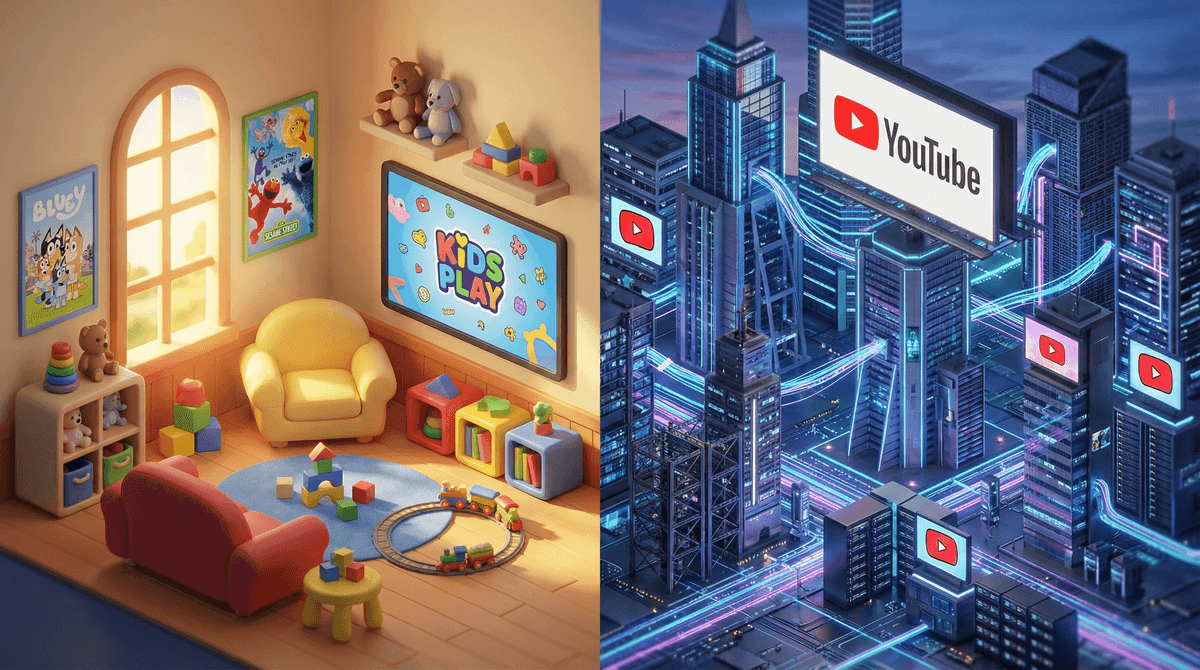
Let's start with the basics. YouTube is the massive video platform we all know—everything from cooking tutorials to gaming streams to music videos to, yes, conspiracy theories. It's designed for users 13+ (though we all know plenty of younger kids watch it).
YouTube Kids is YouTube's separate app, launched in 2015, specifically designed for children under 13. It uses a combination of automated filters, human review, and parental controls to create a more contained viewing environment.
Here's the thing though: YouTube Kids isn't just "YouTube with bad stuff removed." It's a fundamentally different experience, and understanding those differences is key to making the right call for your family.
Content Filtering
YouTube Kids uses algorithms and human reviewers to filter content into age-appropriate categories. You can choose between three content settings:
- Preschool (Ages 4 and under)
- Younger (Ages 5-8)
- Older (Ages 9-12)
Regular YouTube has restricted mode, but it's nowhere near as locked down. And let's be real—kids figure out how to turn that off pretty quickly.
The Interface
YouTube Kids has a simpler, more colorful interface with bigger buttons and no comments section. Regular YouTube has that endless sidebar of recommended videos, comments (which can get toxic fast), and ads that aren't always appropriate.
The autoplay on both platforms is designed to keep kids watching, but YouTube Kids at least keeps them within the filtered content bubble. Regular YouTube's algorithm can take kids from Ryan's World to something wildly inappropriate in just a few clicks.
Search Functionality
In YouTube Kids, you can actually turn off search entirely. This means your kid can only watch videos you've approved or content that's been pre-selected for their age group. On regular YouTube, search is always available, which means they're one typo away from finding something you'd rather they didn't.
YouTube Kids Isn't Perfect
Despite the filters, inappropriate content still slips through. There have been multiple instances of disturbing videos disguised as kid-friendly content—think Peppa Pig characters in violent situations or fake Paw Patrol episodes with adult themes.
YouTube has gotten better at catching this stuff, but no automated system is foolproof. The platform processes hundreds of hours of video every minute. Some things will always slip through.
The "Supervised Experience" Middle Ground
In 2021, YouTube introduced supervised accounts for kids over 9. This gives them access to a broader range of content than YouTube Kids (think actual music videos, gaming content, vlogs) but with more parental controls than regular YouTube. You can learn more about setting up supervised accounts here .
.
This can be a good middle step for tweens who feel like YouTube Kids is "for babies" but aren't ready for the full YouTube experience.
The Commercial Concern
Both platforms have ads, but YouTube Kids ads are supposed to be family-friendly. However, the line between content and advertising on YouTube Kids is often blurry. Many videos are essentially 10-minute toy commercials featuring kids unboxing products. Is that harmful? That's a family values call, but it's worth being aware of.
Ages 4-7: YouTube Kids with search turned off is your safest bet. Curate a list of approved channels like Bluey, Sesame Street, or educational content you've vetted.
Ages 8-10: YouTube Kids with search enabled or a supervised YouTube account, depending on maturity level. Start teaching them about clickbait and how to recognize when content is trying to sell them something.
Ages 11-12: Many kids this age are ready for supervised YouTube accounts. Have conversations about comments sections, parasocial relationships with creators, and how algorithms work to keep them watching.
Ages 13+: Technically old enough for regular YouTube, but parental controls and ongoing conversations are still important. Talk about misinformation, extreme content, and the difference between entertainment and reality.
Neither YouTube Kids nor regular YouTube is a perfect solution. YouTube Kids is safer but still requires supervision and has limitations that might frustrate older kids. Regular YouTube offers more content but comes with significantly more risk.
The real answer isn't which platform you choose—it's how you use it. Co-viewing when possible, having ongoing conversations about what they're watching, and setting clear boundaries around screen time matter more than which app is open.
- Try both platforms and see what fits your family's needs
- Set up parental controls regardless of which you choose
- Check watch history regularly—both platforms let you see what your kids have been viewing
- Create approved channel lists for younger kids
- Have the conversation about why certain content isn't appropriate, not just "because I said so"
And remember: perfect is the enemy of good. You're not going to catch everything, and that's okay. The goal is intentional engagement with your kids' digital lives, not total control.
Want to dig deeper into specific YouTube channels or creators? Screenwise has guides for hundreds of popular channels so you can make informed decisions about what's worth your kids' time.