

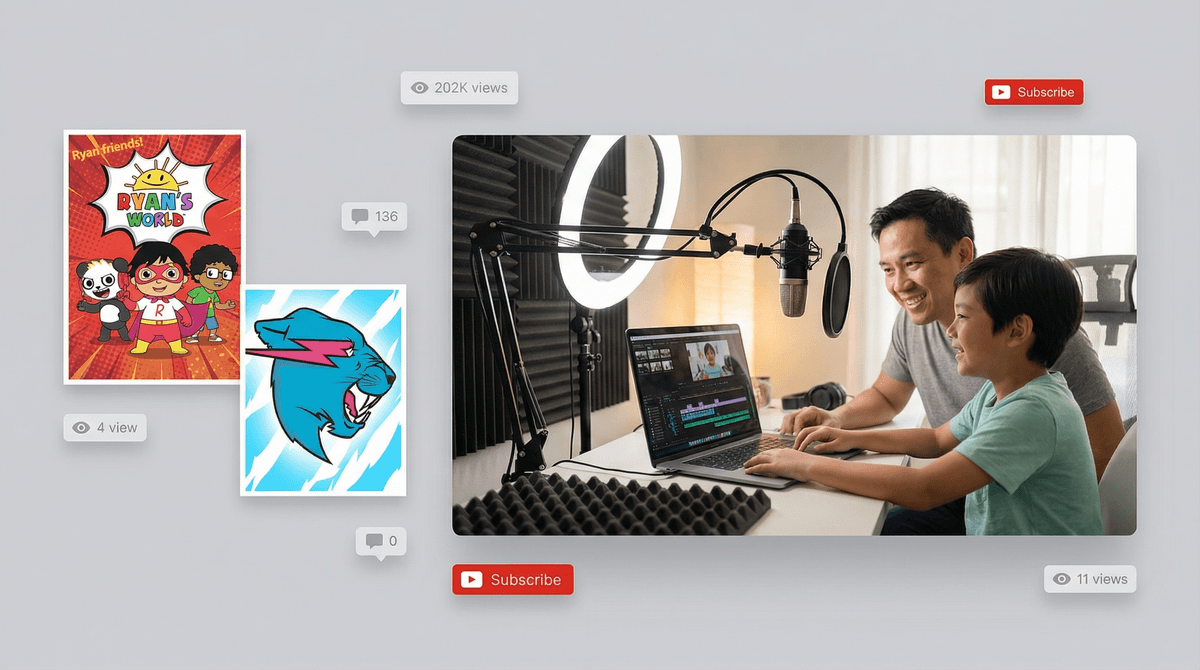
The Ultimate Guide to Kids' YouTube Channels: Safety, Success, and Staying Legal
TL;DR: Your kid wants to be a YouTuber. Before you say yes, you need to know about COPPA laws, privacy risks, the actual work involved, and how to protect them from both creeps and burnout. This isn't about crushing dreams—it's about making sure those dreams don't turn into legal headaches or psychological damage.
Quick links if you're in a hurry:
So your 9-year-old just announced they want to start a YouTube channel. Maybe it's Minecraft tutorials, maybe it's slime videos, maybe it's them unboxing toys or doing challenges they saw on Ryan's World.
Your first instinct might be "absolutely not" or "sure, whatever keeps them busy." But here's the thing: kid YouTube channels can actually be amazing learning experiences—teaching video editing, storytelling, public speaking, and even basic entrepreneurship. They can also be privacy nightmares, legal minefields, and sources of unhealthy pressure.
The good news? With the right guardrails, you can make this work. Let's talk about how.
COPPA is not optional. The Children's Online Privacy Protection Act says that if your kid is under 13, their channel needs to be marked as "made for kids" in YouTube's settings. This isn't a suggestion—it's federal law.
When a channel is marked "made for kids":
- Comments are automatically disabled (good for safety, annoying for engagement)
- Personalized ads don't run (which means less money if you're monetizing)
- Features like notifications, stories, and live chat are turned off
- The videos won't show up in recommendations as much
But wait—who actually owns the channel? YouTube's Terms of Service say you must be 13+ to have an account. So technically, you own the channel, and your kid is the talent. This matters for taxes, liability, and who's legally responsible if something goes sideways.
Some states (California, New York, Louisiana) have additional child performer laws that kick in if the channel makes money. You might need to set aside a percentage of earnings in a trust. Learn more about monetization rules for kid creators .
.
I'm going to be blunt: your child's face, voice, name, and location are valuable data that predators actively seek out. This isn't fear-mongering—it's reality.
Before you film a single video:
Never show or mention:
- Your child's full name (use a nickname or channel persona)
- Your home address, school name, or identifiable locations
- School uniforms, team jerseys with names, or anything with identifying info
- License plates, house numbers, or street signs in the background
Do show:
- Hands-only videos (surprisingly popular for crafts, gaming, cooking)
- Avatar-based content using apps like Bitmoji
- Voiceover with screen recording (great for gaming tutorials)
- Back-of-head shots or creative angles that obscure faces
The "grandma test": If you wouldn't want a stranger knowing this information about your kid, don't put it in a video. Period.
YouTube success isn't about going viral—it's about consistency, resilience, and handling criticism. Here's what your kid actually needs:
Age considerations:
- Ages 6-9: Probably too young to manage a channel independently. If you're doing this, it's a family project where you're doing 90% of the work.
- Ages 10-12: Can learn filming and basic editing with heavy parental oversight. Still needs you to review every video before posting.
- Ages 13+: Can potentially manage more independently, but you should still have full access and check in regularly.
Skills they'll need to develop:
Time commitment reality check: A decent 10-minute video takes 2-4 hours to plan, film, edit, and upload. Successful channels post weekly at minimum. That's a part-time job.
Step 1: Create a Brand Account Use your Google account to create a Brand Account (not your kid's personal account). This lets you maintain control while giving your kid access to upload and edit.
Step 2: Lock Down Privacy Settings
- Mark as "made for kids" if under 13 (required)
- Disable comments initially (you can enable with heavy moderation later)
- Turn off location sharing
- Set videos to unlisted until you're comfortable with public posting
- Enable Restricted Mode filtering
Step 3: Set Content Boundaries Write down the rules before you start:
- What topics are off-limits?
- Who reviews videos before they go live?
- What happens if views don't meet expectations?
- How much time per week is reasonable for this project?
- What's the plan if they want to quit in two months?
Check out this guide to YouTube parental controls for more technical setup help.
Low-risk, high-engagement ideas:
Gaming content (screen recording only, no face required)
Creative hands-only content
- Art tutorials and time-lapses
- Origami or paper crafts
- Slime making (still inexplicably popular)
- Lego builds and stop-motion
Educational content
- Book reviews (great for building reading skills)
- Science experiments
- Math tricks or homework help
- Language learning tips
Performance content (with privacy measures)
- Music covers (audio only or creative camera angles)
- Dance videos shot in neutral spaces
- Comedy skits with friends (get parental permission from all kids involved)
Avoid: Prank videos, challenge videos that could cause injury, anything involving strangers, content that reveals personal information.
Let's address the elephant in the room: your kid probably won't make money from this.
YouTube's Partner Program requires:
- 1,000 subscribers
- 4,000 watch hours in the past year
- Compliance with all policies
For context, the median YouTube channel has fewer than 1,000 subscribers. Getting monetized takes most creators 1-2 years of consistent posting.
If you do monetize:
- Set realistic expectations (most kid channels make $50-200/month, not thousands)
- Decide upfront how money will be split or saved
- Remember you'll owe taxes on any earnings
- Consider if monetization pressure will suck the fun out of the project
In your kid:
- Obsessively checking view counts and getting upset about numbers
- Wanting to film constantly, even during family time
- Comparing themselves negatively to bigger channels
- Asking to do increasingly risky content for views
- Showing signs of anxiety or depression related to the channel
In the comments/community:
- Adults asking personal questions or to connect outside YouTube
- Requests for private videos or special content
- Anyone asking to meet up or video chat
- Inappropriate comments about your child's appearance
- Requests for photos or personal information
Immediate action items if you see red flags:
- Pause uploads immediately
- Review all existing videos and comments
- Consider taking the channel private temporarily
- Talk to your kid about what's happening
- Report concerning accounts to YouTube and potentially law enforcement
The most successful kid creators I've seen have parents who treat this like any other extracurricular:
Set boundaries:
- Filming happens during designated times, not 24/7
- School and family time come first, always
- Taking breaks is not failure—it's self-care
- The channel can end whenever your kid wants, no guilt
Focus on process, not metrics:
- Celebrate learning new editing techniques
- Praise creative ideas and storytelling
- Talk about what they enjoyed making, not how many views it got
- Emphasize the skills they're building for the future
Model healthy social media behavior:
- Don't obsess over your own social media metrics in front of them
- Show how you handle negative comments or criticism
- Demonstrate taking breaks from screens
- Talk about the difference between online personas and real life
Not sold on YouTube? These platforms offer creative outlets with fewer risks:
Zigazoo: Kid-safe video platform with heavy moderation (ages 3-12)
Private sharing options:
- Google Photos albums shared with family only
- Private Vimeo accounts
- Family YouTube channels set to unlisted/private
Offline video projects:
- Make videos just for fun, no posting required
- Create a family movie night with their content
- Submit to actual kid film festivals
- Build a portfolio for future college applications
Explore kid-safe alternatives to YouTube if you want more options.
Starting a YouTube channel can teach your kid incredible skills: creativity, technical proficiency, resilience, and communication. But it requires serious parental involvement, clear boundaries, and constant vigilance about safety and mental health.
This works when:
- You're treating it as a learning project, not a career
- Privacy and safety are non-negotiable
- You're prepared to be heavily involved in content review
- Your kid can handle slow growth and criticism
- The focus stays on fun and skill-building, not metrics
This doesn't work when:
- You're hoping your kid will be the next MrBeast and make bank
- You're not willing to review every video before it posts
- Your kid is doing it only because their friends are
- The channel becomes a source of stress or family conflict
Next steps:
- Have an honest conversation with your kid about expectations and rules
- Set up a Brand Account with locked-down privacy settings
- Make 5-10 test videos that stay private while you learn the workflow
- Decide together if this is actually fun or just stressful
- If you move forward, schedule monthly check-ins to reassess
And remember: it's completely fine to say no, or to say "let's revisit this when you're older." You're not crushing dreams—you're protecting your kid while they're still learning to navigate a complicated digital world.
Need help figuring out if your kid is ready? Chat with Screenwise about your specific situation for personalized guidance.