

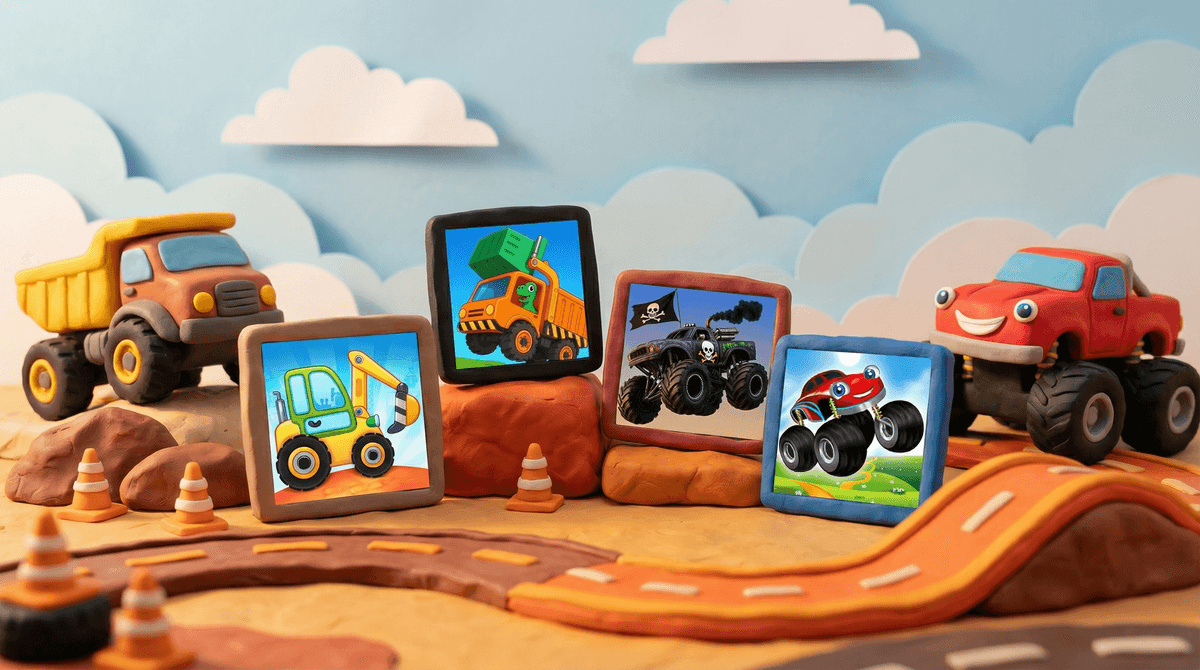
Walk into any preschool classroom or peek at a 4-year-old's tablet, and you'll likely spot them: brightly colored truck games with chunky graphics, simple controls, and vehicles that look like they're auditioning for a Pixar movie. These apps—with names like "Truck Games for Kids," "Little Builders," or "Monster Truck Racing for Toddlers"—dominate the "Kids 5 & Under" section of app stores.
Most of these games follow a familiar formula: drive a vehicle (dump truck, fire engine, monster truck, excavator), complete basic tasks (deliver cargo, put out fires, dig holes), collect stars or coins, and unlock new trucks. The controls are usually tap-to-go or tilt-to-steer, designed for little hands still mastering fine motor skills. Think of them as digital versions of pushing toy trucks around the living room—but with sound effects that are somehow both more annoying and more captivating.
The market is flooded with these apps. Some are genuinely well-designed educational tools. Others are thinly veiled ad-delivery systems with a truck slapped on top. The challenge for parents? They all look basically the same in the app store screenshots.
If you've ever watched a toddler's face light up at the sound of a garbage truck backing up, you already know the answer. Trucks are inherently fascinating to young kids—they're big, loud, powerful, and do important jobs. These games tap into that natural interest while adding the dopamine hit of digital interaction.
The appeal is pretty straightforward:
- Cause and effect: Tap here, truck goes there. Simple, immediate, satisfying.
- Mastery: Even a 3-year-old can "drive" a dump truck and feel competent
- Collection mechanics: Unlocking new vehicles scratches that "gotta catch 'em all" itch that starts young
- Repetition without judgment: You can crash that fire truck 47 times and it never gets mad at you
There's also something soothing about the predictability. The truck always responds the same way. The level always has the same solution. For kids navigating a confusing world where they control very little, that consistency feels good.
Let's be real: not all truck games are created equal. Here's what separates the decent ones from the digital junk food:
The Good Ones Usually Have:
- Offline play (no Wi-Fi needed once downloaded)
- Minimal or no ads (especially no video ads between levels)
- One-time purchase or reasonable subscription rather than predatory monetization
- Educational elements woven in naturally (colors, shapes, counting, problem-solving)
- Actual gameplay beyond just tapping randomly
- Parent controls that actually work
Red Flags to Watch For:
- Constant ad interrupts that a toddler will accidentally click
- "Free" with aggressive in-app purchases (looking at you, $99.99 "truck bundle")
- Data collection that's sketchy for a kids' app
- Auto-play videos that lead down rabbit holes
- Difficulty spikes designed to frustrate kids into asking for purchases
- Social features that aren't age-appropriate (why does my 4-year-old need a chat function?)
The monetization models are where things get dicey. Many free truck games make money by showing ads every 30 seconds or by making the "good" trucks cost real money. A preschooler doesn't understand that tapping "BUY NOW" charges your credit card. Learn more about how these in-app purchases actually work if you want to protect your wallet.
Ages 2-4: If you're going to allow any screen time at this age, truck games can be a reasonable choice—but with heavy caveats. Keep sessions short (15-20 minutes max), sit with them, and choose games with zero ads and simple, repetitive gameplay. Look for apps that are truly designed for this age, not just labeled for it. The best ones feel more like interactive books than games.
Ages 5-7: This is the sweet spot for most truck games. Kids have the motor skills to actually play them and can start understanding simple game mechanics. You can introduce slightly more complex games with light problem-solving elements. Still watch the monetization carefully—kindergarteners are prime targets for manipulative game design.
Ages 8+: Most kids this age have outgrown the toddler-style truck games and moved on to more sophisticated options like Minecraft, Roblox, or actual racing games. If they're still into vehicle games, that's fine—but you might look for ones with more depth, like simulation games or building mechanics.
These games are designed to be addictive. Even the "good" ones use reward loops that make kids want to play "just one more level." That's not inherently evil, but it means you need clear boundaries. Set a timer. Stick to it. Prepare for whining.
Free doesn't mean free. The app store is full of "free" truck games that are actually free trials, ad-supported nightmares, or Trojan horses for in-app purchases. Read reviews carefully. If an app has 4.5 stars but all the written reviews say "too many ads," believe the reviews.
Educational claims are often overstated. Yes, some truck games teach colors, counting, or spatial reasoning. But let's not pretend 30 minutes of "Dump Truck Adventure" is equivalent to 30 minutes of hands-on play with actual toys. These games have a place, but they're not replacing real-world learning.
Your kid doesn't need 12 truck games. Find one or two quality options and stick with them. App hopping teaches kids to constantly seek novelty and makes it harder to set boundaries. Plus, you don't need your home screen cluttered with 47 truck icons.
Check those permissions. Why does a preschool truck game need access to your camera, microphone, and location? Spoiler: it doesn't. Review app permissions before downloading and disable anything that seems unnecessary.
Truck games for kids occupy this weird space where they can be genuinely useful tools for short periods of supervised screen time, or they can be manipulative time-wasters designed to extract money from parents and attention from kids.
The difference comes down to which games you choose and how you use them. A well-designed truck game played for 15 minutes while you're making dinner? Fine. A sketchy free app with constant ads that your kid plays for 90 minutes unsupervised? Not great.
If you're going to go this route, invest in one quality paid app rather than downloading every free option. Look for games from reputable developers (check their other apps—do they make quality kids' content or just churn out clones?). Sit with your kid occasionally to see what they're actually doing. And remember: these games are a tool, not a babysitter.
The best approach? Use truck games as a small part of a balanced digital diet, alongside screen-free activities, outdoor play, and yes, actual toy trucks that don't need charging.
Before downloading: Read recent reviews (not just the star rating), check the app's privacy policy, and look up the developer to see if they're known for quality kids' content or aggressive monetization.
After downloading: Play through it yourself first, disable in-app purchases in your device settings, and set up parental controls if the app offers them.
During use: Set clear time limits, check in periodically to see what they're actually doing, and be ready to delete apps that don't live up to their promises.
And if you need help navigating the overwhelming world of kids' apps beyond just truck games, Screenwise can help you understand what's actually age-appropriate for your specific kid in your specific community—because "recommended for ages 4+" means basically nothing anymore.