

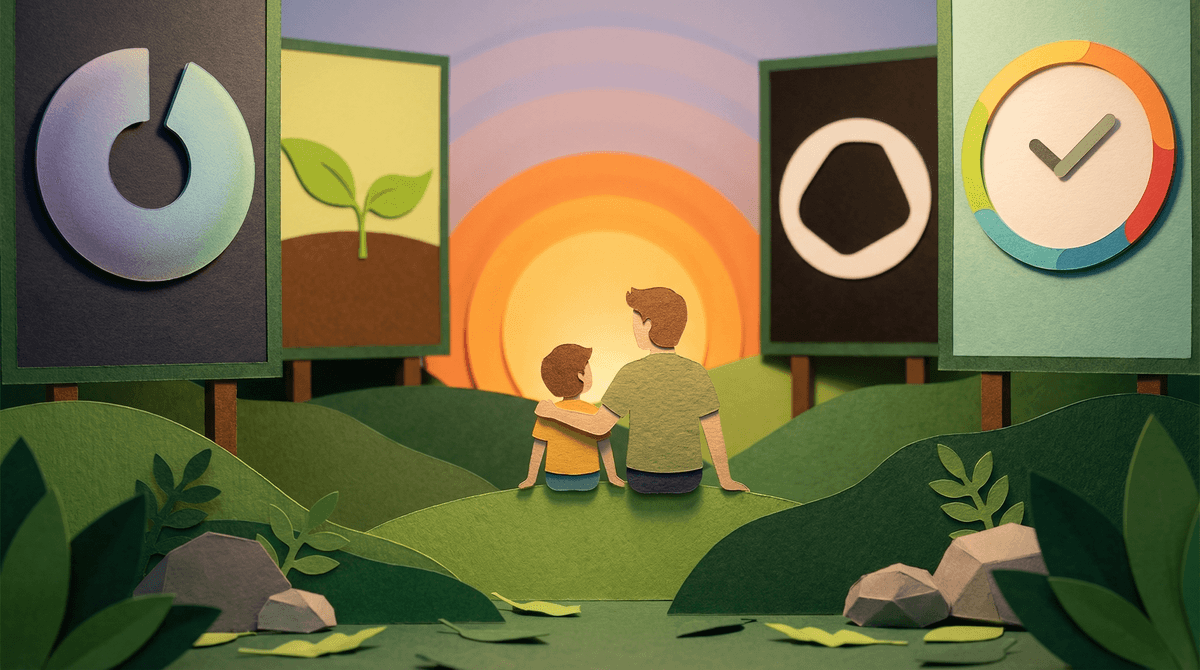
Let's be honest: telling yourself (or your kid) to "just use your phone less" is about as effective as saying "just eat less cookies" while standing in front of a cookie factory designed by scientists whose literal job is making cookies irresistible.
Phone reduction tools are apps, features, and strategies that actually work with how our brains function rather than relying on pure willpower. They range from built-in operating system features to third-party apps to physical solutions that remove the phone from the equation entirely.
The good news? There are way more options now than the sad grayscale filter we all tried in 2018. The bad news? Not all tools work for all people, and some "solutions" are just productivity theater that make you feel virtuous while changing nothing.
Here's the thing: modeling matters more than lectures. If you're constantly checking your phone, your kids will too—no matter how many speeches you give about screen time. And honestly? Most of us aren't thrilled about our own phone habits either.
The average adult checks their phone 96 times per day (that's once every 10 minutes during waking hours). We're not weak-willed failures—we're up against billions of dollars in behavioral design specifically engineered to capture our attention. These tools help level the playing field.
Plus, when kids see you actively working on your own phone habits with actual strategies and tools, it normalizes the idea that everyone needs help managing this stuff. It's not about being "bad at self-control"—it's about being human in 2026.
Screen Time (iOS) and Digital Wellbeing (Android)
Both operating systems now have built-in tracking and limiting features. They're free, they're already on your phone, and they're surprisingly effective if you actually use them.
What they do:
- Show you exactly how much time you're spending on each app (prepare to be horrified)
- Let you set daily limits for specific apps or categories
- Schedule "Downtime" when only essential apps work
- Track how many times you pick up your phone
Real talk: The tracking alone can be transformative. Just seeing that you spent 3 hours on Instagram yesterday creates awareness that willpower alone can't provide.
Pro tip: Set up Downtime for the hour before bed. Your sleep will thank you, and you won't accidentally fall into a TikTok hole at 11 PM.
Focus Modes (iOS) / Do Not Disturb Modes (Android)
These let you create different notification profiles for different contexts: Work, Personal, Sleep, etc. When a Focus mode is active, only approved apps and contacts can notify you.
Why this matters: Most of us don't need to be reachable by everyone at all times. Focus modes let you be available to your kids' school while blocking everything else during work hours, for example.
Family application: Create a "Family Time" focus mode that blocks work emails and social media but allows calls from family. Turn it on during dinner or weekend mornings.
One Sec
This app adds a mandatory pause before opening attention-grabbing apps. When you tap Instagram, you see a breathing exercise for 5-10 seconds, then get asked if you still want to open it.
Why it works: It interrupts the automatic behavior loop. You're not banned from using the app—you just have to make a conscious choice rather than opening it reflexively for the 47th time today.
Best for: People who reach for their phone out of habit more than genuine desire.
Freedom
Blocks distracting websites and apps across all your devices simultaneously. You can schedule recurring block sessions (like "no social media during work hours") or start blocks on demand.
Why it works: Unlike built-in limits that you can easily dismiss with one tap, Freedom makes it genuinely difficult to bypass blocks.
Best for: People who need strict boundaries and know their own weakness for "just five more minutes."
Forest
You plant a virtual tree that grows while you stay off your phone. Leave the app, and your tree dies. Over time, you build a forest representing your focused time.
Why it works: Gamification plus guilt. Nobody wants to murder a cute tree.
Best for: Kids and adults who respond well to visual progress and rewards. The app has a surprising emotional pull—people genuinely care about their digital trees.
Opal
Takes a more holistic approach with customizable blocking schedules, "deep focus" modes, and gentle nudges rather than hard restrictions.
Why it works: More flexible than all-or-nothing blocking, which makes it sustainable long-term.
Best for: People who want structure without feeling punished.
Phone Lockboxes (Kitchen Safe, kSafe)
Literal boxes with timed locks. Put your phone in, set the timer, and you physically cannot access it until the time expires.
Real talk: This sounds extreme, but it's incredibly effective for specific situations like family dinner, homework time, or your own deep work sessions. The phone isn't gone forever—just unavailable for a defined period.
Charging Stations Outside Bedrooms
Not high-tech, but shockingly effective. Designate a spot in the kitchen or living room where all phones charge overnight. Everyone's, including yours.
Why this matters: Phones in bedrooms destroy sleep for both kids and adults. This removes the temptation entirely without requiring ongoing willpower.
Resistance management: Yes, kids will complain about needing their phone as an alarm clock. Buy them a $15 alarm clock. Problem solved.
Dumb Phone Experiments
Some families are experimenting with switching to flip phones or minimalist phones (like the Light Phone) for weekends or vacations.
Is this realistic long-term? For most families, probably not. But as a temporary reset? It can be powerful. A weekend without smartphones often reminds everyone what they're missing when they're constantly connected.
Studies on phone reduction tools show mixed results, but here's what seems consistent:
Self-monitoring alone helps. Just tracking your usage reduces screen time by 15-20% on average, even without setting limits.
Friction works. Any barrier between impulse and action—whether it's a breathing exercise, a lock box, or moving apps to a second screen—reduces usage.
All-or-nothing approaches usually fail. Complete phone bans or extreme restrictions tend to backfire. Sustainable change comes from gradual reduction and intentional use, not total elimination.
Environmental design beats willpower. Changing your physical and digital environment (charging stations, app organization, notification settings) works better than relying on self-control.
Ages 8-11: Focus on family-wide systems like charging stations and scheduled device-free times. At this age, you still have significant control over their environment.
Ages 12-14: Introduce them to tracking tools like Screen Time so they can see their own patterns. This is a good age to start building awareness without heavy-handed restrictions.
Ages 15-18: Shift toward tools they choose themselves. A teen who picks Forest or One Sec is more likely to actually use it than one who has restrictions imposed on them. Your role becomes consultant rather than enforcer.
Adults (that's you): Model the behavior you want to see. Use the same tools you're recommending. Talk openly about what works and what doesn't.
Setting limits you can't sustain. Starting with "no phone after 6 PM" when you currently check it 100 times per evening is setting yourself up for failure. Start with one meal or one hour.
Focusing on time instead of quality. 30 minutes of purposeful FaceTime with grandma is different from 30 minutes of TikTok scrolling. Not all screen time is equal.
Using reduction tools as punishment. These work best when framed as helpful tools, not restrictions. "This app helps me focus better" lands differently than "I'm limiting your phone because you're bad at self-control."
Forgetting to replace the habit. If you habitually check your phone when bored, you need something else to do with that impulse. Have a book nearby, keep a puzzle on the coffee table, or accept that you might just sit with boredom for a minute.
Phone reduction isn't about becoming a digital minimalist who only uses their phone for maps and emergencies (unless that's your thing—you do you). It's about making sure you're using your phone intentionally rather than letting it use you.
Start here:
- Turn on Screen Time or Digital Wellbeing and just observe for a week. Don't change anything—just look at the data.
- Pick ONE thing to try: a charging station outside bedrooms, One Sec for your most-checked app, or a daily 30-minute Downtime before bed.
- Give it two weeks before deciding if it works. Behavior change takes time.
The goal isn't perfection. It's not even necessarily dramatic reduction. The goal is intentionality—using your phone because you chose to, not because a notification told you to or because your hand reached for it out of pure habit.
And remember: you're not just doing this for yourself. Every time your kid sees you put your phone in the kitchen safe during dinner or notices you're not checking it during their soccer game, you're teaching them that humans can have agency over their devices. That's a lesson worth way more than any lecture.
Want to dig deeper? Check out how to set up Screen Time parental controls or learn about creating a family media plan that includes phone reduction strategies for everyone.
Or Get specific phone reduction tools for teens that might work for your family's situation—because what works for a family with elementary schoolers looks different than what works with high schoolers.