

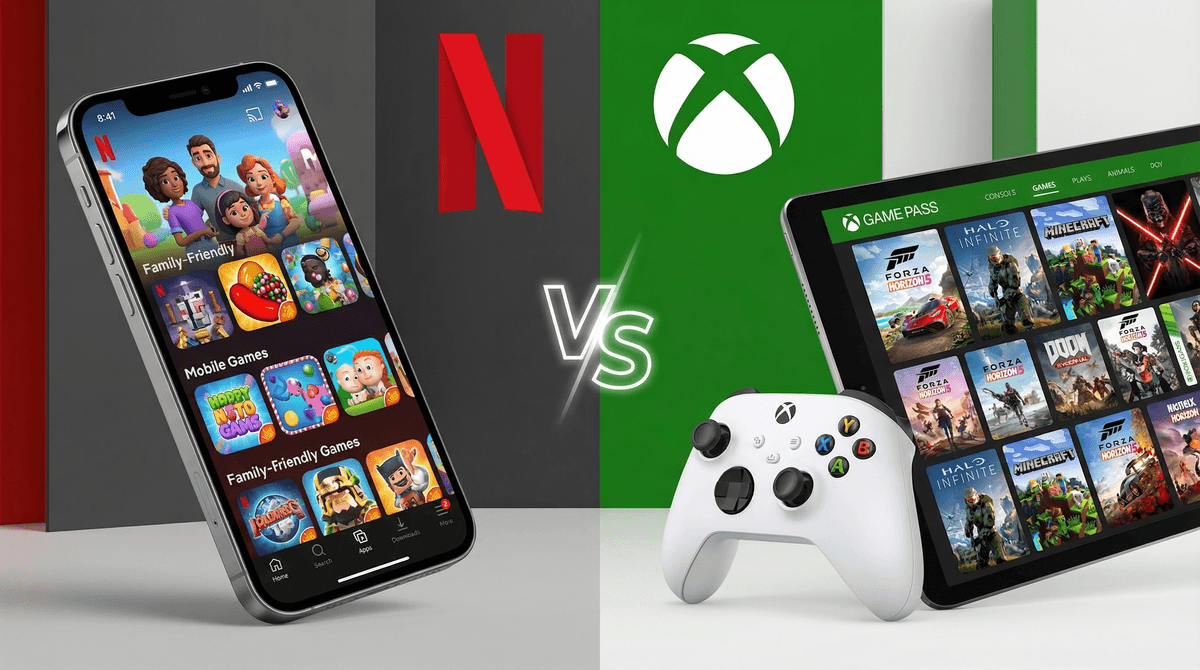
Netflix Games vs Xbox Game Pass: Which Gaming Service Fits Your Family?
Netflix Games is included free with your existing Netflix subscription and offers 100+ mobile games with zero ads or in-app purchases. Perfect for families already paying for Netflix who want casual, curated gaming on phones and tablets.
Xbox Game Pass ($10.99-$16.99/month) gives you 400+ console and PC games including major AAA titles. Best for families with dedicated gaming hardware who want serious gaming libraries.
The real question isn't which is "better" — it's which matches your family's actual gaming habits and devices.
Both Netflix Games and Xbox Game Pass follow the "Netflix model" for gaming: pay a monthly fee, get access to a rotating library of games. No individual game purchases, no surprise charges.
Netflix Games launched in 2021 as a perk included with every Netflix subscription (yes, even the cheapest ad-supported tier). You download games through the Netflix mobile app to your phone or tablet. Think of it as Netflix saying "hey, while you're here for Stranger Things, want some games too?"
Xbox Game Pass is Microsoft's gaming subscription that's been around since 2017. It's like having a massive game library without buying individual $60-70 titles. Games work on Xbox consoles, Windows PCs, and through cloud streaming on phones/tablets.
Netflix Games: $0 (If You Already Have Netflix)
- Included with any Netflix plan ($6.99-$22.99/month)
- No additional charges
- Zero ads, zero in-app purchases, zero microtransactions
- Works on iOS and Android devices you already own
If you're already paying for Netflix to watch Bluey or The Last Airbender, you've already paid for Netflix Games. It's genuinely free money left on the table if you don't at least try it.
Xbox Game Pass: $10.99-$16.99/month
Three tiers exist:
- Game Pass Core ($9.99/month): Online multiplayer + 25 games
- Game Pass Standard ($14.99/month): 100+ console games
- Game Pass Ultimate ($16.99/month): 400+ games on console, PC, and cloud
Plus you need the hardware:
- Xbox console ($300-$500)
- Gaming PC ($500+)
- Or just a phone/tablet for cloud gaming (but you'll want a controller, $40-60)
Real talk: If you don't already own an Xbox or gaming PC, you're looking at $300-500 upfront before the subscription even matters. Cloud gaming on phones is technically possible but honestly kind of clunky for most games.
Netflix Games: Curated but Limited
Netflix has 100+ games, but here's what matters: they're mobile-first and carefully curated. No shovelware, no cash grabs, no "free-to-play" nonsense with hidden paywalls.
Standout titles:
- Hades: One of the best roguelike games ever made, period. Normally $25, included free. Ages 12+
- Spiritfarer: Beautiful game about death and saying goodbye. Ages 10+
- Oxenfree series: Supernatural mystery adventures. Ages 13+
- Into the Breach: Turn-based strategy perfection. Ages 10+
- Teenage Mutant Ninja Turtles: Shredder's Revenge: Fantastic couch co-op beat-em-up. Ages 8+
Netflix also has exclusive games based on their shows (Stranger Things games, Squid Game content) and a growing library of indie darlings.
The catch: These are mobile games. Even ports of console games like Hades play differently on a touchscreen. Some kids love mobile gaming, others find it frustrating compared to controllers.
Xbox Game Pass: Massive AAA Library
Game Pass has 400+ games including day-one releases of major titles. We're talking:
- Minecraft: Obviously. Ages 7+
- Forza Horizon 5: Gorgeous open-world racing. Ages 8+
- Ori and the Blind Forest: Stunning platformer. Ages 10+
- Stardew Valley: The cozy farming game that consumed my life. Ages 8+
- Hollow Knight: Challenging but rewarding. Ages 12+
- Sea of Thieves: Pirate adventures with friends. Ages 10+
Plus every new Microsoft first-party game (Halo, Gears of War, Starfield) launches on Game Pass day one. That's $70 games included in your subscription.
The reality: Most of these games are designed for console/PC. They're bigger, more complex, often more violent or mature than Netflix's mobile offerings.
Netflix Games Skews Younger (and Safer)
Netflix Games generally sits in the Ages 7-14 sweet spot. The curation leans toward:
- Puzzle games
- Adventure games with minimal violence
- Story-driven experiences
- Games based on kid-friendly Netflix properties
Safety wins:
- Zero online multiplayer (no strangers chatting with your kids)
- No in-app purchases (seriously, NONE)
- No ads
- No loot boxes or gambling mechanics
If you have kids under 12, Netflix Games is inherently safer because there's no social component and zero ways for them to accidentally spend money.
Xbox Game Pass: Wider Age Range, More Complexity
Game Pass serves Ages 8 to Adult because the library is massive and varied. You can find:
- E-rated games perfect for elementary schoolers
- T-rated games for teens
- M-rated games that absolutely are NOT for kids
The parental responsibility here is higher. You need to:
- Actually check game ratings (use the Xbox parental controls)
- Monitor online multiplayer interactions
- Set spending limits (kids can still buy games outside Game Pass)
- Manage screen time more actively
Game Pass assumes you're an engaged parent who will curate what your kids access. Netflix Games assumes you want a pre-curated safe space.
Netflix Games: One Account, Multiple Devices
Your Netflix account works on multiple devices simultaneously. In practice:
- Each family member downloads games to their own device
- Progress is tied to individual devices (no cloud saves between devices yet)
- Everyone can play different games at the same time
The limitation: If you have the ad-supported Netflix tier, you can only use 2 devices at once total (including watching shows). The $15.49 Standard plan allows 2 screens, Premium ($22.99) allows 4.
Xbox Game Pass: More Complicated
Game Pass is tied to individual Xbox/Microsoft accounts. For families:
- On Xbox consoles: Set one console as your "Home Xbox" and any account on that console can access your Game Pass games
- On PC: Only your account has access unless you buy multiple subscriptions
- Cloud gaming: One stream at a time per subscription
Real scenario: If you have two kids who both want to play Game Pass games on separate devices simultaneously, you might need multiple subscriptions or careful scheduling.
Many families with multiple gaming kids end up paying for 2-3 Game Pass subscriptions. That's $30-50/month.
Both services technically work on phones/tablets without dedicated hardware, but the experience is wildly different.
Netflix Games: Native mobile apps. They work exactly like any other mobile game. Smooth, reliable, designed for touchscreens.
Xbox Cloud Gaming (included with Game Pass Ultimate): Streams console games to your phone. It's... fine? The technology works, but:
- You really want a Bluetooth controller
- Input lag can be frustrating
- It burns through data and battery
- Many games just aren't designed for small screens
Cloud gaming is cool technology but still feels like a compromise rather than the main way to play.
Here's where these services differ philosophically:
Netflix Games is a walled garden. There's no economy, no marketplace, no way for kids to "earn" or "spend" anything. It's just... games. You play them or you don't.
Xbox Game Pass exists within the larger Xbox ecosystem where:
Neither service is directly "teaching entrepreneurship" (that's really more about Roblox Studio or Minecraft modding). But Game Pass definitely exposes kids to gaming culture and game industry economics more than Netflix's closed system.
Choose Netflix Games if:
- You already pay for Netflix (duh)
- Your kids are under 12
- You want zero additional cost
- Mobile gaming on existing devices is fine
- You value safety and simplicity over library size
- You want guaranteed age-appropriate content
- Your kids like indie games and story-driven experiences
Choose Xbox Game Pass if:
- You already own an Xbox or gaming PC
- Your kids are 10+ and serious about gaming
- You're willing to invest in hardware
- You want AAA titles and day-one releases
- You're comfortable actively managing content and social features
- Multiple kids want to play different games simultaneously (and you can afford multiple subs)
- Your family values gaming as a primary hobby
Choose Both if:
- You have the budget ($17-40/month total)
- Different family members have different gaming preferences
- You want mobile games for travel/downtime AND console games for serious play
- One parent games on Xbox, kids game on tablets
Honestly? Many families end up with both because they serve different purposes. Netflix Games is the "casual Friday" option, Game Pass is the "weekend hobby."
Netflix Games: The Hidden Gem
Most Netflix subscribers don't even know Netflix Games exists. As of 2024, less than 1% of Netflix subscribers have tried the games. You're literally paying for it and not using it.
Try this: Open your Netflix app, scroll to the games section, download Hades. Play for 30 minutes. If you or your kids enjoy it, you just got a $25 game for free.
Xbox Game Pass: The Commitment
Game Pass is incredible value IF you use it. But be honest about your family's gaming habits:
- Will your kids actually play 3+ games per month? (Otherwise buying individual games is cheaper)
- Do you have time to explore the library or will you just play Minecraft forever? (No judgment, but that's $30/year to own vs $180/year to rent via Game Pass)
- Are you prepared for the "but all my friends have [insert game not on Game Pass]" conversation?
Game Pass is best for families who genuinely love gaming and want variety. It's overkill for casual players.
Netflix Games is a no-brainer if you already subscribe to Netflix. It costs nothing extra, it's safe for kids, and it has legitimately great games. The barrier to trying it is literally just downloading an app you already pay for.
Xbox Game Pass is one of the best deals in gaming IF you have the hardware and the gaming appetite to justify it. For serious gaming families, it's genuinely incredible. For casual families, it's expensive and overwhelming.
The honest answer for most families: Start with Netflix Games because you're already paying for it. If your kids outgrow mobile gaming and want more, then consider Game Pass when you're ready to invest in console/PC hardware.
Don't feel pressured to have both. Don't feel like you're "behind" if you're not subscribing to gaming services at all. Every family's relationship with gaming is different, and that's exactly how it should be.
If you're trying Netflix Games:
- Open your Netflix app
- Look for the Games tab
- Start with Hades (if your kids are 12+) or Spiritfarer (ages 10+)
- Games download separately but launch through Netflix
If you're considering Xbox Game Pass:
- Check what games are currently available
- Assess what hardware you already own
- Try the $1 first-month trial (they run these constantly)
- Set up parental controls BEFORE your kids start playing
If you're overwhelmed:
- Read our guide to age-appropriate games for every age
- Learn about gaming subscriptions vs buying games outright
- Explore cozy games for kids if you want low-stress gaming options
Remember: The best gaming service is the one your family actually uses and enjoys. Not the one with the most games or the best "value." Start small, see what sticks, adjust as needed.