The "Netflix of Gaming" Paradox
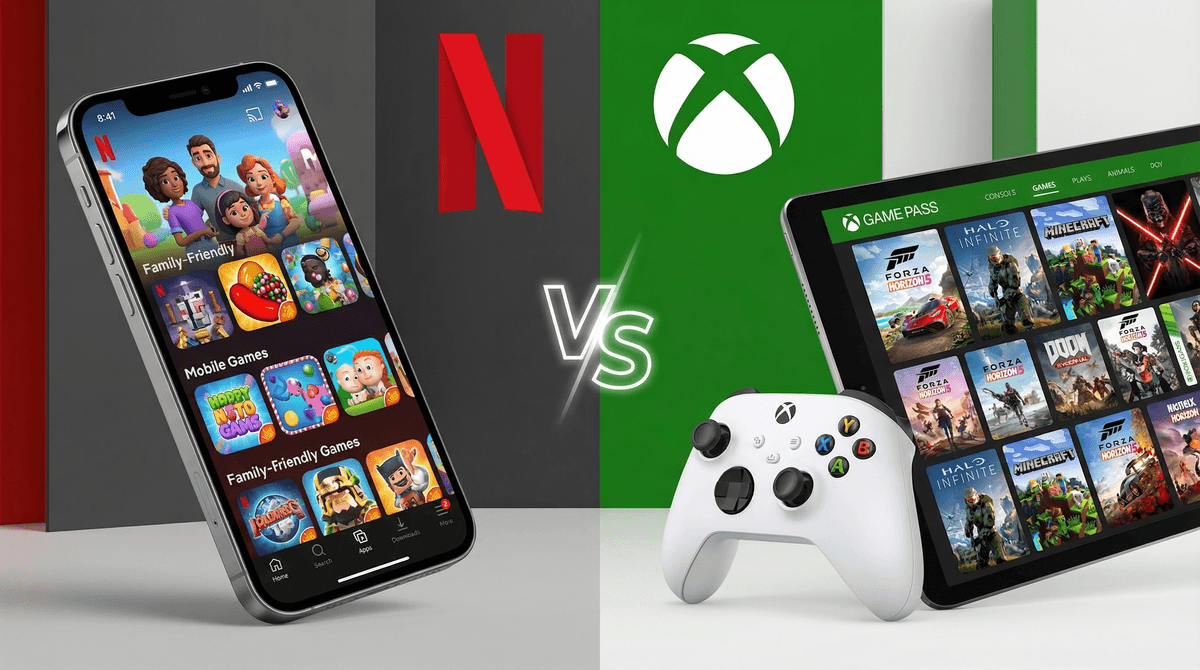
The biggest hurdle with Xbox Game Pass isn't the content—it’s the choice. Handing a kid a library of hundreds of games sounds like a dream, but in practice, it often leads to "digital window shopping." They’ll download a game, play the tutorial for ten minutes, get bored, and delete it to make room for the next shiny icon.
If your kid is used to the curated, smaller library of something like Apple Arcade, the sheer scale here can be overwhelming. To avoid the endless scroll, it helps to point them toward specific high-quality titles rather than letting them drown in the catalog. If you’re looking for a place to start, our list of the 15 best Xbox games for kids can help narrow down the "what should I play?" drama.
The Social Side Door
Most parents think of the Xbox app as a remote control for the console, but it’s actually a communication hub. Because the app supports integrated voice and text chat, your kid can stay in a "party" with friends even after you’ve turned off the TV and sent them to their room with their phone.
This is where the friction usually happens. The app makes it incredibly easy to share clips and screenshots to social networks, which is fun for a teenager but a privacy headache for a younger child. Since these social features are often wide open by default, you’ll want to treat this app more like a social media platform than a simple game launcher. If you're setting up a new console, check out our parent's guide to getting started with Xbox to ensure those social doors are locked before the first game starts.
Making the Math Work
At its core, Game Pass is a play for your wallet. Between the base subscription, the various tiers, and the constant nudges for "Perks" and add-on content, the costs can creep up quickly. The app is specifically designed to make spending money frictionless. You can buy games and DLC directly within the interface, which is a feature for you but a bug if your kid has your password.
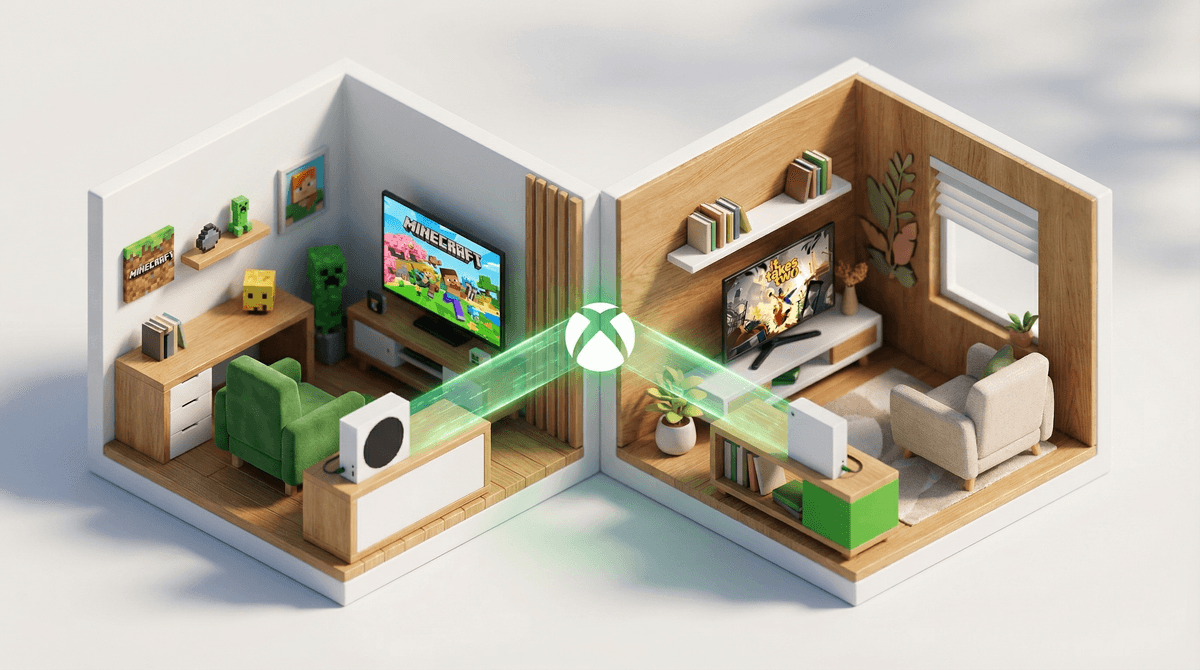
However, there is a way to make it a better value. Microsoft allows for "Home Xbox" sharing, which lets you stretch one subscription across multiple devices in the same house. If you’re feeling the pinch of managing multiple gaming subscriptions, mastering these sharing settings is the best way to keep the budget from spiraling.
The AI Sidekick
The new Gaming Copilot feature is a fascinating addition for 2026. It’s essentially a built-in tutor that helps kids get past difficult levels or understand complex mechanics. For kids who struggle with frustration or "rage-quitting," this can actually be a useful tool for building persistence.
The trade-off is that it’s an AI assistant in beta, meaning it’s learning from how your kid plays. If you’re a family that prefers to keep data sharing to a minimum, you’ll want to look at the privacy settings for Copilot specifically. It’s a powerful "get unstuck" button, but it’s also one more layer of data collection to consider.