

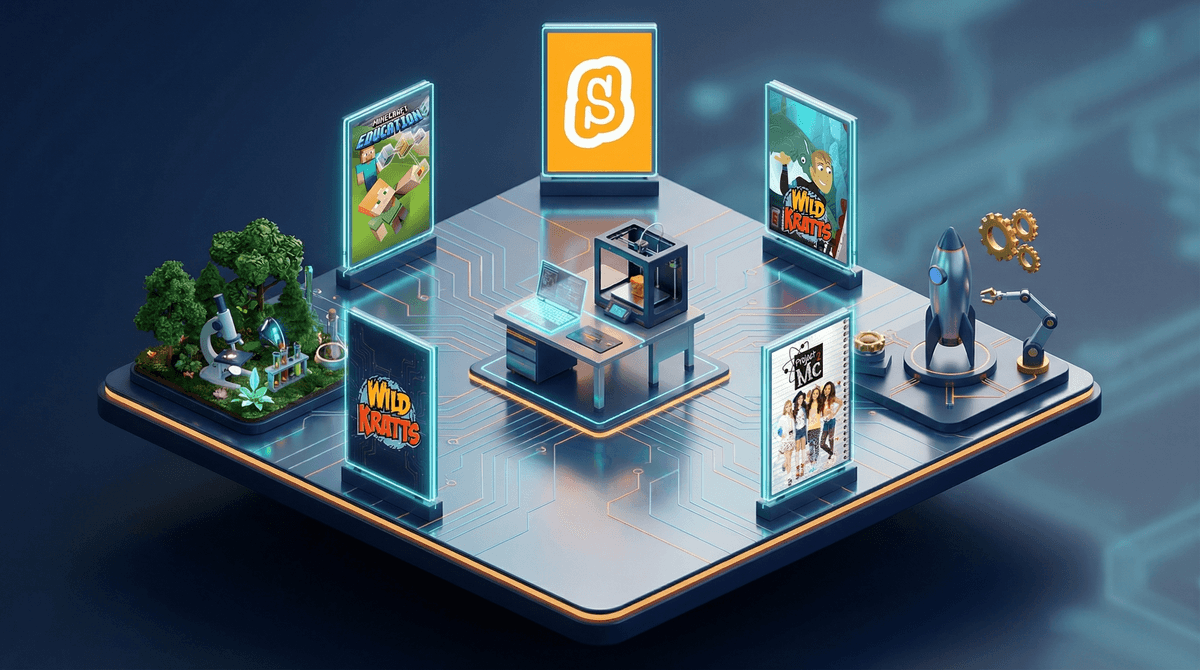
STEM content—that's science, technology, engineering, and math for anyone who missed the memo—has exploded across kids' screens in the past decade. We're talking everything from Scratch teaching kids to code, to Bluey sneaking in physics lessons during episodes about playing in the backyard, to full-blown engineering challenges on shows like Project Mc².
The promise is seductive: your kid can learn to code while playing games, understand complex math through animated adventures, and develop problem-solving skills—all while you get 30 minutes to make dinner. But here's the thing: not all "educational" content is created equal, and the STEM label gets slapped on a lot of stuff that's basically just... screen time with a calculator in the corner.
Let's be real: we're raising kids in a world where understanding technology isn't optional. Whether they become engineers or artists or teachers, they'll need to navigate an increasingly digital world. The question isn't whether STEM skills matter (they do), but whether these apps and shows are actually building those skills or just making us feel less guilty about handing over the iPad.
Here's what the research shows: passive watching rarely leads to learning. A kid can watch 100 episodes of a coding show and still not know how to code. But interactive apps that require problem-solving, trial and error, and actual creation? Those can genuinely teach skills.
The other piece that matters: representation. Good STEM content shows kids of all genders, races, and backgrounds doing science and math. This isn't just about being inclusive (though that matters)—it's about kids seeing themselves as potential scientists, engineers, and problem-solvers.
For the Little Ones (Ages 4-7)
Bluey isn't marketed as STEM content, but it's sneakily brilliant at teaching physics, spatial reasoning, and engineering concepts through play. When the kids build a hotel out of cushions or figure out how to move a heavy object, they're doing actual engineering problem-solving.
PBS Kids games are genuinely well-designed. The Wild Kratts app teaches biology and animal science without feeling like homework. Odd Squad makes math problems into spy missions, and kids actually have to solve them to progress.
Toca Boca apps aren't explicitly STEM, but they encourage experimentation and cause-and-effect thinking. Toca Kitchen has kids mixing ingredients and seeing what happens—that's literally the scientific method.
For Elementary Kids (Ages 8-12)
Scratch is the gold standard for learning to code. It's free, it's created by MIT, and it actually teaches real programming concepts through visual blocks. Kids create games, animations, and interactive stories. The learning curve is real, but so is the payoff.
Minecraft Education Edition takes the game kids already love and adds structured lessons in coding, chemistry, and engineering. Regular Minecraft already teaches spatial reasoning and resource management, but the Education Edition makes it explicit.
Code.org offers free coding courses that actually work. The Hour of Code challenges are engaging, and the longer courses build real skills progressively.
Brains On! is a podcast (not an app, but hear me out) that makes science genuinely fun. Kids submit questions, and the hosts answer them with humor and real science. It's perfect for car rides and actually holds kids' attention.
For Tweens and Teens (Ages 12+)
Khan Academy gets a bad rap as "homework help," but the computer programming courses are legitimately excellent. Kids learn JavaScript, SQL, and web development through interactive challenges.
Kerbal Space Program teaches orbital mechanics and rocket science through trial and error (mostly error, but that's the point). It's complex, occasionally frustrating, and genuinely educational.
Brilliant uses interactive problem-solving to teach math, science, and computer science. It's subscription-based, but the quality is high and the approach is engaging.
"Educational" games that are just worksheets with animations. If the app is basically just math flashcards with a cartoon character cheering, that's not innovative—that's just digitized busywork.
Shows that talk at kids instead of engaging them. Some STEM shows are basically lectures with better graphics. If your kid is zoning out, they're not learning.
Apps with constant ads or in-app purchases. Nothing kills learning momentum like an ad every 90 seconds or getting locked out of content unless you pay.
Content that's too advanced or too simple. A 6-year-old isn't going to learn Python, and a 12-year-old doesn't need an app teaching them to count. Age-appropriateness matters.
Screen time doing STEM activities is still screen time. An hour on Scratch is better than an hour on TikTok, but it's not the same as an hour building with LEGOs or playing outside. Balance matters.
The best STEM learning happens when you're involved. Sit with your kid while they code. Ask them to explain what they're building. Watch that science show together and talk about it. The conversation is where the learning sticks.
Creation beats consumption. Apps where kids build, code, or experiment are infinitely more valuable than shows they passively watch. If you're choosing between the two, choose the interactive option.
Free doesn't mean worse. Some of the best STEM resources (Scratch, Code.org, PBS Kids) are completely free. Don't assume you need to spend money for quality.
Ages 4-7: Focus on exploratory apps and shows that encourage curiosity. Daniel Tiger's Grr-ific Feelings teaches emotional regulation, which is foundational for problem-solving. PBS Kids games introduce basic math and science concepts.
Ages 8-11: This is the sweet spot for coding apps like Scratch and Tynker. Shows like Project Mc² and The Magic School Bus Rides Again work well. Roblox Studio can actually teach game design and basic scripting.
Ages 12+: Introduce more complex tools like Khan Academy's programming courses, Unity for game development, or Arduino for physical computing. Documentaries like Abstract: The Art of Design show STEM in real-world contexts.
STEM apps and shows can absolutely teach real skills—but only if they're well-designed, age-appropriate, and used intentionally. The best ones encourage creation over consumption, require active problem-solving, and build on concepts progressively.
But here's the truth: no app will turn your kid into a coder if they're not interested. No show will teach engineering to a kid who's scrolling on their phone while it plays in the background. The content matters, but so does engagement, conversation, and balance.
The goal isn't to optimize every minute of screen time for maximum educational value. It's to make intentional choices about what your kids consume, ensure some of that content actually builds skills, and remember that the best STEM learning often happens away from screens entirely—building forts, cooking, fixing broken toys, or just figuring out how stuff works.
Audit what's already happening. Look at the apps and shows your kids are already using. Are they passive or interactive? Are your kids engaged or zoned out?
Try one new thing. Pick one app or show from the recommendations above and introduce it. See if it sticks.
Have a conversation. Ask your kid what they're interested in learning about. A kid who loves animals will engage with biology content. A kid who loves building will dive into engineering games.
Set up a creation challenge. "Can you make a game in Scratch?" "Can you build a redstone contraption in Minecraft?" "Can you explain how that science experiment worked?" Give them a reason to engage deeply.
Want personalized recommendations based on your kid's age and interests? Screenwise's list maker can help you find exactly what works for your family.