

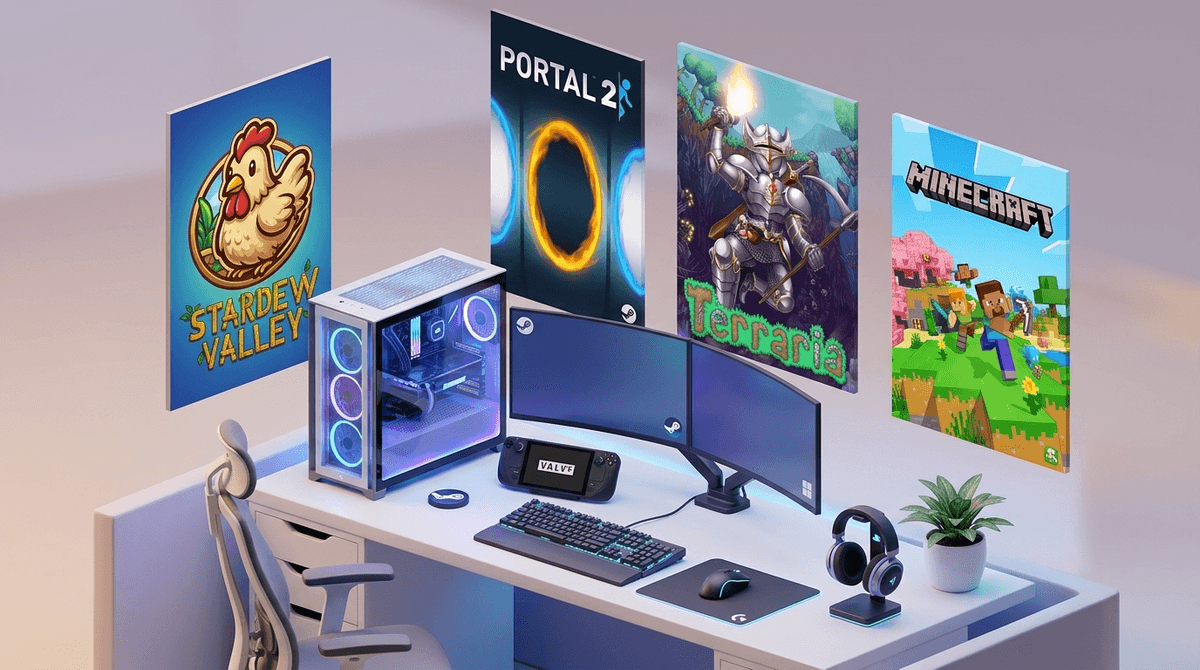
TL;DR
If your kid is asking for a "gaming PC" or moving beyond Roblox on an iPad, you’re about to enter the world of Steam. The good news? The 2025 Steam Families update finally gives parents the granular control we’ve wanted for years—think playtime limits, purchase approvals via your phone, and a shared library where you don’t have to buy the same game twice.
Top Starter Recommendations:
- For Creativity: Terraria (Ages 10+)
- For Logic: Portal 2 (Ages 10+)
- For Relaxation: Stardew Valley (Ages 8+)
- For Chaos: Untitled Goose Game (Ages 6+)
Steam is the "everything store" for PC gaming. It’s a digital storefront, a social network, and a game launcher all rolled into one. If your child is playing on a computer (Windows, Mac, or a Steam Deck), they are almost certainly using Steam to find and play games.
Unlike the curated, walled gardens of the Apple App Store or Nintendo eShop, Steam is a bit of a wild west. It hosts everything from massive blockbusters like Cyberpunk 2077 to tiny "indie" games made by one person in a basement. It also has a heavy social component, including chat, forums, and a "Workshop" where kids can download user-made mods.
Learn more about the basics of PC gaming for beginners
Most kids start their digital lives on tablets or consoles. But eventually, they want a PC. Why?
- Performance: Games just look and run better.
- Modding: This is the big one. If your kid loves Minecraft, they eventually want the "Java Edition" on PC so they can install complex mods they saw on YouTube.
- Social Status: In the middle school hierarchy, having a "setup" (keyboard, mouse, RGB lights) is the new version of having the cool sneakers.
- Game Variety: There are thousands of high-quality games on Steam that never make it to the iPad.
For a long time, Steam’s parental controls were... clunky. You had to toggle "Family View" on and off with a PIN, and sharing games was a nightmare.
The new Steam Families system (rolled out in late 2024/early 2025) fixed the biggest headaches. Here’s how it works:
- The Family Group: You can create a family of up to 6 members.
- Shared Library: If you buy Hades, your child can play it from their own account without you paying twice (and they get their own saved games).
- Purchase Requests: This is the best feature. Your child clicks "Buy," and you get a notification on your phone or email. You can approve or deny it instantly. No more "accidental" $100 spending sprees.
- Playtime Limits: You can finally set "2 hours on Saturdays" or "No gaming after 8 PM" directly through the Steam interface.
Check out our step-by-step guide to setting up Steam Families
Moving to a PC means learning how to use a mouse and keyboard, which is actually a significant motor skill hurdle for kids raised on touchscreens. These games are great entry points.
Ages 8+ This is the gold standard for "cozy gaming." Your child inherits a farm, grows crops, and talks to townspeople. It’s wholesome, deep, and teaches incredible lessons about resource management and delayed gratification. On PC, they can also explore the world of "modding" to add new outfits or farm layouts, which is a great "soft" intro to how computers work.
Ages 10+ If you want your kid to actually use their brain, this is it. It’s a first-person puzzle game where you use a "portal gun" to navigate rooms. It’s funny, the writing is brilliant, and it requires genuine spatial reasoning. There’s a co-op mode, too, so you can play with them and realize they are much faster at solving puzzles than you are.
Ages 10+ Think of this as 2D Minecraft but with way more "game" to it. There are bosses to fight, rare ores to mine, and complex housing to build. It’s a staple of PC gaming and has a massive community.
Ages 6+ You are a goose. Your job is to be a nuisance to a small village. It’s hilarious, low-stress, and a perfect way for younger kids to get used to PC controls without the pressure of "dying" or losing progress.
Ages 10+ A beautiful adventure game where you play as a small fox. It looks cute, but the puzzles are actually quite challenging. It’s a great alternative to the Zelda series if you don't have a Nintendo Switch.
Get more PC game recommendations based on your kid's interests
Steam is not just a console; it’s a social network. This is where most parents get tripped up.
1. Public Profiles and Comments By default, Steam profiles can show what games you’re playing, how many hours you’ve logged (which can be a source of "gamer" shame or pride), and allow strangers to leave comments.
- The Fix: Set the profile to "Private" or "Friends Only" in the privacy settings.
2. The Steam Workshop This is where users upload mods. While mostly fine, there is no "ESRB rating" for a mod. A kid might download a mod for a G-rated game that adds inappropriate language or visuals.
- The Fix: Stick to popular, highly-rated mods and have a "show me what you're installing" rule.
3. Discord Integration PC gaming and Discord go hand-in-hand. Most kids use Discord to voice chat while playing. If your kid is on Steam, they’ll eventually ask for Discord.
- The No-BS Take: Discord is where the "real" internet happens. It’s much harder to monitor than Steam. If they aren't at least 13, proceed with extreme caution.
Steam’s official terms of service require users to be 13 or older. This is largely due to data privacy laws (COPPA). However, with the new Steam Families, you can create a "Child Account" that you manage.
- Under 10: Stick to "Family View" and only allow specific, curated games. Play together. PC gaming at this age should be a shared activity in a high-traffic area of the house (not a bedroom).
- Ages 10-12: This is the transition phase. Start using the "Purchase Request" feature. Use this time to talk about "Free to Play" games like Team Fortress 2 and how they try to trick you into buying hats and skins.
- Ages 13+: They’ll want more privacy. Focus on "Digital Hygiene"—teaching them not to click weird links in Steam chat (scams are rampant) and how to handle toxic players in competitive games.
Instead of "Get off the computer," try engaging with the why. PC gaming is often about mastery and community.
- Ask: "What’s the hardest achievement you’ve gotten in Terraria?"
- Ask: "Why do you prefer playing Minecraft on the PC instead of the iPad?" (This usually leads to a cool conversation about mods or servers).
- The "One More Level" Talk: Explain that PC games are designed to keep you in a "flow state." Help them recognize the physical cues of being "done"—sore eyes, stiff neck, or irritability.
Steam is a massive upgrade from tablet gaming, but it requires more "parental IT" work. The Steam Families update is your best friend here. It moves the conversation from "No, you can't have that" to "Send me a request and let's look at the reviews together."
PC gaming isn't just "brain rot"—it’s often the gateway to coding, digital art, and complex problem-solving. If you manage the social side and the "just five more minutes" struggle, it’s a hobby that can actually build some pretty impressive skills.
- Set up your own Steam account (even if you don't play).
- Create a Steam Family and invite your child's account.
- Review the "Store Preferences" to filter out adult-only content from their search results.
- Pick a game to play together—Portal 2 co-op is a great place to start.