

TL;DR
If you’re trying to cut the cord without spending $80+ a month on YouTube TV or Hulu + Live TV, Sling TV is usually the first place parents look. It’s cheaper, but it’s also the "IKEA furniture" of streaming—you have to do a lot of the assembly yourself to make it safe for kids.
The Quick Take:
- Sling Orange is for the Disney Channel and ESPN crowd.
- Sling Blue is for the Nick Jr. and local news/sports crowd.
- The Trap: Unlike Netflix, Sling defaults to whatever was last on. If you were watching a TV-MA documentary at 11 PM, your seven-year-old is going to see it at 7 AM unless you set up a PIN.
Check out our guide on the best live TV alternatives for families
Sling TV is the elder statesman of "skinny bundles." It’s owned by Dish Network and was designed to give people a way to watch live cable channels over the internet without the massive bill or the guy in the van showing up to drill holes in your siding.
In 2026, it remains one of the most affordable ways to get "real" TV, but it’s famously confusing because of its tiered system. You don’t just "get Sling." You get Orange, or you get Blue, or you pay for both. For parents, this choice actually matters because the channel lineups are drastically different when it comes to kid-friendly content.
Choosing a Sling plan feels a bit like choosing a starter Pokémon, except instead of Fire or Water, you’re choosing between Disney and Nickelodeon.
This is the "Disney" track. If your kids are obsessed with Bluey (and let’s be honest, who isn’t?) or you need ESPN for Saturday morning soccer, this is your tier.
- Key Kids Channels: Disney Channel, Disney Junior, Freeform.
- The Catch: You can only stream on one device at a time. If you’re watching the game in the living room, your kid can’t watch Mickey Mouse Funhouse on their tablet.
This is the "Discovery/Nick" track. It’s better for older kids or families who want more variety.
- Key Kids Channels: Nick Jr., Cartoon Network (which turns into Adult Swim at night—more on that in a second), and National Geographic.
- The Perk: You get three simultaneous streams. This is usually the deal-breaker for families with multiple kids.
See which Sling plan has the channels your kids actually watch
Here is the "no-BS" reality of Sling TV: it is a live-TV service first, and an on-demand service second.
On Disney+, your kid clicks their profile and sees a wall of colorful, safe options. On Sling, the app often opens to the last channel watched.
We call this the Adult Swim Trap. Cartoon Network is great for the 8-12 age range during the day. But at 9:00 PM, it flips over to Adult Swim. If you were catching up on some "grown-up" animation after the kids went to bed, and your six-year-old grabs the remote the next morning, they aren't seeing The Amazing World of Gumball; they’re seeing whatever existential, TV-MA chaos is currently airing.
This isn't "brain rot" in the way people talk about Skibidi Toilet or weird YouTube algorithm loops—it’s just straight-up adult content that wasn't meant for them.
Sling is a tool, not a babysitter. Here’s how we break down the usage by age:
Preschool (Ages 2-5)
Stick to the Sling Orange track if you can, or better yet, use the Sling Kids interface. It filters out the noise. At this age, the biggest risk is the commercials. Live TV still has "old school" commercials for toys, sugary cereals, and occasionally, promos for scary movies.
- Recommendation: PBS Kids is actually free on many platforms, but having Disney Junior via Sling is a lifesaver for long afternoons.
Elementary (Ages 6-11)
This is the "Roblox and Ohio" phase. They want the high-energy stuff. Cartoon Network and Nickelodeon are the big draws here.
- Safety Tip: This is the age where you must set up the Parental Lock PIN. Kids this age are tech-literate enough to surf channels but not emotionally mature enough to process a random Law & Order marathon they stumbled upon.
Middle & High School (Ages 12+ )
For the older kids, Sling is mostly about sports or "background noise" shows like The Food Network or HGTV. At this point, the "Adult Swim Trap" is less of a safety issue and more of a "why is my kid staying up until 1 AM watching reruns?" issue.
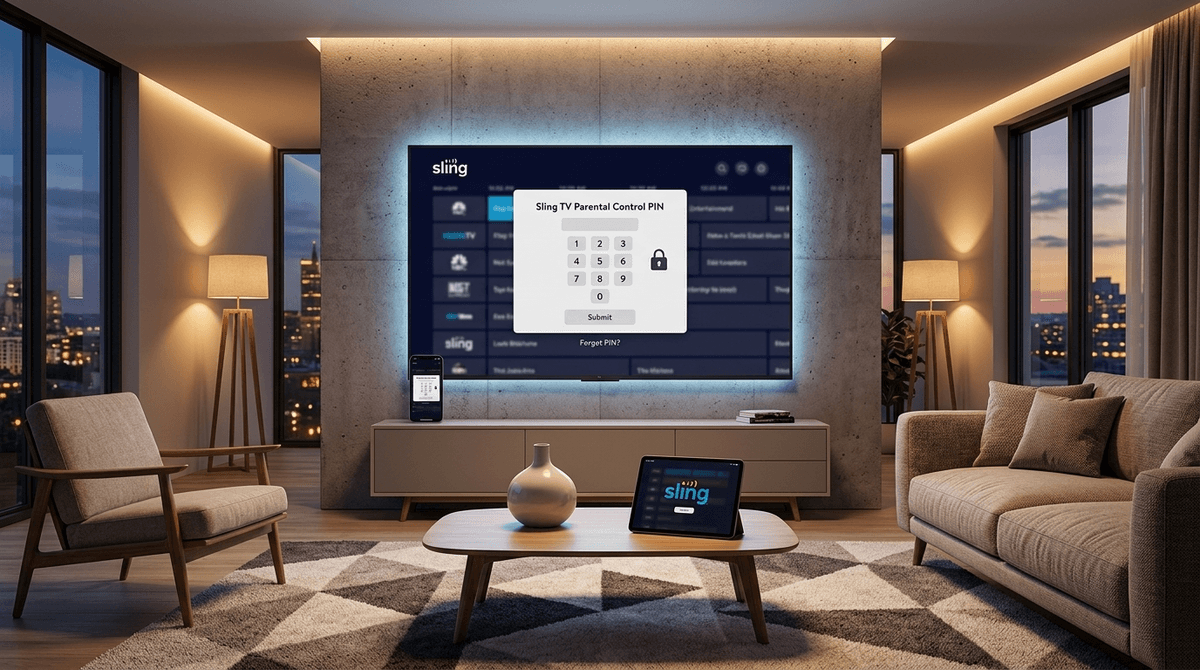
If you take one thing away from this guide, let it be this: Set up the Parental Control PIN immediately.
Sling allows you to lock content based on ratings (G, PG, TV-14, etc.). Once enabled, if anyone tries to tune into a channel or play an on-demand movie that exceeds your set rating, the screen goes black and asks for a four-digit code.
How to do it:
- Go to Settings in the Sling app.
- Select Parental Controls.
- Enable the toggle and create your PIN.
- Select the ratings you want to restrict.
Learn more about setting up Sling parental controls step-by-step
For kids raised on Netflix and YouTube, live TV is a weird concept. They don't understand why they can't "skip" a commercial or why they have to wait until 4:00 PM to watch a specific show.
There is actually a hidden "digital wellness" benefit here. Live TV introduces the concept of scheduled patience. When everything is on-demand, kids (and adults) develop a "now, now, now" mentality. Having to wait for a show to air—or even having to sit through a three-minute commercial break where they have to find something else to do with their brains—isn't the worst thing in the world.
However, be aware that Sling’s DVR (Digital Video Recorder) is a bit clunky. If you want your kids to watch Teen Titans Go! without the commercials, you have to remember to "record" it first.
Is Sling TV the best choice for your family room?
Yes, if: You are looking to save money, you primarily want live sports or news for yourself, and you are willing to spend 10 minutes configuring the parental PINs to keep the "Adult Swim" content away from the kids.
No, if: You want a "set it and forget it" experience. If you want a platform where you can just hand the remote to a six-year-old and walk away, Disney+ or PBS Kids are much safer bets. Sling is "grown-up" TV that happens to have kids' channels, not the other way around.
Next Steps
- Check the Map: Look at the Sling Channel Lineup to see if Orange or Blue fits your kid's current obsession.
- The PIN Test: Download the app, and before you even show the kids, set that Parental Control PIN.
- Talk About Ads: Use the live commercials as a teaching moment. Talk about how ads are trying to sell them things—it’s a great way to build early media literacy.
Check out our guide on teaching kids about advertising and marketing
Find the best budget streaming setups for 2026
For more details on navigating the specific technical quirks of the app, you can visit the official Sling TV Guide.