

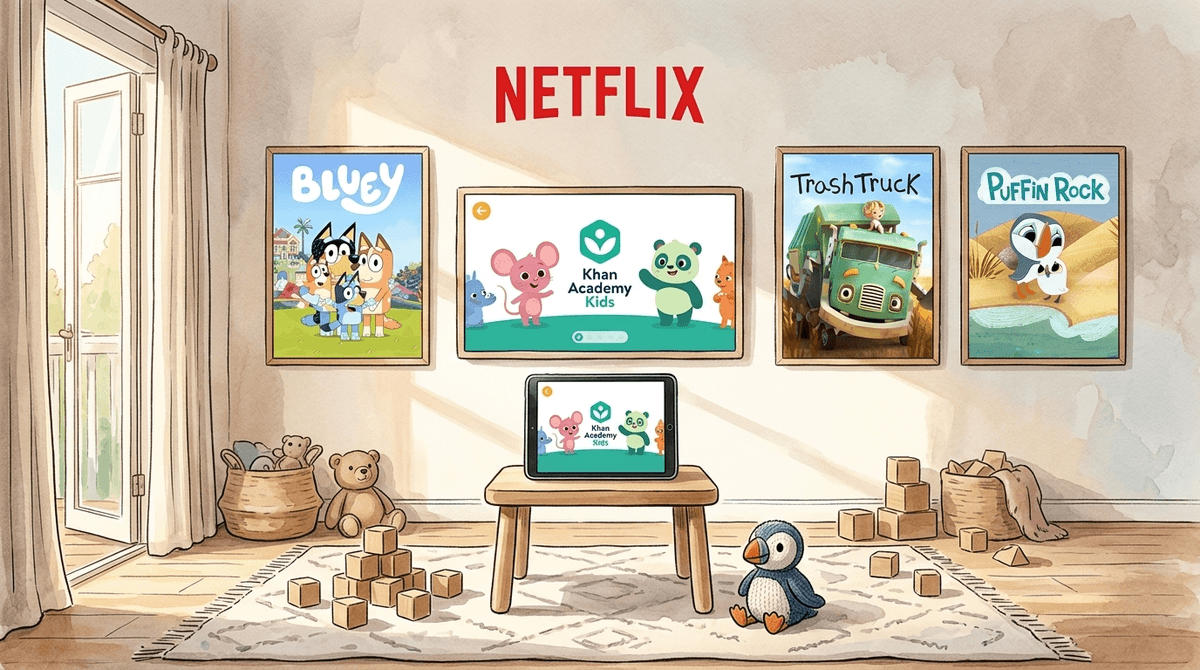
TL;DR: The Quick Guide for Busy Parents If you only have 30 seconds before someone wipes peanut butter on your leg, here is the deal: For under-5s, quality beats quantity. Focus on "slow media" (shows with steady pacing), avoid the "brain rot" of high-speed YouTube algorithms, and use screens as a tool for connection rather than just a digital babysitter.
Top Recommendations for 2026:
- The Gold Standard: Bluey (Disney+) - Best for social-emotional learning and parent-child play.
- The "Slow" Favorite: Trash Truck (Netflix) - Calm, gentle, and high-quality storytelling.
- Best Educational App: Khan Academy Kids - Completely free, zero ads, and genuinely smart.
- Best Interactive Play: Toca Boca World - Digital dollhouse that encourages creativity.
- Best Podcast for Car Rides: Wow in the World - Science that’s actually funny.
The ages of 0 to 5 are the most critical years for brain development. We’re talking about a period where the brain is making a million new neural connections every second. This is why the conversation around screen time for toddlers feels so high-stakes—and why the guilt can be so heavy.
But here is the reality: We live in 2026. Screens are everywhere. The goal isn't to live in a "screen-free" bubble that pops the second they go to a friend's house; the goal is to build a healthy foundation. Research shows that for kids under 2, screens are mostly a "video-only" experience—they struggle to transfer what they see on a 2D screen to the 3D world. By age 3 and 4, they start to grasp educational concepts, but only if the content is paced for their developing executive function.
See how screens affect toddler brain development
If you’ve ever noticed your kid turning into a "zombie" while watching certain shows, or having a massive meltdown the second you turn the TV off, you’ve seen the effects of high-arousal media. Shows like Cocomelon are designed with fast cuts (often every 1-3 seconds) and high-pitched sounds to keep a child’s attention "locked."
In 2026, intentional parents are moving toward Slow Media. These are shows that mirror the pace of real life, allow for pauses, and don't overstimulate the nervous system.
There is a reason Bluey is a global phenomenon. It’s not just for the kids; it’s a parenting manual disguised as a cartoon. It focuses on "imaginative play," which is the most important "work" a preschooler can do. It doesn't use "brain rot" tactics to keep kids watching; it uses great storytelling. Age Range: 2-6+
If Bluey is a shot of joy, Trash Truck is a warm blanket. The colors are muted, the voices are soft, and the stories are simple. It’s perfect for "winding down" before a nap or bedtime without the "spike" in cortisol that louder shows cause. Age Range: 2-5
Narrated by Chris O'Dowd, this show is beautiful to look at and incredibly gentle. It teaches basic biology and environmental themes without being "preachy" or loud. It’s one of the best examples of high-quality animation for the under-5 set. Age Range: 2-5
Not all "screen time" is equal. Passive watching (YouTube) is different from active engagement (Apps). For toddlers and preschoolers, we want apps that function like "digital manipulatives"—tools they can poke, prodding, and experiment with.
This is arguably the best app for preschoolers on the market. It’s 100% free, which is wild considering the quality. It covers reading, writing, and math, but also social-emotional skills. Most importantly, it has a "no-fail" philosophy—it doesn't punish kids for wrong answers, which keeps their confidence high. Age Range: 2-8
Sago Mini is the king of "open-ended play." There are no levels to beat or points to win. Your kid just moves characters around, explores different worlds, and discovers "surprises." It’s the digital equivalent of a box of blocks. Age Range: 2-5
If you need a "safe harbor" for video content, this is it. Everything on the PBS Kids app is vetted by educators. You’ll find Daniel Tiger's Neighborhood—which is basically the modern-day Mr. Rogers—and Numberblocks, which is secretly the best way to teach a 4-year-old multiplication concepts. Age Range: 2-6
Check out our guide on the best educational apps for 4-year-olds
We aren't here to judge, but we are here to be honest. Some content is just... not good for a developing brain.
- Blippi: Look, kids love him. He’s bright, he’s loud, and he goes to cool places like fire stations. But for many kids, Blippi is a "high-arousal" trigger. If your child becomes aggressive or hyperactive after watching, Blippi is likely the culprit.
- The "Surprise Egg" Genre: There is a whole corner of YouTube dedicated to unboxing toys or opening chocolate eggs. This is "junk food" for the brain. It triggers the dopamine loop of "what's next?" without providing any narrative or educational value.
- Algorithm-Generated YouTube: In 2026, AI-generated content for kids is rampant. These are weird, nonsensical videos that use popular characters (like Elsa or Spiderman) in bizarre situations. They are often "uncanny" and can be subtly disturbing. Stick to vetted platforms like PBS Kids or the main Netflix/Disney+ apps rather than letting them roam free on YouTube.
0-18 Months: Connection Only
The only screen time recommended at this age is video chatting with family. Your baby needs to see that screens are for connecting with people, not just staring at moving shapes.
18-24 Months: Co-viewing
If you introduce media, do it together. Sit with them, point at the screen, and say, "Look, the dog is blue! Do you see the dog?" This "joint attention" helps their brain bridge the gap between the screen and reality.
3-5 Years: Setting the Guardrails
This is the age of "The Negotiator." They will want "one more episode" until the sun goes down.
- Use a visual timer: Toddlers don't understand "5 minutes," but they understand a red circle disappearing on a timer.
- The "Exit Strategy": Always tell them what is happening after the screen. "We are going to watch one Bluey, and then we are going to put on our shoes to go to the park." This makes the transition easier.
- No screens 60 minutes before bed: The blue light and the mental stimulation are the enemies of sleep.
Learn more about setting up parental controls on an iPad
The biggest risk of screen time for toddlers isn't actually the screen itself—it’s what the screen replaces. If a tablet replaces "serve and return" interaction (you talking to your kid and them responding), that’s a problem. If it replaces "heavy work" (running, jumping, climbing), that’s a problem.
We call this Technoference—when technology interferes with the face-to-face interactions that build a child's social-emotional foundation. It's okay to use a screen to get dinner on the table. It’s not okay to use a screen as a permanent substitute for human interaction.
Don't let the "screen time" debate make you feel like a failure. In 2026, being an intentional parent means being a media mentor, not just a media gatekeeper.
Choose "slow" shows like Trash Truck, use high-quality apps like Khan Academy Kids, and most importantly, talk to your kids about what they’re seeing. Even a 3-year-old can start to learn that screens are just one small part of a big, interesting world.
- Audit your "Sanity Saves": Next time you put on a show so you can shower, notice how your kid acts when it's over. If they’re a mess, swap Cocomelon for Puffin Rock.
- Set a "Screen-Free" Zone: Make the dinner table a "no-phone/no-tablet" zone for everyone—parents included.
- Explore Audio: Try a podcast like Wow in the World or Brains On! to keep them entertained in the car without the "zombie stare."