

TL;DR
If you’re looking for a "set it and forget it" solution where you don’t have to worry about your toddler accidentally watching a bootleg, low-budget version of Spider-Man doing something weird, stick with PBS Kids. It’s curated, educational, and free.
If you want variety and specific niche content like Ms. Rachel or Numberblocks, YouTube Kids is the move—but only if you’re willing to spend ten minutes locking down the settings to "Approved Content Only." Without those guardrails, the algorithm will eventually lead your kid into a "brain rot" rabbit hole of unboxing videos and screaming influencers.
Top Recommendations:
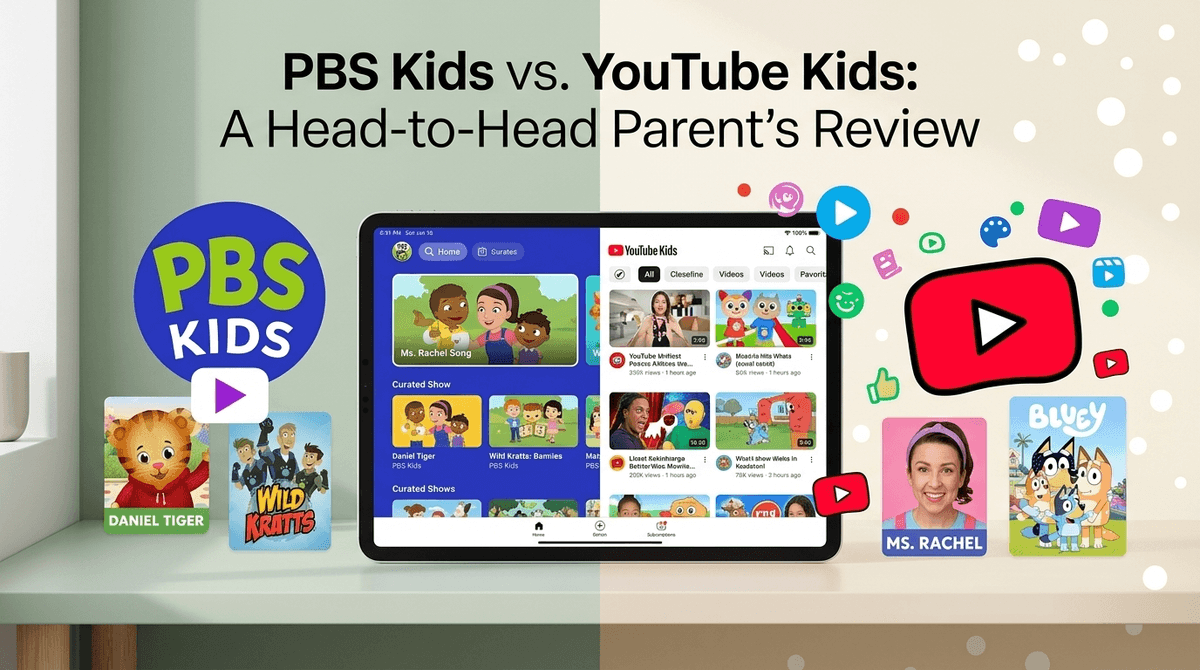
- Best for Social-Emotional Learning: Daniel Tiger's Neighborhood
- Best for Stem/Science: Wild Kratts
- Best for Toddler Literacy: Ms. Rachel
- Best for Pure Entertainment (that isn't annoying): Bluey
The biggest difference between these two isn't just the shows—it’s the math behind what your kid sees next.
PBS Kids is a "walled garden." Every single frame of video on that platform has been vetted by humans with degrees in early childhood education. When one show ends, the next one is another high-quality, prosocial program. You don’t have to worry about a "related video" featuring a jump-scare or a weirdly aggressive toy review.
YouTube Kids is a filtered version of the open ocean. It uses algorithms to try and catch the bad stuff, but "the bad stuff" is constantly evolving. It’s also built to keep kids watching. While PBS Kids wants to teach your kid how to share, YouTube Kids (by design) wants to keep their eyes on the screen to serve the next "suggested" video.
Learn more about the risks of algorithmic content for toddlers
If PBS Kids was a snack, it would be sliced apples. It’s exactly what you think it is, it’s good for them, and nobody is trying to sneak in extra sugar.
Why It’s Great
- Curriculum-Based: Every show has a specific goal. Molly of Denali teaches informational text skills. Peg + Cat teaches math.
- Zero Ads: No one is trying to sell your kid a $40 plastic playset or a sugary cereal.
- Pacing: The animation style in shows like Elinor Wonders Why is calmer. It doesn’t overstimulate the brain like the high-speed cuts found in many YouTube-native shows.
The Downside
- Limited Library: Once your kid has seen every episode of Wild Kratts three times, they might get bored.
- Older Kids Leave Early: By age 7 or 8, most kids start to feel like PBS is "for babies," and they’ll start begging for the "real" YouTube.
YouTube Kids is more like a giant buffet. There’s some high-quality organic kale in there, but there’s also a lot of "pink slime" content that looks like food but has zero nutritional value.
The "Brain Rot" Factor
You’ve probably heard the term "brain rot" used to describe things like Skibidi Toilet. This refers to content that is fast-paced, loud, nonsensical, and designed purely to trigger dopamine hits. YouTube Kids is full of this. Think of channels like Cocomelon or the endless sea of unboxing videos where adults open surprise eggs for twenty minutes.
It’s not "evil," but it’s essentially digital candy. It makes kids zonked out while watching and cranky when you turn it off.
Why Parents Use It Anyway
- Niche Interests: If your kid is obsessed with garbage trucks, YouTube Kids has 10,000 videos of actual garbage trucks. PBS Kids does not.
- Creator Content: Some of the best modern educators are YouTube-first. Ms. Rachel is a literal godsend for speech development, and Mark Rober (if your kid is a bit older) makes science cooler than any school assembly ever could.
Check out our guide on the best educational YouTube channels
The biggest safety issue isn't always "inappropriate" content (though that happens); it’s the commercialization of childhood.
On YouTube Kids, the line between a "show" and a "commercial" is non-existent. Ryan’s World is one of the most popular channels in history, but it is effectively a 24/7 infomercial for Ryan-branded toys. This creates a constant "I want that" cycle that PBS Kids simply doesn't have.
How to Make YouTube Kids Safe(r)
If you're going to use YouTube Kids, do not trust the algorithm.
- Go into Settings.
- Select your child’s profile.
- Change content settings to "Approved Content Only."
- Manually add channels like PBS Kids, Sesame Street, and Lucas the Spider.
By doing this, you turn YouTube Kids into a curated experience similar to PBS, but with a wider library.
Step-by-step guide to locking down YouTube Kids
Have you noticed how your kid looks when they watch YouTube Kids versus PBS Kids?
Research into "pacing" shows that shows with rapid cuts and loud, sudden noises (common on YouTube) can overtax a child’s working memory. This is why kids often have a "screen time tantrum" when you take the iPad away after a YouTube Kids session. Their brains are struggling to transition from a high-dopamine environment back to the "slow" real world.
PBS Kids shows are generally paced more like real life. A character speaks, there’s a pause for the kid to think, and then the character responds. It’s less addictive, which—honestly—is a feature, not a bug.
Use PBS Kids if:
- You have kids ages 2–6.
- You need to cook dinner and can't monitor the screen.
- You want to avoid consumerism and toy-centric content.
- You want content that supports school readiness.
Use YouTube Kids if:
- You have a kid with a very specific interest (dinosaurs, space, specific crafts).
- You are willing to put in the work to "whitelist" specific channels.
- You want access to specific creators like Ms. Rachel or Blippi (no judgment, we've all been there).
Next Steps
- Audit the iPad: Delete the main YouTube app if it's on a device your kid uses. It’s too easy to bypass the "Kids" version.
- Download the PBS Kids Video App: It’s free, and you can even live stream the PBS channel.
- Set a Timer: Regardless of the platform, the "transition" is the hardest part. Use a physical timer so the "bad guy" is the clock, not you.