

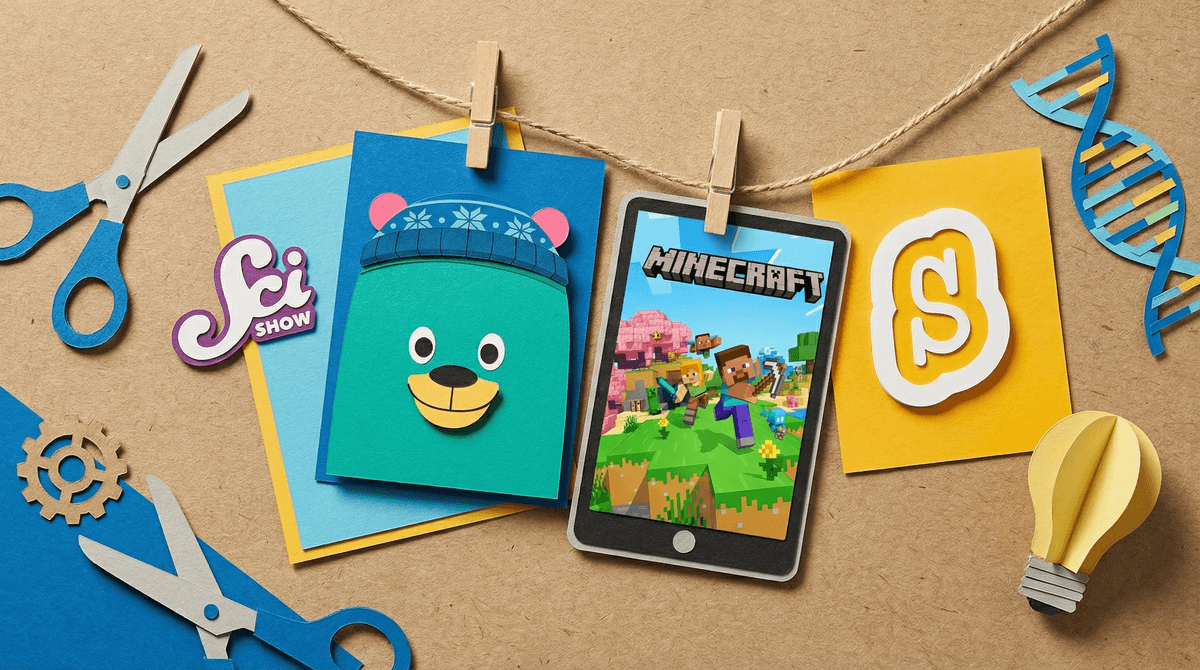
Learning-focused media is the stuff that promises your kid will actually get smarter while staring at a screen. Educational apps, documentaries, coding games, math practice platforms, science shows—basically anything that makes you feel less guilty about handing over the iPad.
But here's the thing: not all "educational" content is created equal. Some of it genuinely teaches. Some of it is just regular screen time wearing a mortarboard.
The edtech industry is worth billions, and they know exactly what to say to get past your parental defenses. Slap "STEM" on something and suddenly it feels responsible. Add "Common Core aligned" and parents start reaching for their wallets.
The average kid spends 5-7 hours a day on screens. If even a fraction of that could be genuinely educational, that's potentially transformative. But if we're just replacing one form of passive consumption with another—swapping Bluey for a gamified spelling app that's basically slot machine mechanics with vowels—we're not actually winning.
The real question isn't "Is this educational?" It's "Is this teaching anything my kid couldn't learn better another way?" Because here's what research actually shows: active learning beats passive consumption every single time. A kid building something in Minecraft might learn more about spatial reasoning and problem-solving than from a "brain training" app that's just dressed-up flashcards.
Real educational media has a few key characteristics:
Active engagement, not just consumption. The kid has to think, create, problem-solve, or make meaningful choices. Watching a video about fractions? That's consumption. Using fractions to divide resources in a game where the choices matter? That's engagement.
Immediate, meaningful feedback. Not just "Good job!" with confetti animation. Real feedback shows kids why something worked or didn't, helps them adjust their thinking, and builds understanding.
Scaffolded challenge. It meets kids where they are and gradually increases difficulty. Not too easy (boring), not too hard (frustrating). This is called the "zone of proximal development" and it's where actual learning happens.
Transferable skills. Does what they're learning apply beyond the app? If your kid can ace the math game but still can't figure out how to split the pizza fairly, that's a problem.
Khan Academy Kids (Ages 2-8) is legitimately good. Free, no ads, genuinely educational, and designed by people who understand child development. It's not perfect—no app is—but it's one of the few that delivers on its promises.
Duolingo (Ages 8+) for language learning is solid for building vocabulary and basic grammar, though you'll need real conversation practice too. The gamification can be addictive (by design), so watch for kids who are grinding for streaks without actually learning.
Prodigy Math (Ages 6-14) is popular but controversial. Yes, it practices math facts. But it also uses some pretty aggressive monetization tactics that can make kids feel left out if they don't pay. The math practice is decent; the ethics are questionable.
YouTube educational channels like Crash Course, SciShow Kids, and Numberphile can be genuinely great for older kids (10+) who are ready for deeper dives into specific topics. But YouTube's autoplay is designed to keep kids watching, not learning, so supervision matters.
Scratch (Ages 8+) for coding is the real deal. Kids create actual projects, learn real programming concepts, and build genuine skills. It's not dressed-up busywork—it's the actual thing.
Most "brain training" apps are basically nonsense. The research is pretty clear: they make you better at the specific tasks in the app, but that skill doesn't transfer to anything else. You're not training your brain; you're training yourself to play that specific game.
Many reading apps that focus on phonics drills and comprehension quizzes can actually make kids less interested in reading. If you want your kid to be a reader, they need to read books they actually care about, not answer multiple choice questions about passages they didn't choose.
Apps that just digitize worksheets aren't better than paper worksheets. They're just worksheets with sound effects. The medium isn't magic.
Ages 3-5: At this age, the best "educational" screen time is video chatting with grandparents and watching high-quality shows like Bluey or Daniel Tiger's Neighborhood with you, talking about what's happening. Apps can be okay in small doses, but they're not better than playing with blocks.
Ages 6-8: This is when educational apps can start being genuinely useful for practicing specific skills—math facts, spelling, typing. But they should supplement, not replace, real learning. 20 minutes of Khan Academy Kids is fine. Two hours is just screen time with better PR.
Ages 9-12: Kids this age can benefit from more complex educational content—coding platforms like Scratch, documentary series, educational YouTube channels. They can also start recognizing when something is genuinely teaching them versus just wasting time. Have that conversation.
Ages 13+: Teenagers can use educational media more independently, but they also need help distinguishing between actual learning and the feeling of productivity. Watching study vlogs isn't studying. Playing Civilization isn't the same as learning history (though it might spark interest).
Aggressive monetization. If the app constantly pushes kids to buy things, upgrade, or subscribe—even if the content is "educational"—it's teaching them to be consumers, not learners.
Addictive design. Streaks, points, leaderboards, and rewards can motivate practice, but they can also create compulsive behavior. If your kid is more focused on maintaining their streak than on what they're actually learning, something's off.
Vague claims. "Boosts IQ!" "Improves focus!" "Brain training!" These are marketing terms, not educational outcomes. Look for specifics: "Teaches multiplication facts" or "Introduces basic coding concepts."
No parent dashboard or progress tracking. If you can't see what your kid is actually doing or learning, how do you know it's working?
The best educational media is the stuff that genuinely teaches skills or sparks curiosity that extends beyond the screen. A documentary that makes your kid want to check out library books about space? That's a win. An app that makes them better at the app? That's just screen time.
Ask yourself: Could my kid learn this better another way? Sometimes the answer is yes, screens are actually the best tool for this—like learning to type, or accessing content that would otherwise be unavailable. Sometimes the answer is no, and you're just outsourcing to an iPad what would be better done with a book, a conversation, or actual play.
Don't let "educational" be the magic word that makes screen time unlimited. Even genuinely good educational content should be balanced with non-screen learning, physical activity, social interaction, and boredom (yes, boredom—that's when creativity happens).
Audit what's currently labeled "educational" in your house. Is it actually teaching anything? Is your kid engaged or just going through the motions?
Try the 80/20 rule: If 80% of your kid's screen time is pure entertainment, that's probably fine. If you can make 20% genuinely educational, that's a bonus. Don't flip those percentages and expect your kid to thank you.
Watch or play alongside your kid at least once with any "educational" app or show. You'll quickly figure out if it's the real deal or just busywork with better graphics.
And remember: reading actual books, having actual conversations, and building actual things will always be more educational than any app. Screens are tools, not shortcuts.