

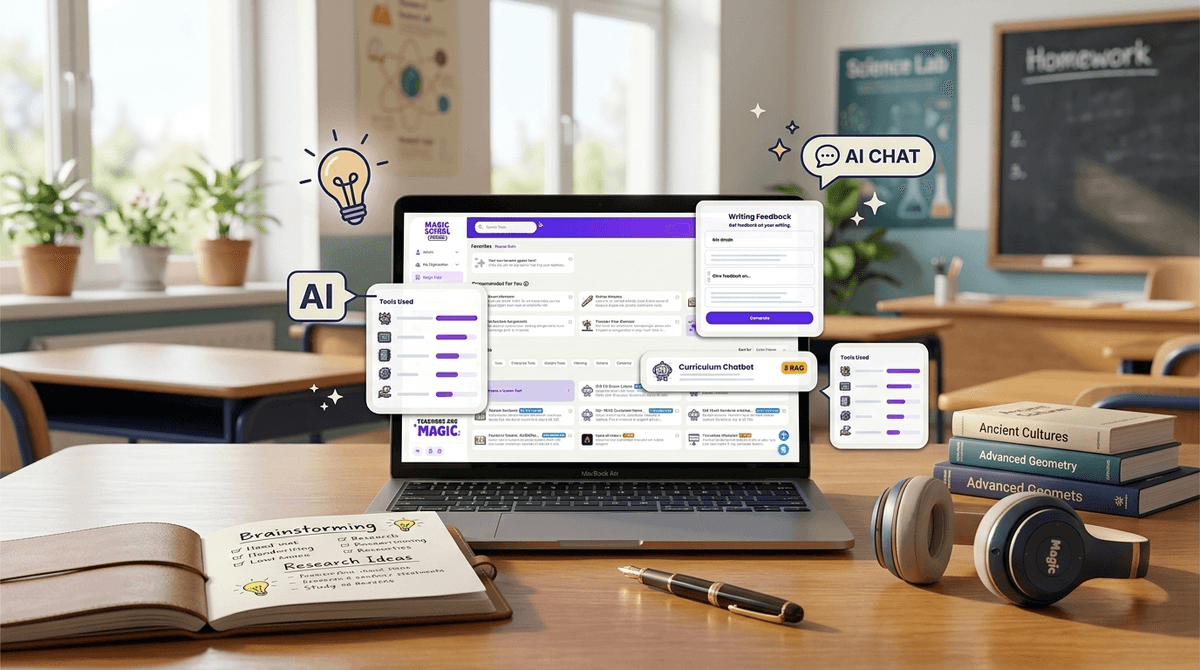
TL;DR: MagicSchool AI started as a productivity hack for overworked teachers, but it has quickly evolved into a student-facing platform called "MagicStudent." While it’s much safer than letting your kid loose on ChatGPT, there’s a thin line between "AI tutor" and "AI that does the homework for me." It’s great for brainstorming and feedback, but parents need to watch out for the "summarizer" tools that can replace actual reading.
Quick Links to Related Tools:
- MagicSchool AI - The main platform for teachers and students.
- Khanmigo - Khan Academy’s AI tutor (the "gold standard" for safety).
- Claude - A popular AI model often used for writing.
- Canva Magic Studio - AI design tools kids are using for school projects.
If you’ve peeked at your kid’s Chromebook lately and seen a colorful interface with a little wizard hat icon, you’ve met MagicSchool AI.
For the last year, MagicSchool AI has been the "it" tool in the teacher's lounge. It helps teachers write IEPs, generate lesson plans in seconds, and draft those emails to parents that sound professional instead of exhausted. But the game changed recently when they launched MagicStudent.
Suddenly, this isn't just a tool for teachers to survive their 60-hour work weeks. It’s a tool your child is being invited into via "Student Rooms." And as with anything involving AI and education in 2026, it’s a bit of a "choose your own adventure" situation: Is it a brilliant tutor or a high-tech crutch?
At its core, MagicSchool AI is a "wrapper" for powerful AI models (like those from OpenAI or Anthropic) that has been specifically tuned for the classroom.
Think of it like this: if ChatGPT is a giant, unmonitored library where anyone can walk in and ask anything, MagicSchool is the curated school library with a very vigilant librarian standing right there.
Teachers create "Student Rooms"—digital spaces where they can toggle specific AI tools on or off for their students. A teacher might give the class access to the "Character Chat" to "talk" to a historical figure, but keep the "Essay Summarizer" locked so kids actually have to read the book.

Teachers love it because it’s a massive time-saver. It turns a 3-hour lesson planning session into a 10-minute prompt-and-tweak session.
Kids love it because, frankly, AI feels a bit like magic. In a world where they are used to YouTube giving them instant answers and TikTok feeding them 15-second "life hacks," the slow burn of traditional research can feel "Ohio" (that’s kid-speak for weird or cringey, for those of us still catching up).
MagicSchool makes the "boring" parts of school interactive. Instead of reading a dry biography of Abraham Lincoln, they can use a tool to "text" him. Instead of staring at a blank page (the ultimate middle school nightmare), they can use a "Brainstormer" tool to get five ideas for a science fair project.
This is the part parents actually need to know about. When a teacher sets up a Student Room, your child logs in (usually via Google Classroom or Canvas) and sees a dashboard of tools.
Here are the heavy hitters you’ll see them using:
Rainier is MagicSchool’s version of a tutor. Unlike a standard AI that might just give the answer, Rainier is supposed to be programmed to guide the student. If a kid asks, "What is the answer to number 4?", a well-tuned Rainier should say, "I can't give you the answer, but let's look at the formula together."
The YouTube Summarizer
This one is a red flag for some parents. You paste a link to a YouTube video, and the AI spits out a bulleted summary.
- The Good: Great for kids with ADHD who struggle to process long videos.
- The Bad: It’s very easy to "watch" a 20-minute educational video without actually watching a single second of it.
Writing Feedback Tool
This is actually one of the "cleaner" uses of AI. A student pastes their draft, and the AI gives suggestions on grammar, tone, and clarity. It’s like a super-powered version of Grammarly.
This is the $64,000 question.
If your child uses MagicSchool AI to help them structure an outline for a paper on The Giver, they are learning organizational skills. They are using the AI as a scaffold.
However, if they are using the "Text Leveler" to take a complex article and turn it into 3rd-grade reading level text because they don't want to do the hard work of decoding difficult vocabulary, they might be "completing the assignment" while simultaneously "losing the lesson."
The Screenwise Take: AI in schools is currently in its "Wild West" phase. Some teachers are using it brilliantly to personalize learning; others are just using it to keep kids busy.
- Grades K-4: Kids this age generally shouldn't be using MagicSchool independently. If they are using it, it should be a "whole class" activity led by the teacher on a smartboard.
- Grades 5-8: This is the sweet spot for MagicStudent. It’s a great age to teach "AI Literacy"—learning that the AI can be wrong (hallucinations) and that it should be a "co-pilot," not the driver.
- Grades 9-12: High schoolers will likely find MagicSchool a bit "kiddy" compared to ChatGPT or Claude. The concern here is whether they are using it to bypass critical thinking during the most important years for developing it.
One reason schools love MagicSchool AI over other AI tools is that it is built to be COPPA and FERPA compliant.
- No Personal Data: It doesn't (or shouldn't) require kids to enter personal details.
- Teacher Oversight: Teachers can see every single prompt a student types into the "Student Room." If your kid asks Rainier something inappropriate or tries to get it to write a "Skibidi Toilet" fanfic instead of a history essay, the teacher will see it.
- Guardrails: It has much stricter filters than a standard AI. It won't discuss self-harm, violence, or adult content.
If your child is using MagicSchool, don't panic. It’s not "brain rot" like some of the low-effort content on Roblox. It is a legitimate educational tool.
But you should be asking your child (and their teacher) two specific questions:
- "Are you using the AI to start the work, or to finish it?" (Starting = Brainstorming. Finishing = Letting it write the paragraphs.)
- "How do you know if the AI is lying to you?" (This encourages them to fact-check the AI against a textbook or a trusted website).
MagicSchool AI is a powerful, mostly-safe "walled garden" for AI. It is far better for your student to be experimenting with AI inside this platform than trying to sneak around and use unmonitored tools.
Is it perfect? No. It can still be used as a shortcut for kids who are feeling overwhelmed or lazy. But in the grand scheme of digital wellness, MagicSchool is more like a "digital gym" than a "digital candy store." It requires effort to get the benefit, and as long as the teacher (and you) are watching the "form," it can actually help them get stronger.
Next Steps for Intentional Parents:
- Check the History: Ask your kid to show you their "Student Room" and look at their recent chats with Rainier.
- Compare Tools: If you feel MagicSchool is too restrictive, look into Khanmigo for a more robust tutoring experience.
- Talk to the Teacher: Ask how they are grading AI-assisted work. Most teachers are still figuring this out!
Check out our guide on the best AI tools for students in 2026