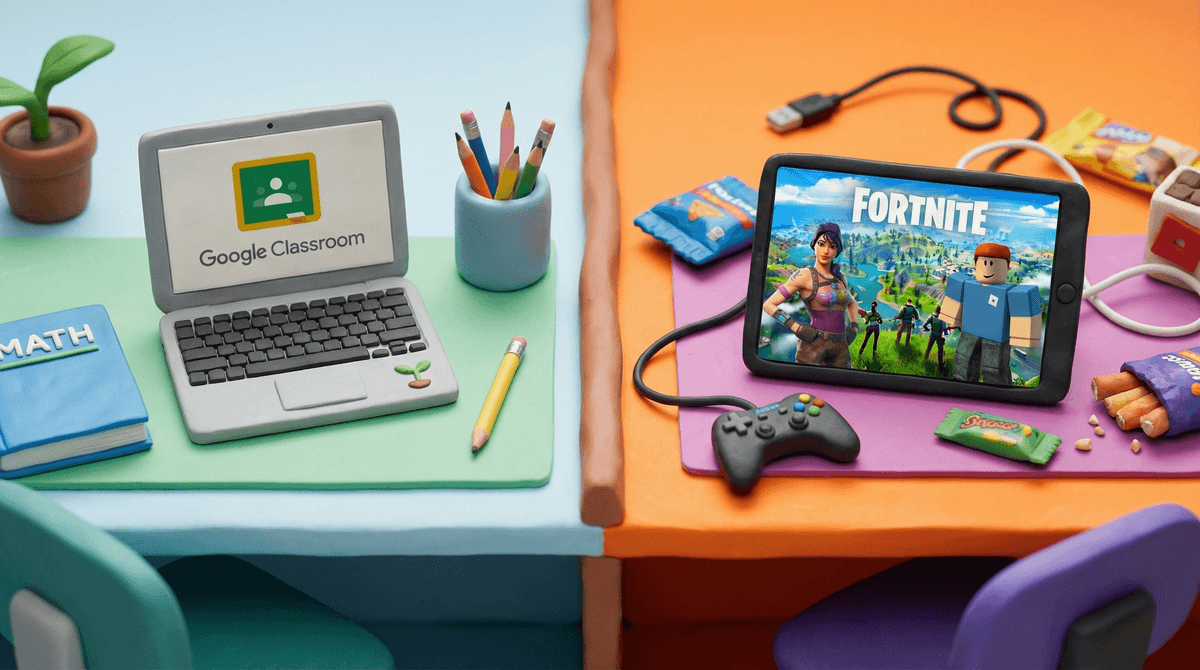


Google Classroom is the digital equivalent of a homework planner and filing system—utterly boring but genuinely useful. It's not trying to be fun or engaging; it's infrastructure.
The good news: it's actually well-designed for what it does, with no ads and solid privacy protections for school accounts. It teaches organizational skills and digital literacy that kids legitimately need. The bad news: it's a homework app, which means kids will hate it on principle, flooding app stores with one-star reviews that have nothing to do with the app's actual quality.
Safety-wise, it's pretty solid within the closed ecosystem of a classroom, but cyberbullying in discussion threads is a real concern that requires teacher vigilance. The app itself can't prevent kids from being jerks to each other in the comments.
Bottom line: You're not choosing this app—your school is. It's fine. It works. Your kid will complain about it constantly, but that's about homework, not the app itself.