

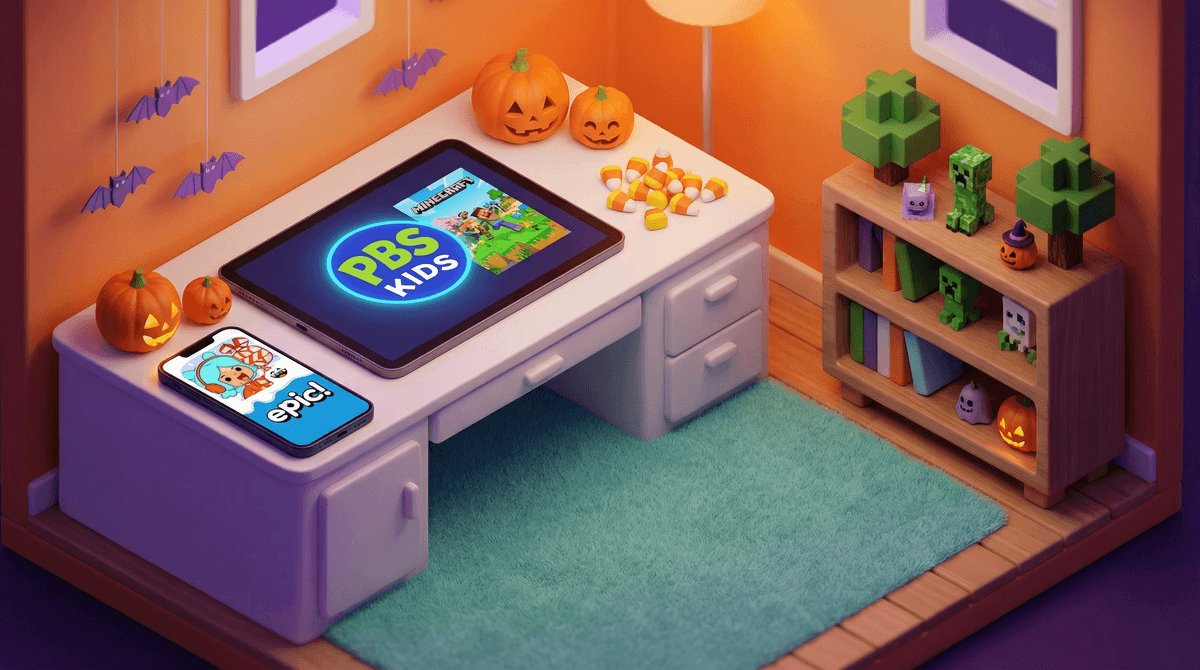
Halloween apps are exactly what they sound like: seasonal apps designed to get kids in the spooky spirit through games, activities, and creative tools. We're talking digital pumpkin carving, costume design apps, Halloween-themed puzzle games, monster creators, and interactive story apps with varying levels of spookiness.
The good news? There are tons of options that capture the fun of Halloween without the nightmare fuel. The less good news? Like most things in the app ecosystem, quality varies wildly, and you'll need to dodge some ad-heavy garbage to find the gems.
Halloween apps hit that sweet spot of limited-time excitement. There's something about seasonal content that makes it feel special—like getting to watch the Halloween episodes of their favorite shows. The apps tap into the same creative energy kids bring to costume planning and pumpkin decorating, but in digital form.
Plus, let's be honest: if you've got a kid who's too young for actual scary stuff but desperately wants to participate in Halloween culture, these apps can be a perfect middle ground. They get to engage with ghosts and monsters in a way that feels age-appropriate and under their control.
Here's the thing about Halloween apps: most of them are free, which means most of them are trying to monetize your kid's attention. You'll find plenty of apps that are essentially vehicles for ads, in-app purchases, or both. Some are fine! Some are... not fine.
The truly quality Halloween apps tend to fall into a few categories:
Creative/Activity Apps (Ages 3-8) These are your digital craft tables. Think Toca Boca but make it spooky. Kids can design costumes, decorate virtual houses, or create their own monsters. The best ones have no ads and either charge upfront or are part of a subscription service like PBS Kids.
Puzzle and Logic Games (Ages 5-10) Halloween-themed versions of matching games, hidden object games, or simple puzzles. These can be genuinely educational and entertaining, but watch out for the free ones that interrupt gameplay every 30 seconds with ads. If your kid loves puzzle games year-round, a Halloween-themed one might be a fun seasonal treat.
Story and Reading Apps (Ages 4-12) Interactive Halloween stories that range from "friendly ghost makes new friends" to "actually kind of creepy but in a good way." Apps like Epic! often feature Halloween book collections, which is a solid move if you're already subscribers. For slightly older kids who can handle more suspense, there are choose-your-own-adventure style apps that lean into the spooky without being genuinely scary.
AR and Camera Apps (Ages 6-14)
These let kids add Halloween effects to photos or explore their environment with augmented reality monsters and decorations. They're fun for about 20 minutes, which is perfect for a car ride or waiting room situation. Just be aware these often request camera and photo library access, so check those permissions .
.
Ages 3-5: Stick with the purely creative apps or very simple matching games. At this age, even cartoon ghosts can be too much for some kids, so preview anything before handing over the device. Look for apps with zero text-based ads (since they can't read yet anyway) and no ability to accidentally purchase anything.
Ages 6-8: This is peak Halloween app age. They're old enough to navigate most interfaces independently but still young enough to be genuinely delighted by digital pumpkin decorating. You can introduce mildly spooky content—think friendly monsters and silly skeletons—but still avoid anything with jump scares or genuinely creepy imagery.
Ages 9-12: At this age, many kids are ready for apps with more suspense and problem-solving. Choose-your-own-adventure horror stories, escape room style games with Halloween themes, or even some of the tamer horror game experiences can work. But honestly? This is also the age where they might be more interested in playing Minecraft with Halloween texture packs or watching Halloween content on YouTube than using dedicated Halloween apps.
Ages 13+: Most teens have moved past dedicated Halloween apps unless they're using them ironically or for creative projects. If they're interested in Halloween digital content, they're probably creating TikToks, playing horror games like Five Nights at Freddy's, or watching horror content online.
The seasonal app trap is real. Your kid will beg to download five Halloween apps on October 1st, use them twice, and forget they exist by November. Consider setting a rule: download one or two, delete them after Halloween. This prevents app graveyard buildup and teaches some digital decluttering habits.
Free ≠ good. In fact, with seasonal apps, free often means "designed to extract maximum ad revenue from your child in a limited window." If you find an app that charges $2.99 upfront with no ads, that's often worth it over the "free" app that interrupts gameplay constantly.
Screen time is screen time, even if it's festive. A Halloween app still counts toward whatever screen time limits you've set. Don't let the seasonal novelty override your normal boundaries. That said, if you're using it as a family activity—everyone decorating virtual pumpkins together, showing each other their monster creations—that's a different vibe than solo scrolling.
Check those privacy policies. Seasonal apps sometimes have sketchier data practices because they know they're not building long-term user relationships. Before downloading, check what permissions the app requests and whether it's from a developer you recognize and trust. Here's more on app privacy for kids.
Halloween apps can be genuinely fun, age-appropriate ways to celebrate the season—if you're selective. The best approach? Download one or two quality apps, use them intentionally as activities rather than time-fillers, and delete them when the season's over.
Think of them like Halloween decorations: you bring them out for a specific purpose, enjoy them for a limited time, and then pack them away. They're not meant to be permanent fixtures in your digital landscape.
And if your kid is constantly asking for new Halloween apps? That might be a sign they're just bored and looking for novelty. Maybe it's time to pull out the actual craft supplies and carve a real pumpkin instead. Revolutionary, I know.
- Set a "one app in, one app out" rule for seasonal downloads
- Preview any app before letting younger kids use it independently
- Check if apps your family already uses (PBS Kids, Epic!, Toca Boca) have Halloween content before downloading something new
- Plan to delete seasonal apps by mid-November to avoid digital clutter
- Consider alternatives to screen-based Halloween activities for a better balance