

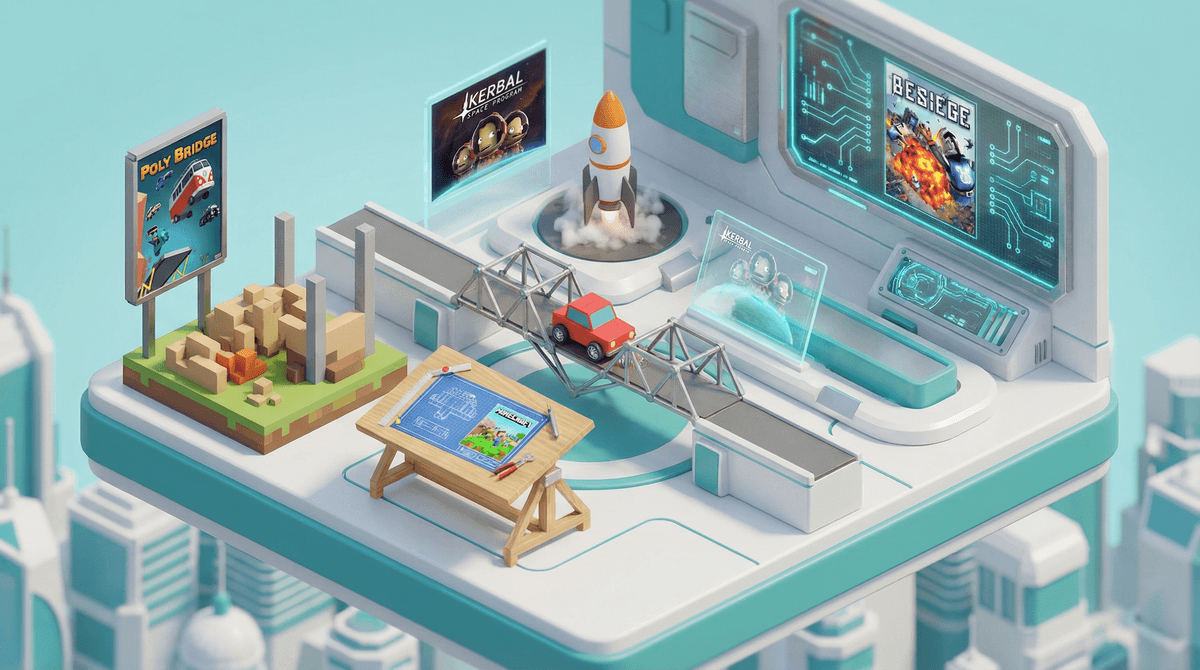
Engineering games are digital games that challenge kids to design, build, and problem-solve their way through increasingly complex challenges. Think Minecraft meets physics class, or Roblox Studio meets actual computer science. These games range from simple bridge-building puzzles to full-blown engineering simulators where kids design vehicles, structures, circuits, or even entire cities.
The standout titles include Poly Bridge (build bridges that don't collapse), Kerbal Space Program (design rockets that actually make it to space), Besiege (medieval siege engine construction), Human: Fall Flat (physics-based puzzle platformer), and Scrap Mechanic (creative building with functioning machines). There's also Incredible Machine for the nostalgic parents out there, and newer entries like SimpleRockets 2 and Main Assembly.
But here's the thing: not all "building games" are engineering games. There's a difference between creative sandbox play (like most of what happens in Minecraft) and actual engineering challenges that require understanding cause and effect, constraints, and optimization. Both are valuable, but they teach different skills.
Kids are drawn to engineering games because they get to break stuff in spectacular fashion. Seriously, half the fun of Poly Bridge is watching your poorly designed bridge collapse and send cars plummeting into the river below. There's something deeply satisfying about the trial-and-error process when the failures are this entertaining.
But beneath the chaos, something interesting is happening: kids are learning to think like engineers. They're dealing with real constraints (budgets, materials, physics), iterating on designs, and developing what educators call "productive failure" — the ability to learn from mistakes without getting discouraged.
The best engineering games also tap into that natural childhood desire to understand how things work. They're getting informal lessons in physics, structural engineering, programming logic, and systems thinking without it feeling like homework. When your kid spends three hours troubleshooting why their Kerbal Space Program rocket keeps exploding on the launch pad, they're learning more about problem-solving than most worksheets could ever teach.
Ages 6-8: Start with simpler physics puzzlers like Amazing Alex or World of Goo. These introduce cause-and-effect thinking without overwhelming complexity. LEGO Builder's Journey is also gorgeous and intuitive for this age group.
Ages 9-12: This is the sweet spot for most engineering games. Poly Bridge, Human: Fall Flat, and Besiege all work well here. Kids have enough spatial reasoning and patience to work through multi-step problems. Minecraft with redstone circuits can absolutely count as engineering play at this age — those contraptions get legitimately complex.
Ages 13+: Time for the deep end. Kerbal Space Program is phenomenally educational but requires real persistence and some math comfort. Factorio teaches systems optimization and logistics (though warning: it's basically digital crack for certain personality types). Roblox Studio for kids interested in actual game development. Scrap Mechanic survival mode combines engineering with resource management.
The key consideration isn't just complexity — it's frustration tolerance. Some kids will happily tinker for hours; others will rage-quit after their third bridge collapse. Know your kid.
The learning is real, but it's not magic. Yes, these games teach problem-solving and spatial reasoning. No, they're not going to turn your kid into an MIT-bound engineer by themselves. They're one tool in the toolbox, and they work best when kids are genuinely interested rather than forced to play "educational" games.
Time investment varies wildly. Some engineering games are perfect for 20-minute sessions (Poly Bridge levels). Others are rabbit holes that can consume entire weekends (looking at you, Kerbal Space Program and Factorio). Set expectations accordingly .
.
Multiplayer can enhance or destroy the experience. Games like Minecraft and Scrap Mechanic have multiplayer modes where kids can collaborate on engineering projects. This can be amazing for teamwork and communication skills. It can also lead to one kid destroying another's three-hour build project and causing actual tears. Know the social dynamics before enabling multiplayer.
Some games have surprisingly steep learning curves. Kerbal Space Program is legitimately hard. Like, "adults struggle with this" hard. There are entire YouTube channels dedicated to teaching people how to play it. If your kid bounces off a complex engineering game, that's not a reflection on their intelligence — these games can be brutal.
The "just one more try" factor is real. Engineering games create a powerful feedback loop: failure → understanding → adjustment → retry. This is great for learning resilience, but it can also make these games surprisingly hard to pause. Unlike story-based games with natural stopping points, engineering games can keep kids engaged way past bedtime because they're "so close to solving it."
Engineering games occupy a rare sweet spot in the kids' gaming landscape: they're genuinely educational without feeling like edutainment garbage, they're engaging enough to hold kids' attention, and they teach skills that actually transfer to real-world problem-solving.
Are they better than Fortnite? That's the wrong question. They're different. A kid who plays Fortnite is developing reaction time and strategic thinking. A kid who plays Poly Bridge is developing spatial reasoning and physics intuition. Ideally, your kid's gaming diet includes variety.
The best engineering games for your family are the ones your kids will actually play. If they're naturally drawn to building and tinkering, games like Minecraft, Besiege, or Kerbal Space Program could become genuine passion projects. If they're not interested, forcing it won't suddenly make them love STEM.
Start with a trial: Most engineering games have demos or are available through game subscription services. Let your kid try before you commit to a purchase.
Watch them play: The first session or two, actually sit with your kid and see how they approach problems. Are they methodical or impulsive? Do they get frustrated easily or persist through failures? This tells you a lot about whether a particular game is a good fit.
Connect to real world: If your kid gets really into these games, that's your opening to suggest related activities — LEGO Technic sets, beginner electronics kits, local robotics clubs, or even just YouTube videos about real engineering. The bridge from digital to physical making can be incredibly powerful.
Don't overthink it: At the end of the day, if your kid is having fun building ridiculous contraptions and occasionally learning something about physics in the process, you're doing fine. Not every minute of screen time needs to be optimized for maximum educational value. Sometimes a kid just wants to build a catapult that launches cows, and honestly? That's okay too.