

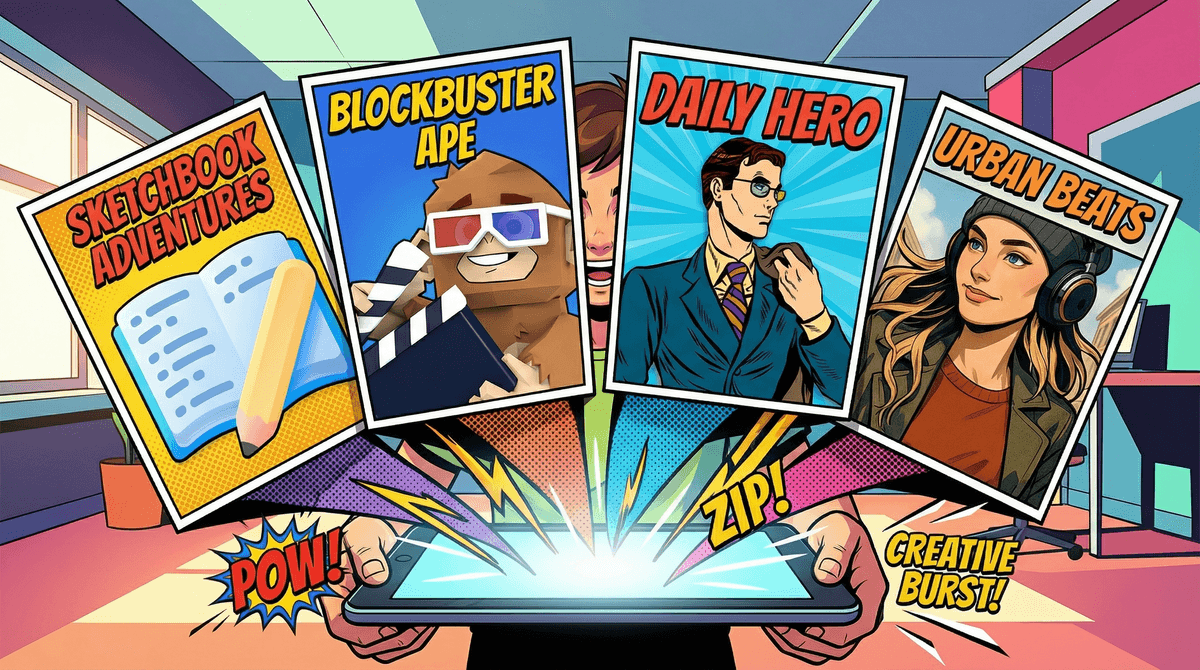
Comic-making apps are digital tools that let kids create their own graphic stories using templates, drawing tools, characters, and speech bubbles. Think of them as the modern evolution of those blank comic strip pages you might remember from your own childhood — except now they come with drag-and-drop characters, special effects, and the ability to share creations instantly.
These apps range from super simple (perfect for early readers) to surprisingly sophisticated (actual graphic novelists use some of these). The best ones strike a balance between structure and creative freedom, giving kids enough scaffolding to get started without boxing them into cookie-cutter stories.
Here's the thing: not all screen time is created equal, and comic-making apps are genuinely one of the better ways kids can spend time on devices.
Literacy skills get a serious boost. Kids who create comics are simultaneously working on writing, reading, sequencing, and visual literacy. They're thinking about dialogue, pacing, and how images and words work together to tell a story. It's basically a creative writing workshop disguised as fun.
The barrier to entry is lower than traditional writing. For kids who freeze up at a blank page of text, comics offer multiple entry points. They can start with pictures and add words later, or use pre-made characters while they focus on dialogue. Kids who struggle with traditional writing often flourish with comics because they can show what they mean, not just tell it.
It's genuinely creative work. Unlike a lot of "creative" apps that are really just consumption with extra steps (looking at you, most YouTube Kids content), comic-making requires kids to generate original ideas, solve problems, and make artistic choices. They're producers, not just consumers.
Pixton (Ages 8+)
This is the one schools actually use. Pixton offers a huge library of customizable characters, backgrounds, and props. Kids can adjust facial expressions, poses, and more. The interface has a learning curve, but once they get it, kids can create surprisingly sophisticated stories. The free version is limited; the full version requires a subscription but includes teacher/parent controls and a safe sharing environment.
Comic Life (Ages 7+)
If your kid loves taking photos, this is the one. Comic Life lets kids import their own photos and turn them into comic panels with filters, speech bubbles, and effects. It's great for kids who want to star in their own superhero adventures or document real-life stories. One-time purchase, no subscription, which honestly feels refreshing.
Book Creator (Ages 5+)
Technically this is a broader book-making app, but the comic templates are excellent and the interface is incredibly intuitive for younger kids. They can draw, add photos, record audio, and even embed video. It's used in tons of elementary classrooms. Free version lets you make one book; unlimited creation requires a subscription.
Strip Designer (Ages 8+)
Another photo-based option that's more streamlined than Comic Life. Kids arrange their photos into comic layouts, add speech bubbles and effects, and export. Great for quick projects and kids who find too many options overwhelming.
ToonTastic (Ages 4-8)
Made by Google, this one is geared toward younger kids and focuses on animated storytelling rather than traditional comics. Kids create characters, record their voices, and animate simple stories. It's completely free with no ads or in-app purchases, which is basically a unicorn these days.
Ages 4-7: Start with ToonTastic or the simplest templates in Book Creator. At this age, focus on sequencing (first, next, then, finally) and don't worry about sophisticated plots. Three panels telling how they built a block tower? That's a complete story.
Ages 8-10: This is the sweet spot for most comic-making apps. Kids have enough fine motor control and literacy skills to really dig into tools like Pixton. They're also starting to understand story structure naturally. Expect a lot of fan fiction featuring Minecraft characters or whatever they're currently obsessed with. That's totally fine and actually shows sophisticated engagement with media.
Ages 11+: Older kids might want more advanced tools. Some graduate to actual illustration apps like Procreate (which has a steeper learning curve but more artistic control). Others love the social aspect and migrate to platforms like Webtoon, though that comes with safety considerations worth understanding .
.
The sharing question: Many comic apps include sharing features or online galleries. This is where you need to pay attention. Apps like Pixton have moderated, education-focused sharing environments. Others connect to broader social networks. Check the settings before your kid publishes their first masterpiece. For younger kids, keeping creations local or sharing only with family is totally reasonable.
The subscription trap: Most of these apps use freemium models — free to try, paid to really use. This is actually fine if you're going to use it regularly, but watch out for apps that lock basic features behind paywalls. Book Creator and Comic Life are more upfront about their pricing.
Storage and export: Comics with lots of images eat up device storage. Make sure you can export finished projects (as PDFs or images) so you can save them elsewhere and delete from the device. Also, printing these out is genuinely worth it — there's something about holding a physical copy of their creation that makes it feel more real to kids.
The "I'm not good at drawing" excuse: This is where these apps really shine. Kids who think they can't draw can use pre-made characters and still tell amazing stories. The writing and storytelling matter more than artistic skill. That said, some kids do want to draw everything themselves, and that's great too — most apps support both approaches.
Print and bind them: Seriously, print their comics and make them into little books. Staple them, put them in sheet protectors, whatever. Physical artifacts make digital creation feel more meaningful.
Create a family comic night: Everyone makes a comic about their week, then you share them. This works surprisingly well and gives you insight into what's actually happening in their lives.
Connect to what they're reading: If they love Dog Man or Amulet, encourage them to create their own stories in that style. Fan fiction is a legitimate and valuable form of creative expression.
Use it for non-fiction too: Comics aren't just for stories. Kids can create how-to guides, explain scientific concepts, or document family trips. This expands their understanding of what comics can do.
Comic-making apps are one of those rare digital tools that actually deliver on the "educational screen time" promise without feeling like homework. They build real skills, encourage creativity, and produce something tangible that kids are genuinely proud of.
The key is choosing an age-appropriate app, setting clear boundaries around sharing and screen time, and then getting out of their way. Don't hover over their shoulder critiquing their plot holes or artistic choices. Let them make weird, nonsensical, or derivative stories. That's how creative confidence builds.
If your kid creates even one comic they're proud of, the app has paid for itself. And who knows — you might be fostering the next graphic novelist, or at least someone who can tell a good story.
Ready to try one? Start with the free version of Book Creator for younger kids or Pixton's trial for older ones. Give them 20-30 minutes to explore without pressure to create something "good."
Want more creative screen time ideas? Check out our guide on creative apps for kids or explore alternatives to YouTube that actually engage their brains.
Concerned about screen time balance? Let's talk about what "too much" actually means for your family's situation.