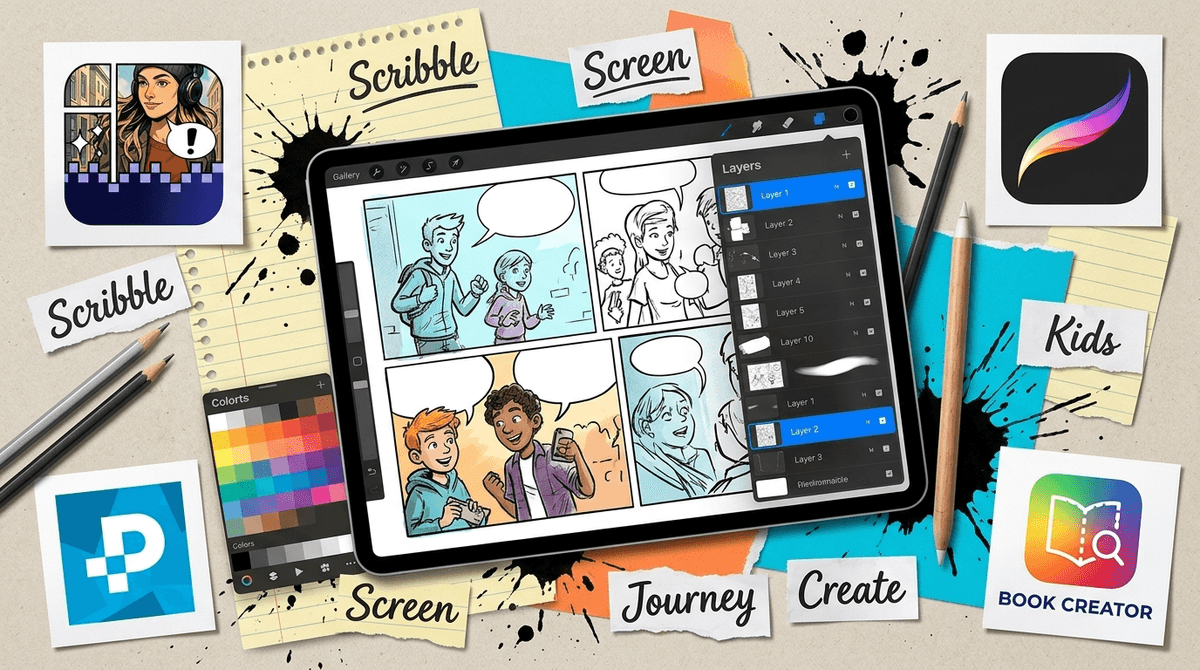
If your kid is obsessed with Dog Man or Smile but freezes up the moment you give them a blank piece of paper and a pencil, Pixton is the bridge. It’s essentially the Lego of storytelling. Instead of worrying about perspective or anatomy, kids act more like a director—choosing the set, casting the characters, and deciding exactly how much side-eye an anime avatar should give a superhero.
The "I Can't Draw" Solution
The real magic here isn't the art itself; it’s the logic. Because the app provides over 100 characters and pre-made backgrounds, it removes the "blank page" anxiety that kills most creative projects before they start. It forces kids to focus on sequencing. They have to figure out how to get a character from point A to point B across three panels, which is a surprisingly high-level cognitive task.
Teachers use this for everything from history reports to "social stories" for neurodivergent kids because it makes complex emotions visual. If a kid wants to show a character is frustrated, they don't just write "he was mad"; they have to scroll through the expressions to find the specific "clenched teeth" or "furrowed brow" look that fits. That’s a masterclass in empathy and visual communication disguised as a cartoon maker.
The Paywall Friction
Let’s be real: the free version is a tease. You’ll download it, your kid will get hyped about making a sprawling epic, and ten minutes later they’ll be tugging on your sleeve because the specific "cool" background or superhero outfit they want is locked behind a premium shield.
If you aren't planning to pay, you need to set that boundary before they even open the app. Otherwise, the experience turns into a series of "No, we aren't buying the anime pack" arguments. If the constant upselling feels like a dealbreaker, you might want to look at our guide to the 7 Best Comic Maker Apps for Kids (Including Pixton Alts) to see if a one-time purchase or a truly free tool fits your vibe better.
The 2019 Social Media Hangover
The app has some legacy features that feel out of place for its primary audience of 8-to-12-year-olds. Specifically, the prompts to share directly to Facebook and Twitter are a relic of when every app tried to be a social network.
In a home setting, the best move is to ignore those buttons entirely. Instead, use the "Save as PDF" or "Save as Image" feature. This lets your kid actually own their work. They can email the final product to a grandparent or print it out to make a physical book. It turns a "digital-only" activity into something tangible, which is usually where the real sense of pride comes from anyway.
How to Level Up the Experience
If your kid is flying through the basic "funny story" phase, give them a constraint. Ask them to explain a scientific concept they learned at school or recreate a scene from a book they’re reading. Pixton handles "complex concepts" better than most creative apps because the storyboard format naturally breaks big ideas into small, digestible chunks. It’s less about making "art" and more about mastering the architecture of a story.