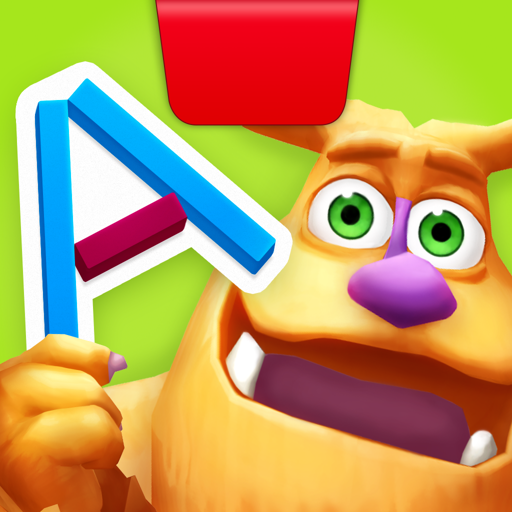
The 'Reflective AI' Magic Trick
Most apps try to keep a kid's eyes locked to the pixels. Osmo does the opposite. By placing a small red reflector over the tablet's front-facing camera, the software 'sees' the table surface in front of the device. When your kid places a silicone ring or draws a line with a dry-erase marker, the app processes that image and integrates it into the game.
In the Monster game, this looks like Mo reaching out of the screen, 'grabbing' the physical object your child just drew, and pulling it into his digital world. It’s a profound moment for a five-year-old. It bridges the gap between 'I made this' and 'this exists in the story.'
Beyond the 'Monster' Game
The Creative Starter Kit usually bundles a few different experiences. Newton is a physics puzzler where you drop physical objects (or draw lines) to guide falling balls into targets. It’s surprisingly deep and gets quite difficult in later levels. Masterpiece turns any photo into a simplified outline that kids can trace on the board, which is a great confidence builder for kids who get frustrated that their drawings 'don't look right.'
The Practical Reality
Parents should be aware that Osmo is a 'system.' Once you buy the base, you'll be tempted by the Coding Awbie kit, the Pizza Co. math kit, and more. It’s an investment. Also, because it relies on the camera, you need a well-lit table. If you're playing in a dim living room in the evening, the tech will glitch, and the 'magic' will break.
One last tip: the dry-erase markers that come with it are fine, but any high-quality wet-erase or dry-erase markers work. Just keep a microfiber cloth handy, because a smudged board is the number one cause of the AI failing to recognize a drawing.