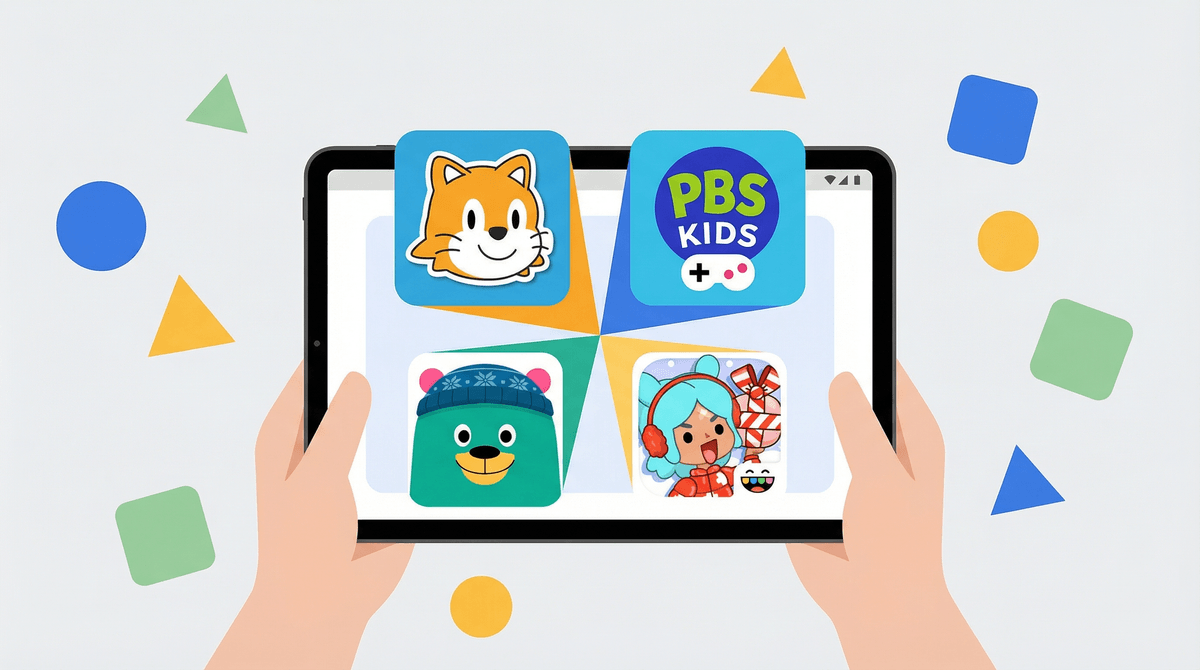
Google Kids Space is what you get when a tech giant tries to solve the 'kids on tablets' problem: a well-intentioned curated launcher that unfortunately doubles as a storefront.
The good news? It does create a safer, more organized space than just giving your kid free rein on a regular Android tablet. The age-appropriate content curation is helpful, and the Family Link integration means you can set limits and monitor usage.
The bad news? Multiple parents report that the UI feels explicitly designed to push paid app purchases, with huge recommendation tiles that make it hard to ignore the commercial pressure. It's less 'digital playground' and more 'digital mall with a kids section.'
If you're already in the Google ecosystem with Android tablets and need parental controls, Kids Space is functional and better than nothing. But don't expect it to be some magical enrichment tool—it's a launcher that gives you a fighting chance at managing screen time without constant battles. Just be prepared to have conversations about why we're not buying every app it recommends.
Age Fit
Best for kids roughly 3-10 who need a contained, supervised environment for tablet time. Older kids will find it restrictive and prefer their own accounts. Only works on Android devices, so check compatibility first.
WISE Breakdown
Wholesome
72
Kids Space curates age-appropriate content and creates a dedicated environment for children to explore apps, books, and videos. The interface is designed to be child-friendly and non-chaotic. However, Reddit parents note the UI heavily pushes paid app recommendations in 'extra huge squares,' which feels more commercial than nurturing. The curation is decent but the monetization pressure undercuts the wholesome vibe.
Imaginative
58
Kids Space is essentially a launcher/portal that organizes existing content rather than creating original experiences. It provides access to educational apps, books, and videos, but it's fundamentally a discovery and organization tool. The imaginative value depends entirely on what content kids access through it, not the platform itself. It's functional but not inherently creative or curiosity-sparking.
Safe
71
Content is curated and age-gated, which is good. Works with Family Link for parental controls. However, the aggressive promotion of paid apps (per Reddit feedback) creates a commercialized environment that feels manipulative. The Everymom review notes it's 'more curated' than handing over your phone, but the interface design intentionally pushes purchases. Not dangerous, but the monetization tactics are questionable for a kids-focused product.
Enriching
64
Access to educational content, books, and learning apps can be enriching, but Kids Space is just a gateway—the actual enrichment depends on what kids choose. The platform itself doesn't teach or build skills; it's a curated storefront. The heavy emphasis on app recommendations (many paid) suggests the priority is commerce over education. Potential for enrichment exists, but the execution feels more like a shopping mall than a library.
Parent Info
✓
Why It Might Be Great
Provides age-appropriate content curation so kids aren't wandering into random corners of the Play Store
Integrates with Family Link for screen time limits and parental controls
Organizes apps, books, and videos in a kid-friendly interface
Better than just handing your kid your unlocked phone and hoping for the best
⚠
What to Watch For
The interface heavily promotes paid apps with giant recommendation tiles—feels like it's designed to generate purchases
Reddit parents report frustration with the commercial pressure baked into the UI
Only works on Android devices (tablets primarily), so iOS families are out of luck
The value depends entirely on what content you allow access to—it's a gateway, not the destination
Conversation Starters
"What apps or games did you discover today that you want to try?"
"I noticed Kids Space is showing you a lot of apps to buy—let's talk about which ones are actually worth it"
"What's your favorite thing to do in Kids Space—read, play games, or watch videos?"