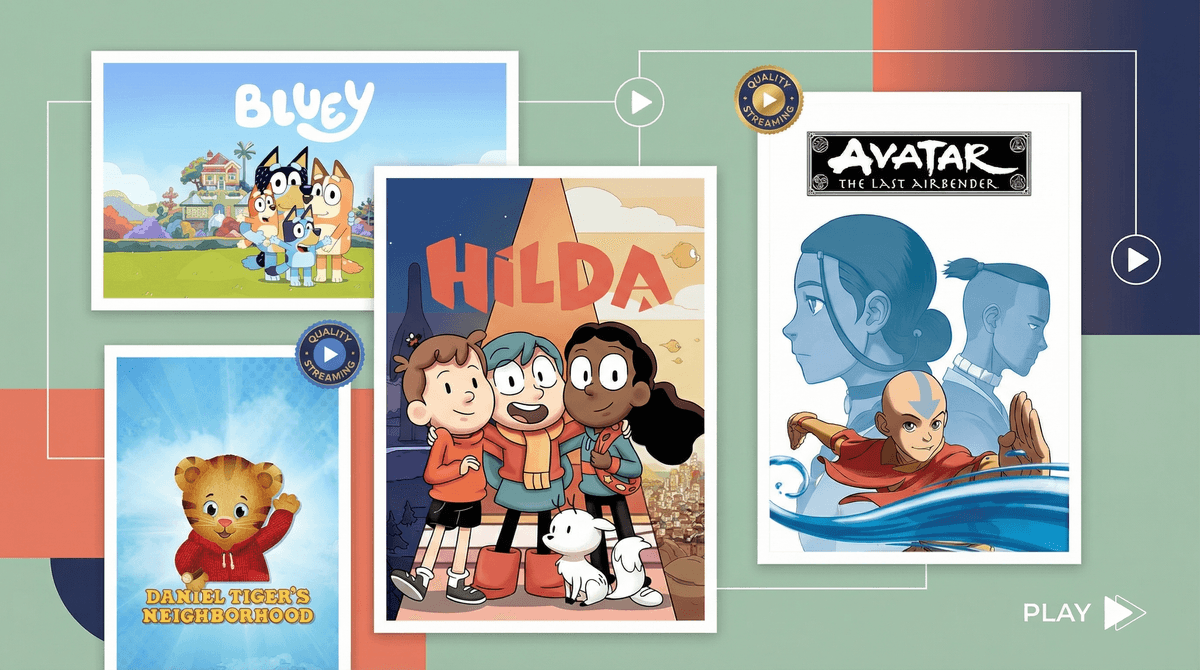
The antidote to the doom-scroll
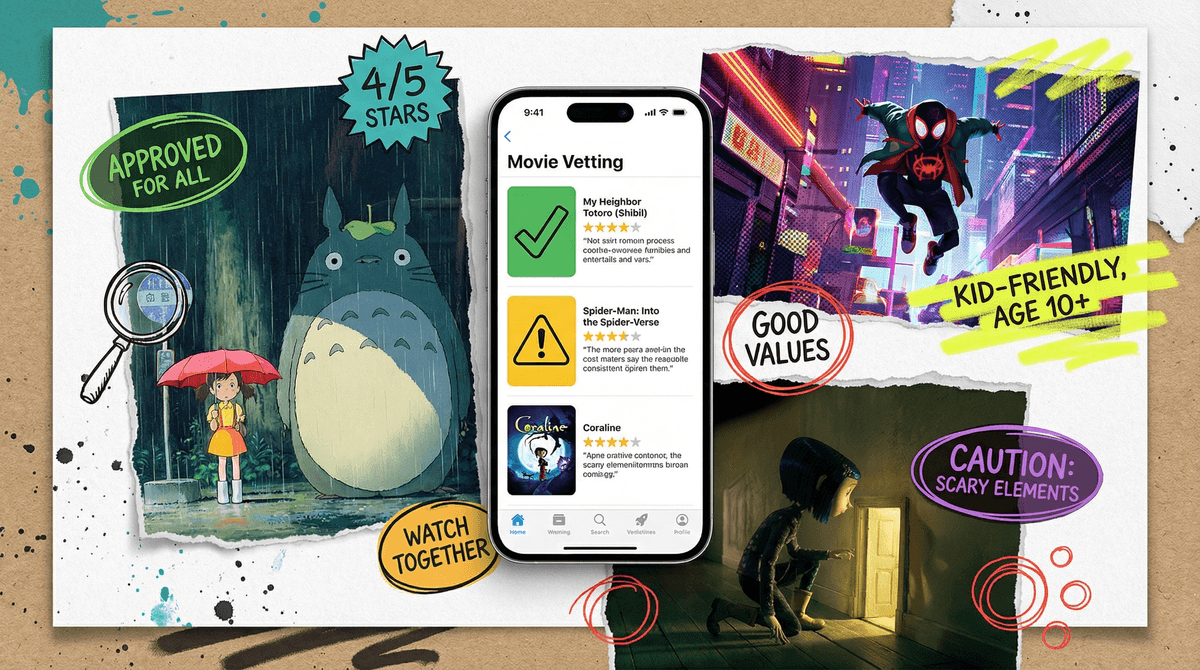
Family movie night usually starts with high hopes and ends forty minutes later with everyone staring at their phones because nobody could agree on a title. The Common Sense Media app is the primary tool for ending that paralysis. While the website has been the gold standard for years, having the app on your phone while you're sitting on the couch makes the "can they watch this?" check much faster.
The real utility here isn't just the age rating. It’s the granular breakdown. If you have a kid who is fine with cartoon violence but has a total meltdown at the slightest hint of a "sad dog" trope, the detailed content grids are your lifeline. You can skip the vague MPAA ratings and get straight to the specifics of what actually happens in the story.
Reading between the lines
You have to know how to use the reviews. The staff reviewers can occasionally lean into a "safety first" vibe that might feel a bit conservative if your family is more relaxed. If a movie gets a "12+" rating, an intentional parent can often look at the specific "Language" or "Sexy Stuff" markers and realize it’s actually a green-light for their mature ten-year-old.
The community section is where the real nuance lives. There is a persistent, often hilarious gap between the "Parent Reviews" and the "Kid Reviews." Seeing a parent claim a show is "traumatizing" right next to a twelve-year-old's review saying "it was kind of mid and the CGI was bad" gives you a better perspective than any official rating ever could. It helps you understand the ultimate guide to knowing what's in movies isn't about following a rulebook, but about knowing your own kid's specific triggers.
Beyond the "bad stuff"
Most parents use this app to filter out gore or profanity, but the "Positive Messages" and "Role Models" sections are arguably more useful. In an era where a lot of kids' media feels like a frantic toy commercial, being able to search for content that scores high on integrity or perseverance is a cheat-code.
This is especially true when you're trying to find diverse stories. If you want to understand how the app labels different types of characters and themes, it's worth looking at how representation ratings explained can help you curate a library that actually reflects the real world.
The negotiation tool
If you have a tween who is lobbying hard to watch a PG-13 slasher or play an M-rated shooter, don't just say no. Open the app together. Use the "Conversation Starters" section to ask them how they’d handle the themes the reviewers are worried about.
When you make the app the "third party" in the argument, it stops being about your arbitrary rules and starts being about the actual content. For a deeper look at how to integrate this into your routine, check out our take on Common Sense Media: Your Secret Weapon for Age-Appropriate Content. It turns a potential fight into a moment of media-literacy training.