

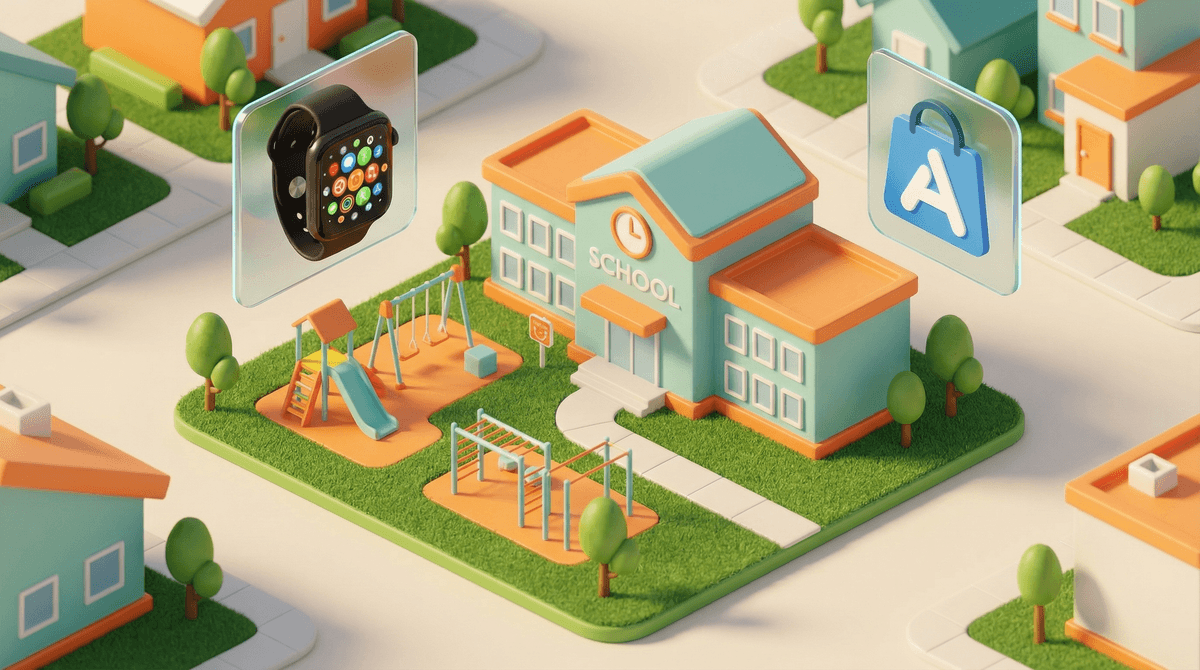
Let's be real: when I first heard about parents getting Apple Watches for their 8-year-olds, my initial reaction was "absolutely not." But then I actually looked into it, and honestly? It's more nuanced than I expected.
An Apple Watch for kids isn't about giving them a miniature smartphone on their wrist (though it can be that if you're not careful). For most families considering this for third grade, it's primarily a communication and safety device. Think of it as a step between "my child has zero way to reach me" and "here's a full smartphone with TikTok and Snapchat."
The Apple Watch SE (the more affordable option most parents choose) can work in two ways: connected to your child's iPhone, or set up through Family Setup, which lets the watch work independently without your kid needing their own phone. With Family Setup, you can give your third grader a way to call, text, and use GPS tracking without handing them the entire internet.
Here's what I'm hearing at pickup and in group chats: parents aren't buying Apple Watches for third graders because they think their 8-year-old needs to track their steps or check their email. The reasons are usually more practical:
The "they're getting more independent" factor: Third grade is often when kids start walking to a friend's house, going to the park without you hovering, or staying after school for activities. Having a way to reach them (and vice versa) provides peace of mind without the full commitment of a smartphone.
The carpool coordination chaos: "I'm here," "Running 5 minutes late," "Pick me up at Sarah's instead" – these messages are the lifeblood of modern parenting, and a watch makes this possible without your kid pulling out a phone during class.
Divorce and co-parenting: For families navigating two households, a watch gives kids direct access to both parents without needing to ask permission or borrow someone else's device.
The "everyone else has something" pressure: By third grade, some kids have phones, some have watches, some have nothing. The watch can feel like a middle ground that acknowledges your kid's growing independence without going all-in on a device you're not ready for.
According to recent surveys, about 15-20% of third graders have some form of smartwatch, with Apple Watch being the most common among families who can afford it. For context, around 25-30% of third graders have their own smartphone, so watches are increasingly becoming that "starter device."
The average age for a first smartphone hovers around 10-11 years old (fourth or fifth grade), which means third grade sits right in that transitional zone where families are starting to think about connectivity but aren't necessarily ready for full device access.
If you're seriously considering this, here's what actually matters for a third grader:
What to Enable:
- Calls and texts to approved contacts only (you control the list)
- GPS location tracking (this is probably the main reason you're considering it)
- Emergency SOS features
- Activity tracking (the step counter and movement reminders can actually be fun and healthy)
- Maybe a few approved apps like audiobooks or educational games for long car rides
What to Disable or Limit:
- App Store access (you don't want them downloading random games)
- Web browsing (the Safari app can be restricted)
- Most notifications (they don't need every ping and buzz)
- Social media (obviously – though this shouldn't even be a question at this age)
Set Clear Expectations:
Third graders need really concrete rules about their watch:
- When it needs to be charged (every night in the kitchen, not their bedroom)
- When it's okay to use it (not during class, family dinner, or homework time)
- What happens if they lose it or break it (natural consequences are good teachers)
- That you can see their location and messages (no surprises here)
Let me acknowledge the elephant in the room: giving any connected device to an 8-year-old comes with legitimate concerns.
Distraction: Even without games and social media, a watch can be distracting. That little haptic tap on the wrist is designed to grab attention. Some schools have policies about smartwatches for exactly this reason – check what your school's policy is before buying.
The slippery slope: Is this just delaying the inevitable phone conversation by six months? Or is it genuinely teaching responsibility with a more limited device first? Honest answer: depends on your family and how you approach it.
Cost and privilege: Apple Watches aren't cheap ($250+ for the SE, plus cellular service if you want it to work independently). This creates visible economic divides among kids, and that's worth acknowledging and discussing with your child.
Screen time creep: Even with restrictions, you're introducing another screen into your child's life. The American Academy of Pediatrics recommends no more than 1-2 hours of recreational screen time for this age group, and a watch can nibble away at that without you realizing it.
It's not a magic safety solution: GPS tracking gives you information, but it doesn't actually keep your child safer in most situations. It's a tool, not a security system.
Your child needs to be responsible enough: Can your third grader remember to charge a device nightly? Not lose a $300 piece of technology? Follow rules about when to use it? If you're constantly reminding them about their water bottle and homework folder, maybe wait.
You'll need to actively manage it: Family Setup requires ongoing parental involvement. You're not just buying a device; you're signing up for another thing to monitor and manage.
Consider the "why" carefully: Are you getting this because you need the peace of mind, or because your child actually needs more independence? Both can be valid, but it's worth being honest about the motivation.
Before dropping $250+ on an Apple Watch, consider:
- Gabb Watch: A smartwatch designed specifically for kids with calling, texting, and GPS but no internet access or games ($150)
- A basic flip phone: Old school but effective for communication without the bells and whistles
- Waiting until fourth or fifth grade: Sometimes the best decision is "not yet"
- A family phone: One shared device that stays at home for emergency calls
An Apple Watch for a third grader isn't inherently good or bad – it's a tool that works really well for some families and is completely unnecessary for others.
It might make sense if:
- Your child is genuinely gaining independence (walking places, activities without you)
- You've got co-parenting logistics that require direct communication
- Your kid has demonstrated responsibility with other belongings
- You're committed to setting it up properly and maintaining boundaries
- You can afford it without financial stress
Hold off if:
- Your child is still pretty supervised most of the time (no judgment – third grade is young!)
- They're not ready for the responsibility
- Your main motivation is "other kids have them"
- You're hoping it will solve problems that aren't really about connectivity
If you're leaning toward yes:
- Talk to your child about what it is and isn't (it's not a toy or a status symbol)
- Check your school's policy on smartwatches in class
- Set up Family Setup properly with strict controls before handing it over
- Create a family tech agreement that includes watch rules
- Plan for a trial period – you can always take it back if it's not working
If you're leaning toward no:
- Acknowledge your child's growing independence in other ways
- Problem-solve the actual issues (is this really about safety, or coordination, or peer pressure?)
- Revisit in six months or a year – third grade to fourth grade brings real developmental changes
Remember: you know your kid, your family situation, and your values better than any blog post or parenting survey. Trust your gut, and don't let anyone make you feel like you're behind or ahead of where you "should" be.
Want to explore this more? See guidance for your specific situation – because every family's context is different, and generic advice only goes so far.