

Let's start with the basics. YouTube is the massive video platform we all know—everything from cooking tutorials to gaming streams to music videos to, yes, conspiracy theories about lizard people. It's the internet's video library, unfiltered and endless.
YouTube Kids is YouTube's attempt at a kid-friendly version. It launched in 2015 after years of parents (rightfully) freaking out about what their kids were stumbling onto. It's a separate app with its own interface, designed specifically for children under 13.
Here's what's interesting from our community data: only 20% of families are using YouTube Kids, while 80% report their kids either use regular YouTube (42% solo, 38% supervised) or don't use either platform. That's a pretty stark difference, and it tells us something important—most families are either skipping the kids' version entirely or avoiding YouTube altogether.
Content Filtering
YouTube Kids uses a combination of automated filters, human review, and parental feedback to curate content. You can choose between three age-based content levels: Preschool (ages 4 and under), Younger (ages 5-8), and Older (ages 9-12). The app blocks comments entirely and limits what videos appear.
Regular YouTube has basically no meaningful content filtering unless you turn on Restricted Mode , which is... inconsistent at best. It relies on community flagging and automated systems that often miss inappropriate content until it's already been viewed millions of times.
The reality? Neither system is perfect. YouTube Kids has had high-profile failures where disturbing content (like those creepy Elsagate videos) slipped through. Regular YouTube's algorithm can send kids down rabbit holes from innocent gaming videos to increasingly inappropriate content in just a few clicks.
The Interface and Experience
YouTube Kids has a simplified, colorful interface with big buttons and easy navigation. No endless scroll of recommended videos in the sidebar trying to hijack attention (well, less of it anyway).
Regular YouTube is designed to maximize watch time. The algorithm is incredibly good at keeping people watching, which is great for YouTube's ad revenue and terrible for your kid's ability to watch "just one more video" before bed.
Ads and Monetization
YouTube Kids shows ads, but they're supposed to be family-friendly and can't be for food, beverages, or restaurants. No clickable links in ads. No ads for movies rated higher than G.
Regular YouTube shows whatever ads the algorithm thinks will get clicks. Your 10-year-old watching Minecraft videos? They might see ads for horror movies, dating apps, or political campaigns.
Both platforms have paid content and channel memberships, but YouTube Kids limits what's available.
Search and Discovery
This is huge. In YouTube Kids, you can actually turn off search entirely. Your kid can only watch videos you've pre-approved or that appear in their curated feed. This is honestly one of the best features for younger kids.
Regular YouTube is all about search and discovery. The algorithm is constantly suggesting "what's next," and that's where things can go sideways fast.
The jump from YouTube Kids to regular YouTube isn't just about content—it's about algorithmic exposure. YouTube Kids, for all its flaws, tries to keep kids in a bounded space. Regular YouTube is designed to pull everyone (including adults who should know better) into infinite scroll mode.
About 42% of kids in our community data are using YouTube solo—meaning without active supervision. That's fine for older kids who've learned digital literacy skills, but it's worth asking: has your kid actually learned how to evaluate sources, recognize clickbait, or understand when they're being manipulated by an algorithm?
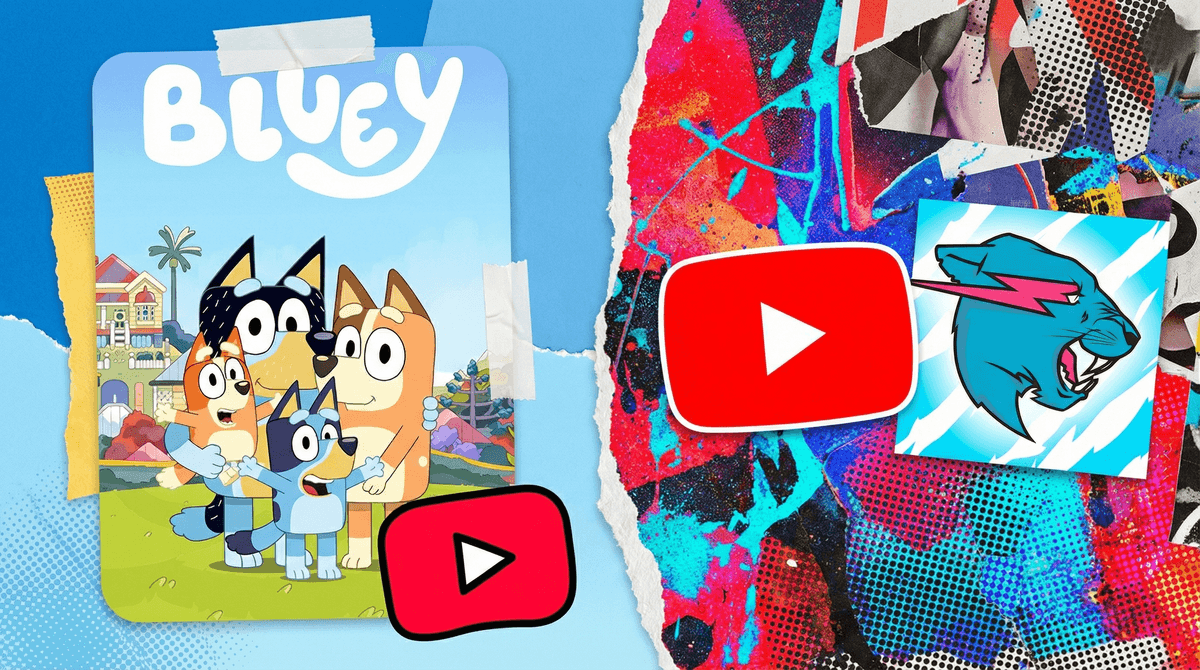
Ages 4-7: YouTube Kids with search turned off and parent-approved content only. Yes, this means more work for you upfront, but it's worth it. Check out channels like Bluey, StoryBots, or Cosmic Kids Yoga.
Ages 8-10: YouTube Kids with search enabled, or supervised YouTube with clear boundaries. This is a good age to start teaching them how to evaluate content. Watch together and talk about what makes a video trustworthy or just clickbait garbage.
Ages 11+: Transition to regular YouTube with ongoing conversations about what they're watching. Consider keeping devices in common areas. Use YouTube's supervised experience if you want something between Kids and full access.
YouTube Kids isn't set-it-and-forget-it safe. You still need to check in on what they're watching. The algorithm can still serve up low-quality content that's technically "safe" but basically brain rot.
Regular YouTube requires active media literacy education. If your kid is using regular YouTube, they need to understand how algorithms work, how to spot misinformation, and why that thumbnail of MrBeast with his mouth open is designed to hijack their attention.
The transition matters. Don't just hand over regular YouTube access one day without preparation. Spend time watching together, discussing what makes content valuable vs. just entertaining, and setting clear expectations.
Consider alternatives. Streaming services like Netflix, Disney+, or PBS Kids don't have the algorithmic rabbit hole problem. Sometimes the best choice is just avoiding YouTube entirely for younger kids.
YouTube Kids is better than regular YouTube for younger children, but it's not a substitute for parental involvement. Regular YouTube can be fine for older kids who've developed critical thinking skills and media literacy, but it requires ongoing conversation and boundary-setting.
The 80% of families not using YouTube Kids in our data might be onto something—sometimes the best solution is just saying "not yet" to the whole platform until kids are truly ready.
-
Audit what your kids are actually watching right now. Sit down and look at their watch history together.
-
Have a conversation about algorithms. Help them understand why videos are recommended
and how companies profit from their attention. -
Set up YouTube Kids properly if you're using it—choose the right age setting, decide about search, and approve channels manually.
-
Create a family media plan that includes not just what platforms are okay, but when, where, and how they're used.
-
Check in regularly. Digital media changes fast. What was fine last month might not be fine now.
Want to see how your family's YouTube usage compares to others in your community? Take the Screenwise survey to get personalized insights and recommendations.