

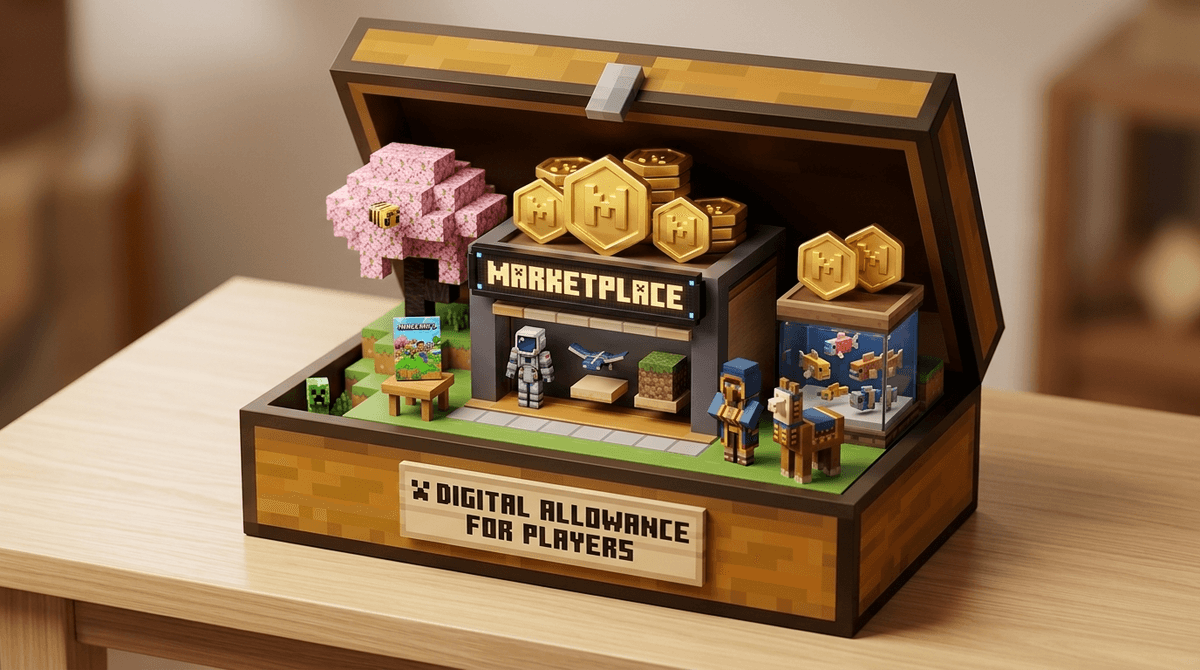
TL;DR: Minecoins are the virtual currency used in the Minecraft Marketplace (specifically for the "Bedrock" version on consoles, mobile, and Windows). They aren't a scam, but they are a very effective way to turn $10 of your real money into a digital "skin" that makes your kid look like a neon axolotl. If you want to keep your bank account safe while letting them explore, set up a "Digital Allowance" and stick to it.
Get a script for saying no to more Minecoins
If your kid is playing Minecraft on an iPad, Xbox, PlayStation, or Nintendo Switch, they are playing the Bedrock Edition. This version features the Minecraft Marketplace, a digital storefront where creators sell everything from new outfits (skins) to massive pre-built worlds.
Minecoins are the "gold coins" used to buy this stuff. You buy the coins with real money through your device's app store, and then your kid spends those coins in the game.
The conversion rate is roughly 160 Minecoins for every $1 USD.
It sounds simple, but like Robux in Roblox or V-Bucks in Fortnite, the currency is designed to create a "buffer" between the spending and the actual value. It’s a lot easier for a 7-year-old to click "Buy" on 490 coins than it is for them to realize they just spent five bucks of their birthday money.
To us, Minecraft is a game about punching trees and building dirt huts. To kids, it's a social hub.
- Status Symbols: In the world of Minecraft, looking like "Default Steve" is the digital equivalent of wearing socks with sandals. Buying a "Skin Pack" lets them look like a YouTuber, a dragon, or a "glitched" character.
- New Gameplay: The Marketplace isn't just about looks. There are "Adventure Maps" that turn the game into a completely different experience—like a Star Wars RPG or a Jurassic World dinosaur park.
- The "Hype" Factor: Creators often release limited-time packs tied to things kids already love, like SpongeBob SquarePants or Sonic the Hedgehog.
Not all Marketplace content is created equal. Here is the no-BS breakdown of where that money goes:
These are just outfits. They don't give your kid "powers" or make them better at the game. They just change how the character looks.
- The Verdict: Usually the cheapest option (around $1-$3), but also the most "useless" in terms of actual gameplay. It’s purely for the "cool" factor.
These change what the entire world looks like. Instead of blocky grass, maybe everything looks like candy, or a cartoon, or ultra-realistic high-definition stone.
- The Verdict: These can actually breathe new life into the game for a kid who is getting bored. If they want the Super Mario pack, the whole world becomes Mushroom Kingdom themed.
These are the "big" purchases. They are pre-built worlds with specific goals, stories, or mini-games.
- The Verdict: These offer the most "bang for your buck." A good map can provide hours of new content. However, be careful: some maps are just "empty cities" that look cool in the thumbnail but have nothing to do inside.
Learn how to spot "low-effort" Minecraft Marketplace content
Ages 5-8
At this age, the concept of "virtual currency" is basically magic. They don't understand that Minecoins = Work Hours for Mom/Dad.
- Strategy: Strict "No" on independent spending. If they want something, they have to show it to you, and you buy it through your password-protected account.
Ages 9-12
This is the prime "Minecoin begging" phase. They see their friends with cool skins and feel the social pressure.
- Strategy: This is the perfect time for a Digital Allowance. Give them a set amount of Minecoins per month (or as a reward for chores). Once the coins are gone, they're gone.
Ages 13+
By now, they might be moving toward the "Java Edition" of Minecraft on a PC, which actually allows for thousands of free mods and skins.
- Strategy: If they are still on Bedrock, they should be using their own money. If they are on PC, teach them how to safely download free content from reputable sites like Planet Minecraft instead of spending money in the Marketplace.
The good news? The Minecraft Marketplace is a "walled garden." Unlike Roblox, where any random person can upload a game that might be buggy or inappropriate, everything in the Minecraft Marketplace is vetted by Microsoft.
The real danger isn't safety—it's the "Drip-Feed" spending.
- Disable One-Click Purchases: Ensure your Apple ID, Google Play, or Microsoft account requires a password or biometric (FaceID/Thumbprint) for every single purchase.
- Watch Out for "Subscription" Vibes: While Minecraft doesn't have a battle pass exactly like Fortnite, they do have Marketplace Pass, a monthly subscription that gives access to a rotating catalog of items. Unless your kid plays constantly, these are usually a waste of money.
When the "Can I have Minecoins?" request comes in (usually while you're trying to make dinner), don't just say "no" or "fine, whatever." Use it as a moment to talk about digital value.
Try saying: "I'm happy to look at what you want to buy. Is this something that changes the game, or just an outfit? If we spend your allowance on this skin, you won't have enough for that LEGO set we saw. Which one matters more to you?"
You’d be surprised how often a kid will choose the physical toy when they realize the digital skin is "real" money.
Minecoins aren't inherently "brain rot" or a scam. They are the way the modern gaming industry works. The Minecraft Marketplace is actually one of the more "parent-friendly" storefronts because the content is generally high-quality and safe.
However, it is a spending trap if you don't have boundaries. Treat Minecoins like candy: fine in moderation, but if you let them have the whole bag, you're going to have a headache later.
- Check the Version: Make sure they are actually on Bedrock. If they are on Java, they don't need Minecoins—everything is free if you know where to look.
- Set the Password: Go to your device settings right now and ensure a password is required for purchases.
- Audit the Marketplace: Sit with them for 10 minutes. Let them show you what they want. You'll learn a lot about what they value (and you'll probably laugh at how ugly some of the "cool" skins are).