

TL;DR: App permissions are the "gatekeepers" of your child's data. Most games don't actually need to know your location or see your contacts to work. If an app asks for something that seems "sus" (as the kids say), it’s usually about data mining or ad targeting. Stick to the "Need to Know" basis: if the app doesn't need the camera for its primary function, don't give it access.
Quick Links for the Privacy-Conscious Parent:
We’ve all been there. You finally cave and let your kid download that new "trending" game they saw on a YouTube short—something with a title like "Skibidi Toilet Survival" or some other fever-dream nonsense. You hit download, and immediately, a pop-up appears: "Allow this app to access your precise location?"
Wait, what? Why does a game about a head in a toilet need to know I’m currently sitting in the carpool lane at elementary school pickup?
It feels intrusive because, frankly, it is. But in 2026, navigating app permissions is just part of the modern parenting tax. It’s the digital version of checking the ingredients on a box of fruit snacks—you want to know what’s actually inside before you hand it over.
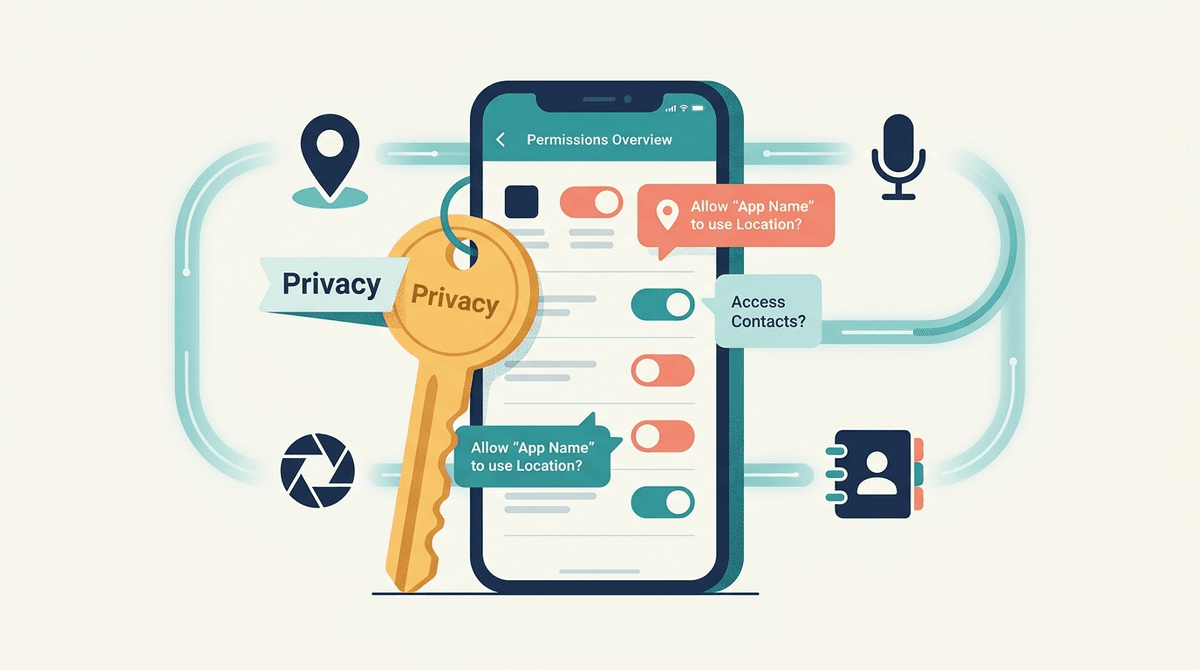
Think of app permissions as a series of digital keys. When you download an app like Minecraft or Toca Life World, the app is asking for permission to unlock certain doors on your phone or tablet.
These "doors" include your camera, your microphone, your photos, your contacts, and your GPS location. In a perfect world, an app only asks for the keys it needs to function. A navigation app needs your GPS. A photo editor needs your camera roll.
But we don't live in a perfect world. We live in a world where "free" apps are rarely free—they’re often paid for by collecting and selling your data. When an app asks for a key it doesn't need, it's usually trying to build a profile of your child to sell to advertisers.
Ask our chatbot for a privacy audit of your kid's favorite apps
If you're going to be intentional about one thing this week, make it these three permissions. They are the most common ways apps overstep.
1. Location (Precise vs. Coarse)
This is the big one. Apps will often ask for "Precise Location." This uses GPS to pin you down to within a few feet. "Coarse Location" is more like "somewhere in North Dallas."
- The Verdict: Most games, like Among Us or Subway Surfers, have zero legitimate reason to know your precise location. If it asks, just say "No" or "While Using App" (and even then, only if it's a map or weather app).
2. Microphone and Camera
Apps like Snapchat or TikTok obviously need these to function. But does a calculator app or a basic puzzle game need them? Absolutely not.
- The Concern: There’s a lot of "brain rot" content out there—low-quality apps that might use the microphone to listen for TV ads in the background to better target your family with marketing. It sounds like a conspiracy theory, but it's a documented ad-tech tactic.
3. Tracking (The "Ask App Not to Track" Prompt)
If you’re on an iPhone, you’ve seen this one. It’s the pop-up that asks if you’ll allow the app to track your activity across other companies' apps and websites.
- The Verdict: This is a hard "No" for kids (and honestly, for you too). There is no benefit to your child for allowing Roblox or YouTube Kids to follow them around the internet.
From a kid’s perspective, permissions are just a boring obstacle between them and the game. They will click "Allow" on literally anything to get to the start screen. They aren't being reckless; they're just being kids.
From a developer's perspective, data is money. Even a "wholesome" looking app can be a data vacuum. If a developer knows your kid is 10, lives in a specific zip code, and plays Duolingo every morning at 7:00 AM, that’s a valuable data point.
Let’s look at a few heavy hitters in the average household:
Roblox is a behemoth. It will ask for Microphone access for its voice chat feature (Spatial Voice). If your kid isn't old enough or you aren't comfortable with them talking to strangers, disable this at the system level. It also asks for Contacts to "find friends." Skip it. Your kid can find their friends by typing in their username manually. Check out our guide to Roblox parental controls
This app is all about the "authentic" moment, which means it requires the Camera. However, it also defaults to sharing your Location with every post. For a teenager, this is a safety nightmare. You can (and should) turn off location sharing while still letting them use the camera.
Meta’s "safe" version for kids. It needs the Camera and Microphone for video calls. Because it’s tied to a parent’s account, it’s a bit more contained, but it still collects usage data. It’s a "better than the alternative" situation, but still worth a look.
How you handle this depends on where your kid is in their digital journey.
- Ages 5-10: This is the "Locked Down" phase. You should be the one hitting "Download" and you should be the one managing permissions in the settings menu. They don’t need to "find friends" via contacts, and they definitely don't need to be tracked.
- Ages 11-14: This is the "Negotiation" phase. Start explaining why you’re saying no to certain permissions. Use the "Ohio" rule: if an app's request feels weird or "Ohio" (meaning cringe/strange), we don't grant it.
- Ages 15+: This is the "Audit" phase. Sit down with them once a month and go to Settings > Privacy & Security > App Self-Audit. Have them look at which apps have been using their location or mic. It’s a great lesson in digital agency.
Both the Apple App Store and Google Play Store now have "Privacy Labels." Before you download, scroll down to the "App Privacy" section. It will tell you exactly what data is "Linked to You" (like your name) and what is used for "Third-Party Advertising."
If you see a simple game like Solitaire claiming it needs your "Contact Info" and "Browsing History," that’s a massive red flag.
Ask our chatbot for a list of privacy-respecting games for kids
Look, your kid just wants to play the game. They don't want a lecture on the GDPR or data brokerage.
Try this: "I’m totally fine with you playing Minecraft, but this app is asking to see our photos. It doesn't need our photos to build a cool castle, right? So we’re going to say no to that part so we can keep our private stuff private."
It’s not about being the "tech police"; it’s about being a "tech mentor." You're teaching them that their digital footprint has value and is worth protecting.
Permissions aren't a "set it and forget it" thing. Apps update, and sometimes those updates reset your preferences (annoying, I know).
Next Steps for this weekend:
- Grab your kid's device.
- Go to Settings > Privacy.
- Tap on Location Services and see who has been "tracking."
- Tap on Microphone and Camera and revoke access for anything that doesn't strictly need it.
- Check out our guide on how to set up a new phone for a kid for a deeper dive.
Parenting in 2026 is exhausting, but taking five minutes to flip a few switches in the settings menu is one of the easiest wins you can get. You've got this.