

The Ultimate Guide to Parental Control Apps: What Actually Works in 2026
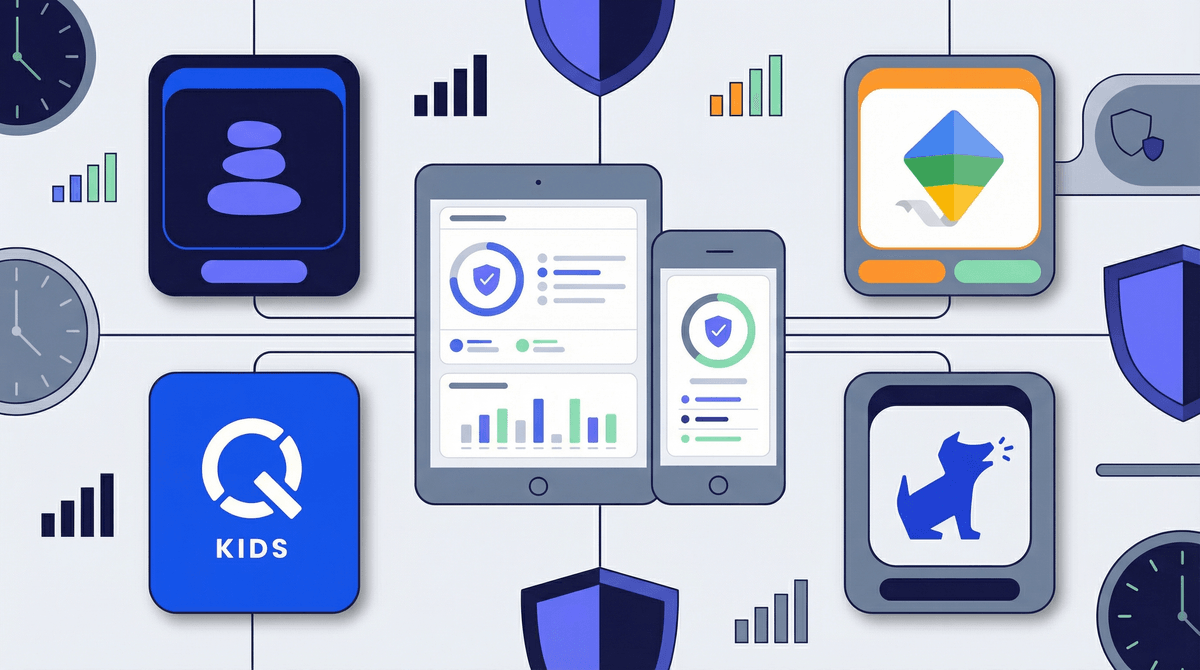
Parental control apps are software tools that let you monitor, limit, or filter your kids' device usage. They can do everything from blocking websites and apps to tracking location, setting screen time limits, and monitoring text messages. Some are built into devices (like Apple's Screen Time or Google Family Link), while others are third-party apps you install separately.
The promise? Peace of mind. The reality? It's complicated.
Here's the thing: parental control apps are tools, not solutions. They can't replace conversations about why we have boundaries, and they definitely can't outsmart a determined 13-year-old with access to Reddit. But used thoughtfully, they can be genuinely helpful—especially for younger kids or families just starting to set digital boundaries.
The parental control app market is kind of a mess right now. There are dozens of options ranging from free built-in features to $200/year premium subscriptions. Some work great. Some are privacy nightmares. Some are so easy to bypass that your 10-year-old will crack them before lunch.
And here's what nobody talks about: the more controlling the app, the more it can damage trust. Reading your teenager's private messages might feel like responsible parenting, but it can also feel like surveillance that destroys your relationship. There's a real balance to strike between safety and autonomy, and it shifts as kids get older.
The other issue? Tech moves faster than these apps can keep up. A new app your kid wants to use might not be in the filtering database. They'll find workarounds using VPNs or just switching to a friend's device. And let's be honest—if you're relying entirely on an app to keep your kid safe online, you've already lost the plot.
Built-In Device Controls (Free)
Apple Screen Time and Google Family Link are the MVPs here. They're free, they're already on your devices, and they're surprisingly robust.
- Best for: Ages 5-13, families just starting out with boundaries
- What they do well: Screen time limits, app blocking, content filtering, location tracking
- What they don't do: Monitor social media content, track messages in detail, work across different ecosystems (Apple and Android don't play nice together)
The bottom line: Start here. Seriously. Most families don't need anything more sophisticated than this, especially for elementary and middle school kids.
Comprehensive Monitoring Apps ($50-150/year)
Apps like Bark, Qustodio, and Net Nanny offer more detailed monitoring and work across multiple devices.
-
Bark ($14/month or $99/year): Monitors texts, emails, and social media for concerning content (cyberbullying, sexual content, depression indicators). It doesn't show you everything—just alerts you to potential issues. This is actually genius because it respects privacy while still catching red flags.
-
Qustodio ($55-138/year depending on number of devices): More traditional monitoring with detailed activity reports, screen time management, and web filtering. Good if you want granular control.
-
Net Nanny ($40-90/year): Strong web filtering and screen time management. The interface is... not great, but it works.
Best for: Ages 10-15, families dealing with specific concerns (online safety issues, gaming addiction, social media drama)
Real talk: These apps are powerful, but they require constant communication with your kids. If you install Bark without telling your teenager, you're not keeping them safe—you're teaching them that surveillance is normal in relationships.
Location & Communication Safety ($5-10/month)
Life360 and similar apps focus primarily on location tracking and driving safety.
- Best for: Ages 13+, families who want location awareness without full device monitoring
- What parents miss: This isn't really a "parental control" app—it's a family coordination tool. Don't expect it to manage screen time or filter content.
Gaming-Specific Controls
If your main concern is Roblox, Fortnite, or Minecraft, you might not need a separate app at all. Most gaming platforms have robust parental controls built in. Check out how to set up Roblox parental controls or learn about Fortnite's safety features before paying for third-party software.
Ages 5-8: Built-in device controls are plenty. Focus on time limits, content ratings, and keeping devices in common areas. You don't need to monitor their YouTube Kids viewing history—just set it to approved content only.
Ages 9-12: This is the sweet spot for parental control apps. Kids are gaining independence but still need guardrails. Use screen time limits, web filtering, and location tracking. Consider Bark if they're starting to use social media or messaging apps.
Ages 13-15: Tread carefully. Monitoring should shift toward safety (red flags for depression, bullying, predatory behavior) rather than surveillance (reading every text). Bark's alert-based system works better here than reading full message logs. Have explicit conversations about what you're monitoring and why.
Ages 16+: Honestly? Most parental control apps become counterproductive at this age. If you haven't built a foundation of trust and communication by now, an app won't fix it. Focus on conversations about digital citizenship, consent, and critical thinking. Location tracking might still make sense for driving safety, but reading their messages probably doesn't.
The Bypass Problem
Every parental control app can be bypassed. Kids share workarounds on TikTok and Reddit. They'll use VPNs, factory reset devices, or just use a friend's phone. This is not a reason to give up—it's a reason to remember that tech solutions only work alongside human relationships.
The Privacy Trade-Off
Many parental control apps collect extensive data about your family. Read the privacy policies. Some sell anonymized data. Some have had security breaches. You might want to dig into what data these apps actually collect .
.
The Cost Creep
Free trials are common, but they auto-renew at full price. A "family plan" might only cover 5 devices when you have 7. Factor in the real annual cost before committing.
The False Security
No app can protect your kid from everything. They can't detect every concerning conversation. They can't prevent every bad decision. They can't replace you actually talking to your kid about hard stuff.
Start with built-in controls. Apple Screen Time and Google Family Link are free, effective, and good enough for most families with kids under 13.
Consider Bark for tweens and young teens if you want monitoring that respects privacy while catching red flags. It's the best balance between safety and autonomy I've seen.
Skip the expensive comprehensive monitoring apps unless you're dealing with a specific, serious situation. They're overkill for most families and can damage trust.
Talk to your kids. Tell them what you're monitoring and why. Make it about safety, not control. Revisit the conversation as they get older.
Remember that parental controls are training wheels, not a permanent solution. The goal is to gradually remove them as kids demonstrate responsibility and good judgment. If your 17-year-old still needs extensive monitoring, the problem isn't the lack of a good app—it's that they haven't learned digital citizenship.
-
Audit what you already have. Check if Screen Time (iOS) or Family Link (Android) meets your needs before spending money.
-
Identify your actual concerns. Are you worried about screen time? Inappropriate content? Online predators? Cyberbullying? Different problems need different tools.
-
Have the conversation first. Before installing anything, talk to your kids about why you're considering parental controls and what you hope to accomplish.
-
Start light and adjust. You can always add more monitoring later. It's much harder to walk back surveillance once you've established it.
-
Check in regularly. What works for a 10-year-old won't work for a 14-year-old. Revisit your approach every 6-12 months.
And if you're feeling overwhelmed by all this? That's normal. Digital parenting is genuinely hard, and there's no perfect solution. The fact that you're researching and thinking carefully about it means you're already doing better than most.