

The 25 Best Educational Games for Kindergarteners in 2026
TL;DR: Not all "educational" apps are created equal. Some genuinely build literacy and math skills, while others are basically slot machines with ABCs slapped on. Here are the apps and games that actually teach—plus the ones to skip.
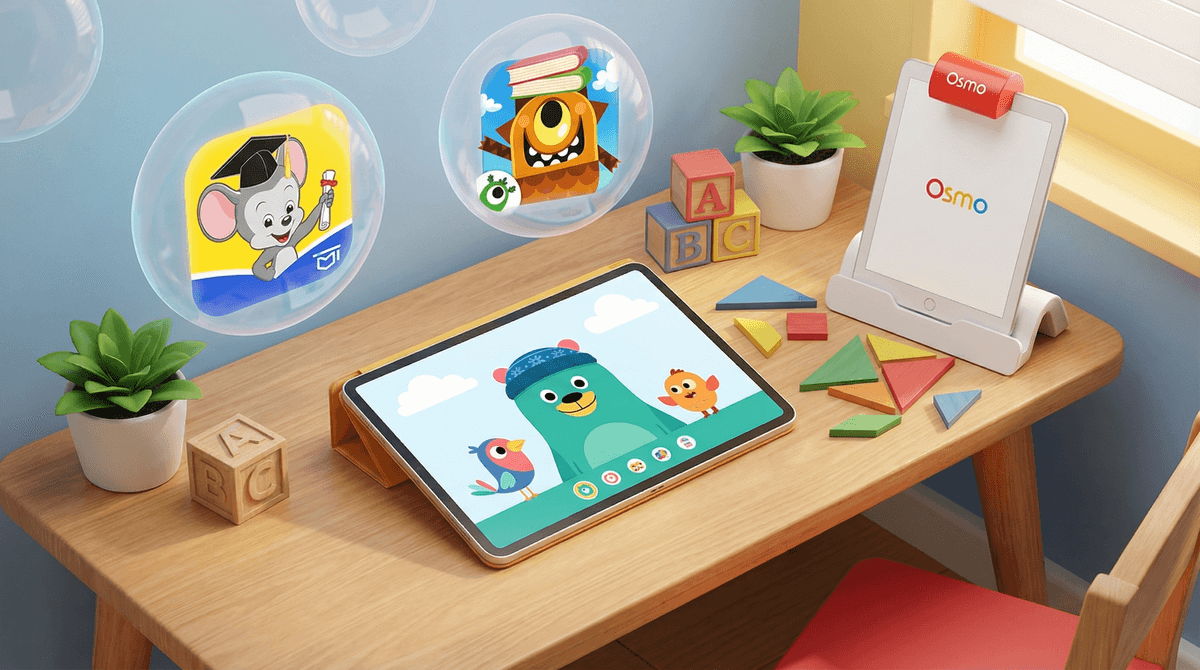
Top picks: ABCmouse | Khan Academy Kids | Endless Alphabet | Teach Your Monster to Read | Osmo
You've got a kindergartener. They can operate your phone better than you can operate the TV remote. And now you're wondering: can screen time actually be... educational? Or is that just what we tell ourselves while we make dinner?
The kindergarten app market is absolutely flooded with games claiming to teach reading, math, and critical thinking. Some deliver. Many don't. And the difference between a genuinely educational game and glorified digital candy is huge—but not always obvious from the App Store description.
So let's break down what actually works, what's worth your money, and what you can skip entirely.
Before we dive into the list, here's what separates real learning apps from dressed-up screen time:
Real educational games:
- Have clear learning objectives tied to actual kindergarten standards
- Provide adaptive difficulty that meets kids where they are
- Give meaningful feedback, not just "Good job!" animations
- Minimize ads and in-app purchases that interrupt learning
- Include parent dashboards so you can see what they're actually learning
Red flags:
- Constant rewards that feel more like slot machines than learning
- Aggressive upselling or subscription nagging
- Content that's just worksheets on a screen
- Games that claim to teach "everything" (reading, math, science, coding, Spanish, and emotional intelligence in one app? Come on.)
Ages: 2-8 | Cost: Free (actually free, not freemium)
This is the gold standard. Completely free, no ads, no subscriptions, backed by a nonprofit. It covers reading, math, social-emotional learning, and creative play with genuinely delightful characters and activities.
The adaptive learning path adjusts to your kid's level, and the parent dashboard actually shows you what they're working on. If you download one app from this list, make it this one.
Ages: 2-8 | Cost: $13/month or $60/year
ABCmouse has been around forever, and it's comprehensive—maybe too comprehensive. It covers reading, math, science, art, and more with a structured curriculum and over 10,000 activities.
The good: It's thorough, tracks progress well, and genuinely teaches foundational skills.
The annoying: The interface feels cluttered, and the "tickets and rewards" system can make it feel more like a digital prize counter than a learning tool. But if your kid thrives on structure and you want a full curriculum, it's solid.
Ages: 2-8 | Cost: $10/month
Homer personalizes its reading and math curriculum based on your child's interests (dinosaurs? trucks? unicorns?). The stories are actually engaging, and the phonics instruction is research-backed.
It's particularly strong for early readers who need motivation to stick with it. The progress tracking is excellent, and it doesn't feel like busywork.
Ages: 3-6 | Cost: Free on web, $5 one-time on mobile
Created by the Usborne Foundation, this game teaches phonics through an actually fun adventure. Kids create a monster character and guide it through levels that build letter recognition, blending, and eventually full reading.
It's based on synthetic phonics (the method used in UK schools), and it works. No subscriptions, no upsells, just solid reading instruction wrapped in a game.
Ages: 3-7 | Cost: $9 one-time purchase
This app teaches vocabulary and letter recognition through adorable animations. Each word comes to life with silly monsters acting out the definition. It's not a full reading curriculum, but it's fantastic for building vocabulary and letter sounds.
The whole Endless series (Endless Numbers, Endless Reader) is worth checking out. One-time purchases, no subscriptions, no ads.
Ages: Pre-K to 3 | Cost: Free with limited content, $10/month for full access
Starfall has been a classroom staple for years. It's systematic, phonics-based, and covers reading, math, and music. The interface is dated (it looks like it's from 2005, because it basically is), but the educational content is rock-solid.
Kids can explore independently, and there's enough free content to get real value without paying.
Ages: 3+ | Cost: $80-130 for starter kits
Osmo isn't just an app—it's a physical/digital hybrid system that uses your tablet's camera to interact with real-world objects. Kids manipulate letter tiles, tangram pieces, or drawing tools in front of the screen.
The tactile component makes a huge difference for kindergarteners who need hands-on learning. The Osmo Little Genius Kit is designed specifically for ages 3-5 and teaches letters, phonics, shapes, and problem-solving.
Yes, it's pricey. But if you're looking for screen time that doesn't feel like pure screen time, this is it.
Ages: 2-13 | Cost: $10/month
Reading Eggs is a comprehensive reading program used in schools. It's systematic, research-backed, and covers phonics, sight words, vocabulary, and comprehension.
It's more structured than some kids like (lots of lessons and activities), but if your kindergartener responds well to clear progression and rewards, it's effective.
Ages: 3-7 | Cost: Free
Made by the Duck Duck Moose team (now owned by Khan Academy), this game teaches counting, addition, subtraction, and geometry through building a city and completing missions.
It's genuinely fun, actually free, and doesn't feel like math drills. Great for kids who need math practice but hate worksheets.
Ages: 4-8 | Cost: $8 one-time purchase
This app teaches number sense and basic arithmetic through play with "Nooms"—adorable creatures that represent numbers. Kids learn addition, subtraction, and the concept of quantity without even realizing they're doing math.
It's beautifully designed and genuinely clever. The whole DragonBox series is worth exploring for different math concepts.
Ages: 3-8 | Cost: $6 one-time purchase
This physics-based puzzle game teaches cause and effect, spatial reasoning, and problem-solving. Kids roll adorable characters through mazes, avoiding obstacles and solving increasingly complex puzzles.
No reading required, so it's perfect for pre-readers. The difficulty ramps up gradually, and there's a ton of content.
Ages: 4-10 | Cost: Free with limited content, $7/month or $50/year for full access
Kodable teaches basic coding concepts (sequencing, loops, conditionals) through guiding a fuzzy ball through mazes. It's used in over 50% of US elementary schools.
The free version gives you enough to see if your kid likes it. The paid version unlocks the full curriculum, which genuinely builds foundational programming logic.
Ages: 3-9 | Cost: $4-5 per app, or $8/month for Toca Boca World
Toca Boca games aren't "educational" in the traditional sense—they're open-ended play apps. But they're fantastic for creativity, imaginative play, and experimentation.
Toca Kitchen, Toca Hair Salon, and Toca Life World let kids explore, create, and play without right or wrong answers. That's valuable too.
Ages: 6+ | Cost: $4-5 per game
This is a gorgeous, Escher-inspired puzzle game that teaches spatial reasoning and perspective. It's not designed for kindergarteners specifically, but many 5-6 year olds can handle it with some help.
It's more of a shared experience—you and your kid solving puzzles together. And honestly? It's one of the most beautiful games ever made.
Ages: 2-8 | Cost: Free
This app bundles games from PBS shows like Daniel Tiger, Wild Kratts, and Curious George. The quality varies by game, but it's all free, ad-free, and tied to shows your kid probably already watches.
Great for extending screen time they're already having into something more interactive.
Ages: 2-5 | Cost: $8/month or $50/year
Sago Mini offers dozens of open-ended play apps—pet care, building, dress-up, exploration. They're gentle, non-competitive, and designed for little kids.
The subscription gives you access to everything. If your kindergartener needs calm, creative screen time (not high-energy learning games), this is it.
Ages: 5+ (with supervision) | Cost: $13 one-time purchase
Okay, hear me out. Procreate is a professional digital art app, but it's also incredible for kids who love to draw. The interface is intuitive, and watching a kindergartener discover layers, brushes, and undo is genuinely magical.
You'll need to set it up for them, but once they get it, they can create actual art. Not "kids app" art—real art.
Ages: 4+ | Cost: Free for basic, $5/month for unlimited
This app lets kids create their own books with drawings, photos, text, and voice recordings. It's fantastic for early writers who can't physically write yet but have stories to tell.
They can "write" by dictating, drawing, or taking photos. Then you can print or share their books. It turns screen time into storytelling.
You'll notice Minecraft and Roblox aren't on this list. That's because while they can be educational (creativity, problem-solving, even basic coding), they're not designed as educational games for kindergarteners.
Most 5-6 year olds aren't ready for the open-ended complexity of Minecraft or the social dynamics of Roblox. If your kid is obsessed, that's fine—but don't convince yourself it's a substitute for actual early literacy and math instruction. Here's more on whether Roblox is actually educational .
.
ABC Kids - Tracing & Phonics: Sounds educational, right? It's actually just ad-supported tracing practice with minimal learning value.
Endless Alphabet knockoffs: There are dozens of cheap imitations of the Endless series. Stick with the originals.
Any app that's free but constantly pushes subscriptions: If your kindergartener is getting interrupted every 5 minutes to "unlock more content," it's not worth the frustration.
YouTube Kids for "educational content": YouTube Kids can be educational, but it's also a rabbit hole of unboxing videos and toy commercials. If you're going for educational screen time, an actual learning app is a better bet. More on YouTube vs. YouTube Kids here.
The American Academy of Pediatrics recommends no more than 1 hour of screen time per day for kids ages 2-5 (outside of video chatting). That includes TV, tablets, and phones.
So even the best educational app shouldn't become an all-day activity. 20-30 minutes of focused learning time is plenty. After that, diminishing returns kick in hard.
And honestly? A kindergartener playing outside, building with blocks, or listening to you read a book is learning more than any app can teach. These games are supplements, not replacements.
The best educational games for kindergarteners are the ones that teach specific skills (phonics, number sense, problem-solving) without feeling like digital worksheets. Khan Academy Kids and Teach Your Monster to Read are free and genuinely excellent. Osmo is worth the investment if you want hands-on learning. And ABCmouse or Homer are solid if you want a comprehensive curriculum.
But the real secret? The best "educational game" for a kindergartener might just be playing board games as a family, reading books together, or letting them get bored enough to make up their own games.
The apps are tools. Use them intentionally, and they can genuinely help your kid learn. Let them become default babysitters, and you'll end up with a kid who can navigate an iPad but can't tie their shoes.
Next steps: Download Khan Academy Kids (it's free!), set a 20-minute timer, and see how your kindergartener does. Then go outside and play. Balance, as always, is everything.