DragonBox Numbers

DragonBox Numbers

app

Everyone, 2020, Educational

WISE
94%

WISE Score

4.7

App Store

Forget flashcards; let your kid play with sentient math blocks that make addition feel like a puzzle instead of a chore.

Screenwise Verdict

DragonBox Numbers is the rare 'educational' app that isn't just a digitized worksheet. It treats math like a physical material to be shaped, sliced, and combined. It’s arguably the best first app you can put on a tablet for a preschooler or kindergartner.

The only real annoyance is the Kahoot! subscription model. It used to be a standalone purchase, but now it's part of a larger family bundle. If you're willing to pay the monthly tax for high-quality, ad-free learning, this is the one to get.

Age Fit

Perfect for the 4-to-8 crowd. If they can recognize a '1' and handle a tablet, they'll get something out of this. Older kids (9+) will find it too basic and should move to DragonBox Big Numbers.

WISE Breakdown
Wholesome
95

The tone is gentle, encouraging, and entirely focused on playful discovery. The 'Nooms' are charming characters that model exploration without the stress of 'getting it wrong' or timed pressure in most modes.

Imaginative
88

It turns abstract numbers into physical, stackable, and sliceable creatures. The Sandbox mode specifically invites kids to experiment with math as if they were playing with blocks or clay.

Safe
92

No third-party ads or social features. The primary 'risk' is the subscription model, but the environment itself is a walled garden designed for young children.

Enriching
98

This is the gold standard for early math. It moves beyond rote counting to teach true number sense—understanding how numbers are composed and decomposed—which is the foundation for all future STEM success.

Parent Info
✓

Why It Might Be Great

  • Focuses on number sense rather than just memorizing '1+1=2', helping kids visualize what numbers actually represent.
  • The Sandbox mode is a rare digital space where kids can just mess around with math concepts without being told what to do.
  • Awarded a best learning app title by Parents magazine multiple years in a row for its intuitive design.
  • Uses tactile mechanics like slicing and stacking, which translate the physical logic of blocks to a digital screen perfectly.
⚠

What to Watch For

  • The subscription wall is the biggest hurdle; you can't just buy the app once anymore, it's tied to the Kahoot!+ Family plan.
  • The Run section introduces a bit of speed and mild pressure, which might frustrate a very young child who is still getting their bearings.

Conversation Starters

  • "Which Noom is your favorite character, and why do you think the bigger ones look the way they do?"
  • "Can you show me how you make a 10 using three different Nooms?"
  • "If we were going to build a Noom house, which numbers would make the strongest floor?"

Deep Dive

The 'Number Sense' Secret Sauce

Most math apps make the mistake of thinking math is about symbols on a page. They show a '2', a '+', and another '2', then wait for the kid to hit '4'. DragonBox Numbers realizes that for a four-year-old, those symbols are meaningless. Instead, it uses Nooms.

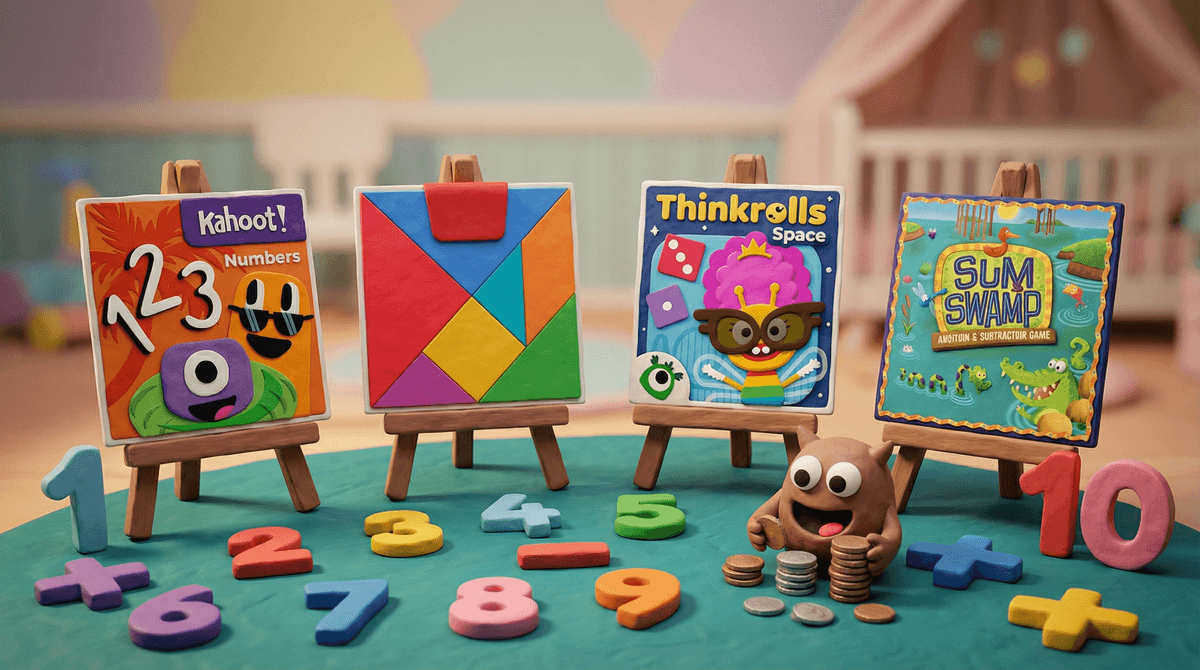
A Noom is a character whose height corresponds to its value. If you put a '2' Noom on top of a '3' Noom, they merge into a '5' Noom. If you 'slice' a '7' Noom with your finger, it breaks into a '4' and a '3' (or any other combination). This is what educators call number sense—the intuitive understanding of how numbers relate to one another.

Why It Works Better Than Schools

In a classroom, kids are often rushed into memorization. DragonBox lets them linger in the Sandbox. There are no points, no timers, and no 'Game Over' screens. It’s just a digital tray of blocks that happen to be math. By the time they get to the Puzzle and Ladder sections, they aren't 'doing math'—they're just solving puzzles using the logic they learned while playing.

If you have a kid who is 'math-anxious' or just starting out, this app is the antidote to the boring repetition of standard curriculum. It’s the closest thing to a Montessori classroom on an iPad.

What Parents Ask

Ask Anything

Get a personalized guide on any topic

Related Guides