

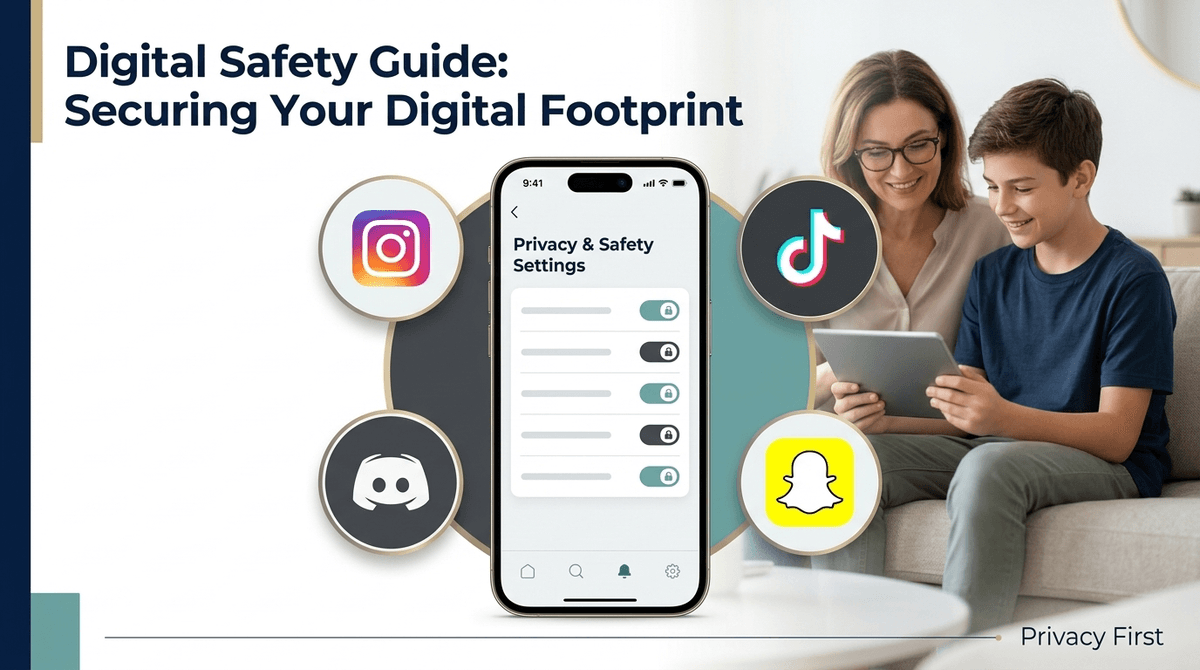
TL;DR: In 2026, "Private Mode" is just the baseline. To actually protect your kid, you need to leverage the new "Teen Account" structures on Instagram, the "Family Pairing" tools on TikTok, and the recently overhauled safety tiers on Roblox. This guide breaks down exactly which toggles to flip so you aren't just crossing your fingers and hoping for the best.
We’ve moved past the era where "online safety" just meant telling your kid not to talk to strangers. Today, the "strangers" are often sophisticated algorithms designed to keep your middle-schooler scrolling until 2 AM, or "friends of friends" who are actually bots pushing dubious crypto schemes.
The platforms have finally started to feel the heat from parents and regulators, which is why 2025 has seen a massive shift in how privacy is handled. We’re seeing a move toward "Safety by Design"—where settings are restrictive by default for minors—but as any intentional parent knows, you can’t just trust a Silicon Valley giant to raise your kid. You need to know where the "back doors" are.
Instagram recently launched "Teen Accounts," and it’s arguably the biggest change to the platform in a decade. If your child is under 16, their account should have automatically migrated to this restricted version.
What to Check:
- Messaging Restrictions: Ensure "Who can message you" is set to "People you follow or are already connected to." This kills the "Random DM" problem instantly.
- Sensitive Content Control: Set this to "Less." This limits the likelihood of your kid stumbling onto "thinspo" content or aggressive fitness influencers while they’re just trying to look at memes.
- Sleep Mode: This is a 2025 standout. It automatically mutes notifications and sends auto-replies to DMs from 10 PM to 7 AM.
TikTok is the "Ohio" of social media—it’s weird, it’s chaotic, and it’s where your kids are spending the most time. Their "Family Pairing" feature is actually quite robust if you bother to link your account to theirs.
What to Check:
- Family Pairing: This allows you to set a daily screen time limit from your phone. You can also mute notifications on a schedule.
- Restricted Mode: This isn’t perfect (no algorithm is), but it filters out content that may not be appropriate for a general audience.
- Search Privacy: You can actually disable your child’s ability to search for content. If they’re younger (13-14), this is a powerful way to keep them in a "known" loop of content rather than falling down a rabbit hole.
Roblox isn't just a game; it's a social network where kids happen to play games. Late last year, they made huge changes to how under-13s interact with the platform.
What to Check:
- Experience Guidelines: Roblox now rates "experiences" (games) by age. You can set your kid’s account to only allow "All Ages" or "9+" content. If you don't do this, they might end up in a "Skibidi Toilet" horror clone that’s way too intense for a 7-year-old.
- Communication: For kids under 13, you can now entirely disable the ability to chat with people outside of their actual games.
- Spending Limits: This is the big one. Roblox is notorious for draining bank accounts via "Robux." Set a monthly spending limit and—crucially—enable email notifications for every single purchase.

Snapchat is the hardest app to "parent" because the messages disappear. However, their "Family Center" has improved.
What to Check:
- Ghost Mode: This should be non-negotiable. It hides your child’s location on the Snap Map. There is zero reason for a 14-year-old’s entire friend list to know exactly which Starbucks they are sitting in.
- Family Center: Once linked, you can see who your child is messaging, though you can't see the content of the messages. This is great for spotting names you don’t recognize.
- Contact Me: Set this to "Friends" only. This prevents anyone who hasn't been explicitly added as a friend from contacting your child.
Discord is where the "gamers" hang out, but it’s also where some of the most unhinged corners of the internet live. It's basically the modern version of an unmoderated 90s chat room if you don't set it up correctly.
What to Check:
- Safety Alerts: Discord now sends alerts to teens when they receive a DM from a stranger for the first time.
- Sensitive Image Filtering: Enable this to automatically blur images that might contain "spicy" or inappropriate content.
- Direct Message Settings: Set "Allow direct messages from server members" to OFF. This forces people to be a "friend" before they can slide into your kid's DMs.
Ages 10-12 (The "Training Wheels" Phase)
At this age, kids shouldn't really be on social media (most apps require you to be 13), but we know they often are. If they are on YouTube, use a Supervised Account rather than a standard one. If they're gaming, stick to Minecraft or Roblox with chat restricted to "Friends Only."
Ages 13-15 (The "Active Monitoring" Phase)
This is the danger zone. Use the "Family Pairing" tools. Don't feel bad about it. You aren't "spying"; you're "coaching." At this age, their prefrontal cortex is still a work in progress—they literally don't have the hardware yet to resist the dopamine hits of a viral TikTok feed.
Ages 16+ (The "Trust but Verify" Phase)
By now, they should have a handle on digital etiquette. You can start backing off the technical restrictions, but keep the "Ghost Mode" on Snapchat as a requirement for having the phone. Focus more on conversations about their "Digital Footprint" and how a weird comment on Instagram today could haunt their college applications in two years.
Here is the No-BS truth: Apps don't actually want your kid to be private. They want data. Every "privacy setting" they offer is a concession they’ve made to stay out of legal trouble.
When you set up these settings, do it with your child. If you do it behind their back, they will find a way around it. They are tech-native; they can find a "how to bypass parental controls" video on YouTube faster than you can find your reading glasses.
Frame it as: "I want you to have this app because I know your friends are on it, but my job is to make sure the 'front door' is locked so the whole world doesn't have access to you."
Instead of a lecture, try these conversation starters:
- "I saw Instagram updated their teen settings. Let's look at yours together to make sure some random 'Ohio' bot isn't trying to DM you."
- "I'm worried about the Snap Map. It feels a bit 'stalker-ish' that everyone knows where you are. Let's flip on Ghost Mode."
- "If you want to buy more Robux on Roblox, we need to set a monthly budget so we don't end up broke. Deal?"
Privacy settings are not a "set it and forget it" solution. Apps update constantly, and settings often revert to "default" after a major update. Make it a habit to do a "Digital Tune-up" once a month. Sit on the couch, grab a coffee, and spend 10 minutes checking the toggles.
- Audit the Phone: See which apps are actually being used. If they haven't opened BeReal in six months, delete it.
- Enable Two-Factor Authentication (2FA): This isn't just for privacy; it's to prevent their accounts from being hacked, which is a massive headache for you.
- Take the Screenwise Survey: If you haven't yet, walk through our survey to see how your family's settings compare to other intentional parents in your community. Context is everything.