

Netflix Kids Profiles: What 'Age-Appropriate' Actually Means
Netflix's kids profiles use four age brackets (Little Kids, Older Kids, Teens, and All Maturity Levels), but "age-appropriate" is doing a lot of heavy lifting here. The filters work reasonably well for younger kids but get increasingly fuzzy as kids get older. The good news: you can customize everything, lock profiles, and even block specific titles. The bad news: you'll probably need to, because Netflix's defaults are... optimistic.
Quick wins:
- Set up individual profiles for each kid with their actual age
- Review the maturity settings (they're probably set too high)
- Use PIN protection to lock your main profile
- Check viewing activity regularly—it's your early warning system
Netflix divides content into maturity ratings that roughly map to these age brackets:
Little Kids (ages 0-6): G-rated and TV-Y content only. Think Bluey, Octonauts, and Gabby's Dollhouse. This is the tightest filter and honestly works pretty well. You're not going to find much objectionable here, though you might find plenty that's annoying (looking at you, Cocomelon).
Older Kids (ages 7-12): Adds PG, TV-Y7, and TV-G content. This is where things get interesting. You'll see Avatar: The Last Airbender, The Baby-Sitters Club, and Nailed It!. But you'll also see some stuff that might surprise you—mild cartoon violence, some potty humor, and themes that skew older.
Teens (ages 13+): Opens up PG-13, TV-PG, and some TV-14 content. Now we're talking Stranger Things, The Umbrella Academy, and a whole lot of content with more mature themes, language, and intensity.
All Maturity Levels: Everything on Netflix, including R-rated movies and TV-MA shows. This is your profile, not theirs.
Here's the thing about algorithmic content filtering: it's only as good as the metadata. And Netflix's maturity ratings come from the content creators themselves, with some Netflix review layered on top. This means:
The rating creep is real. TV-PG today includes content that would've been TV-14 ten years ago. Language that used to earn a PG-13 now sneaks into PG. Netflix didn't create this problem, but their filters inherit it.
International content gets weird. Anime is the classic example—a show rated TV-Y7 in Japan might have content that American parents find... surprising. Pokémon is generally fine, but venture into less mainstream anime and you'll find fanservice, violence, and themes that don't match the rating.
"Educational" content gets a pass. Documentaries about nature can include some genuinely intense footage of animals killing other animals. Shows about history can get dark fast. The educational label doesn't mean it's appropriate for sensitive kids.
The algorithm wants engagement. Netflix's recommendation engine is optimized to keep kids watching, not to keep them in their comfort zone. A 12-year-old who watches one slightly edgier show will suddenly see a feed full of similar content, pushing them toward the upper limits of their maturity setting.
Let's be specific about what you might find in each tier that could surprise you:
In the "Older Kids" Profile:
- Mild language that's technically allowed in PG but still might make you wince
- Cartoon violence that's more intense than you'd expect—characters getting hurt, scary villains, genuine peril
- Relationship drama that feels very middle-school (crushes, jealousy, friendship betrayal)
- Potty humor ranging from "mildly annoying" to "why is this a thing"
- Scary content that's rated appropriate but might cause nightmares (looking at you, Goosebumps)
In the "Teen" Profile:
- Strong language just shy of the really bad words, but plenty of "hell," "damn," and "crap"
- Sexual content including kissing, making out, and conversations about sex (though not explicit)
- Violence that's more realistic and intense—blood, weapons, genuine danger
- Substance use including drinking, smoking, and drug references
- Dark themes like death, depression, suicide, abuse, and trauma
- Horror elements that are legitimately scary, not just spooky
Netflix gives you more control than most parents realize. Here's how to use it:
1. Set Up Individual Profiles
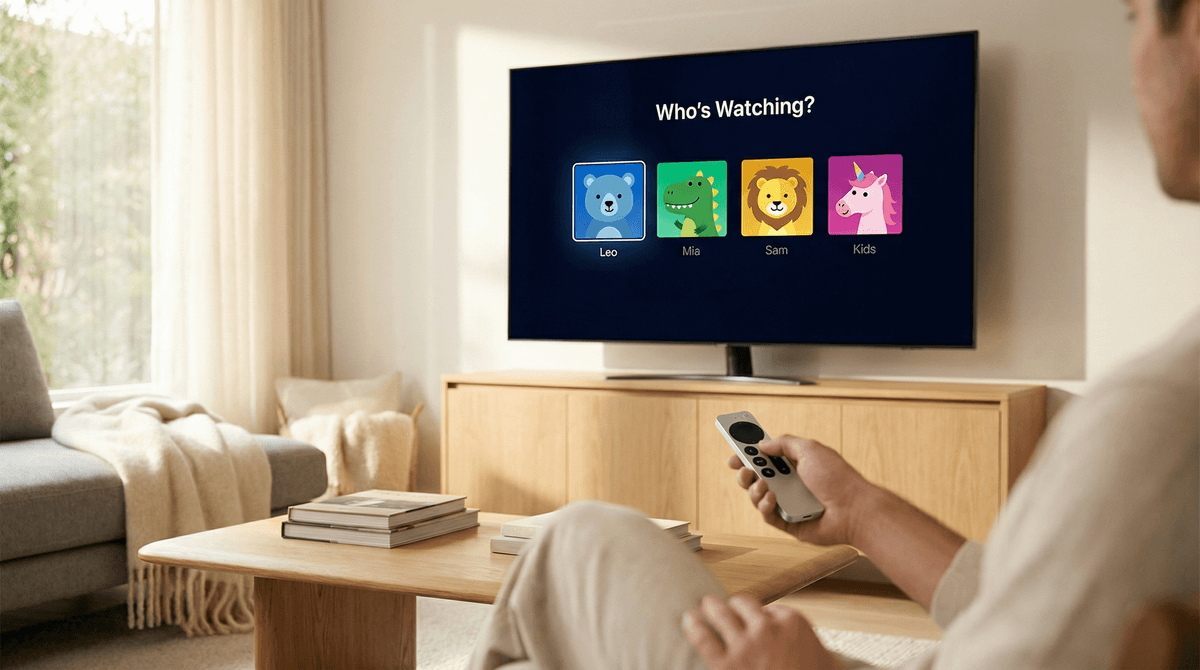
Don't use one "Kids" profile for multiple children. Each kid should have their own profile with their actual age set correctly. This helps Netflix recommend more appropriate content and lets you track what each kid is watching individually.
How to do it:
- Go to "Manage Profiles"
- Create a new profile or edit an existing one
- Toggle on "Kid?"
- Select the appropriate maturity level for their age
- Add a PIN to your adult profiles (seriously, do this)
2. Adjust Maturity Ratings
The default settings are generous. A 7-year-old doesn't need access to all PG content, and a 13-year-old doesn't need immediate access to everything TV-14.
How to do it:
- Go to Account > Profile & Parental Controls
- Select the kid's profile
- Click "Viewing Restrictions"
- Choose the specific maturity level (you can go more granular than the preset age brackets)
- Set a PIN so they can't change it
3. Block Specific Titles
Found something you don't want your kid watching? Block it directly.
How to do it:
- Go to Account > Profile & Parental Controls
- Select the kid's profile
- Click "Viewing Restrictions"
- Enter the title in the "Title Restrictions" field
- They won't be able to see it or search for it
4. Review Viewing Activity
This is your secret weapon. Check what they're actually watching, not what you think they're watching.
How to do it:
- Go to Account > Profile & Parental Controls
- Select the kid's profile
- Click "Viewing Activity"
- Sort by date to see recent watches
If you see something concerning, you can delete it from their history (which also helps reset the recommendation algorithm) and block it for the future.
5. Turn Off Autoplay
Autoplay is designed to keep kids watching. Turn it off so there's a natural stopping point between episodes.
How to do it:
- Go to Account > Profile & Parental Controls
- Select the kid's profile
- Uncheck "Autoplay next episode" and "Autoplay previews"
Ages 4-6: Stick with the "Little Kids" profile and you'll be fine. The biggest issue here is screen time, not content. Set time limits and enforce them. Consider using alternatives to passive watching to balance things out.
Ages 7-9: The "Older Kids" profile works, but review the recommendations regularly. This is the age where kids start having opinions about what they want to watch, and those opinions are heavily influenced by what their friends are watching. Have conversations about why different families have different rules.
Ages 10-12: This is the trickiest age range. They're too old for "Little Kids" content but not ready for everything in "Older Kids." Consider keeping them in the Older Kids profile but being more active about blocking specific titles. Check their viewing activity weekly. This is also when kids start figuring out workarounds, so make sure your adult profiles have PINs.
Ages 13+: If you're giving them access to the "Teen" profile, you need to be having real conversations about what they're watching. The content here includes mature themes that deserve discussion—not censorship, but context. Watch some shows together. Ask what they're seeing at friends' houses. Be the person they can talk to about confusing or uncomfortable content, not the person they hide things from.
Netflix is not a babysitter. Even with perfect filter settings, you need to know what your kids are watching. The algorithm doesn't care about your family's values—it cares about engagement.
The "Kids" label doesn't mean "unsupervised". It means "less likely to include mature content," not "perfectly aligned with your family's values."
Your kid's friends are watching different stuff. And they're going to talk about it at school. You can't control what other families allow, but you can control how you talk about it with your kids. "We have different rules in our family" is a perfectly fine sentence.
Co-viewing is underrated. Watching together gives you natural opportunities to talk about what you're seeing, answer questions, and gauge whether they're ready for more mature content. Plus, some of this stuff is actually pretty good. Avatar: The Last Airbender holds up for adults.
The PIN is your friend. Set it up. Don't share it. Change it if they figure it out. This is not about distrust—it's about maintaining the boundaries you've set.
Netflix's age-appropriate filters are a starting point, not a finish line. They'll catch the obviously inappropriate stuff, but there's a huge gray area that requires active parenting. The good news: Netflix gives you the tools to customize everything. The bad news: you have to actually use them.
Set up individual profiles, adjust the maturity settings to be more conservative than the defaults, block specific titles that don't align with your family's values, and check viewing activity regularly. And most importantly, talk to your kids about what they're watching. The conversation is more important than the filter.
Next Steps:
- Set up or review your kids' profiles today—it takes 10 minutes
- Check their viewing activity to see what they've actually been watching
- Add PINs to your adult profiles if you haven't already
- Have a conversation with your kids about why you're adjusting settings (transparency builds trust)
Need help finding actually good content for your kids? Check out our guides for best shows for elementary schoolers, educational Netflix shows, or family shows everyone can watch together.