

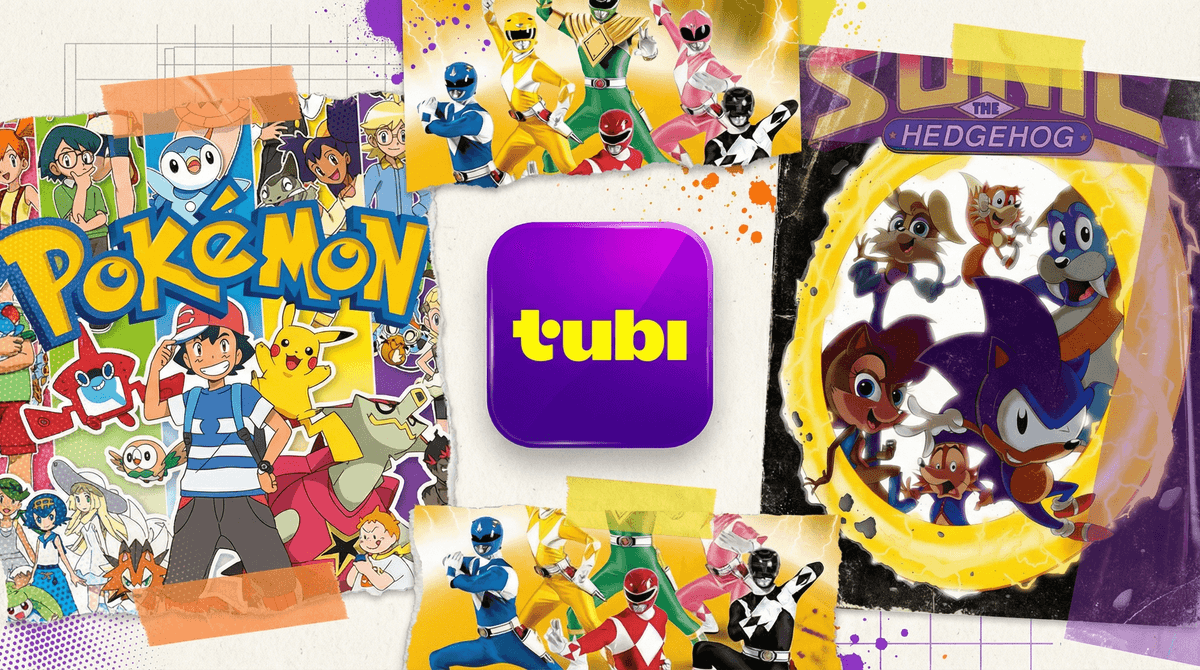
Tubi is a completely free streaming service with thousands of movies and TV shows — and yes, that includes a ton of content for kids. No subscription, no credit card, just ads. It's owned by Fox Corporation, and it's been around since 2014, but it's really blown up in the last few years as families look for alternatives to the ever-growing pile of streaming subscriptions.
The catch? Tubi is ad-supported. Your kids will see commercials. And unlike Netflix or Disney+, Tubi doesn't have a separate kids-only interface or robust parental controls. It's more like cable TV met a streaming service and had a baby that inherited some of the chaos from both parents.
Here's the thing: kids are finding Tubi on their own. Maybe they're scrolling through the apps on the family TV, maybe a friend mentioned it, or maybe they saw a TikTok about some random anime that's only available on Tubi. The appeal is simple:
- It's free (and kids understand this matters to parents)
- Tons of anime that isn't on other platforms
- Classic cartoons from the 90s and early 2000s
- Weird, niche content that feels like a discovery
- No login required on many devices (which means kids can access it without asking)
The problem? Tubi's algorithm doesn't really distinguish between "this 8-year-old just watched Pokémon" and "let's recommend some horror movies next."
Let's be real: Tubi's kids content is a mixed bag. You'll find:
The Good:
- Classic cartoons like Sonic the Hedgehog, Power Rangers, and various anime series
- Educational shows like Bill Nye the Science Guy
- Family movies (though often older or lesser-known titles)
- Some surprisingly decent original kids content
The Concerning:
- No content separation — a kid can easily click from cartoons to R-rated horror
- Inconsistent quality — lots of low-budget, questionable animation
- Mature content mixed in — anime that looks kid-friendly but definitely isn't
- Ads that aren't always age-appropriate — more on this in a second
Tubi does have a "Kids & Family" category, but it's not a walled garden. It's more like a suggestion than a boundary.
Since Tubi is free, ads are how they make money. And unlike YouTube Kids or Disney+, Tubi's ads aren't heavily filtered for kids. Your 7-year-old watching cartoons might see:
- Movie trailers for horror films or violent action movies
- Ads for dating apps or adult-oriented products
- Pharmaceutical commercials
- Political ads (depending on the season)
The ad frequency isn't terrible — usually 3-4 minutes of ads per hour, similar to cable TV. But the content of those ads can be jarring when you're expecting a kids-safe experience.
Ages 5-7: Honestly? Tubi probably isn't the move for this age group. The lack of parental controls and the ad situation make it tough to recommend. Stick with Disney+, PBS Kids, or YouTube Kids where there are actual guardrails.
Ages 8-10: This is where it gets tricky. If you're actively co-viewing and helping them navigate, Tubi can work for specific shows you've vetted. But unsupervised browsing? That's a recipe for them stumbling onto something they shouldn't see.
Ages 11-13: Middle schoolers can probably handle Tubi with some ground rules. They're old enough to understand "stay in this category" or "ask before watching something new." But you'll still want to check in on what they're watching and talk about those ads.
Ages 14+: Most teens can navigate Tubi fine, though you'll still want to have conversations about media literacy and why they're seeing certain ads.
If your kids are going to use Tubi (or already are), here's your game plan:
1. Set Clear Boundaries
- "You can watch Tubi on the living room TV only" (not in bedrooms)
- "Stick to shows we've talked about or ask first"
- "If you see something that makes you uncomfortable, tell me"
2. Vet Content First
- Watch an episode or two of anything before giving the green light
- Use Common Sense Media for reviews if you're unsure
- Don't trust that "Kids & Family" label without checking yourself
3. Talk About the Ads
- Explain why Tubi is free (ads pay for it)
- Discuss why they're seeing ads for things that aren't for kids
- Use it as a media literacy teaching moment
4. Consider Device Restrictions
- Some smart TVs and streaming devices let you hide or restrict apps
- You can also just... not install Tubi on devices your kids use unsupervised
5. Have Alternatives Ready If the appeal is "free," remind them about your library card — Hoopla and Kanopy offer free streaming with library cards and have much better kids sections.
Tubi isn't evil, but it's not designed for kids. It's a general-audience streaming service that happens to have some kids content. The lack of parental controls and the ad situation mean it requires active parenting rather than passive supervision.
Is it worth it? Depends on your family. If you're looking for free entertainment and willing to be involved in what they watch, Tubi can work. But if you're hoping for a "set it and forget it" kids streaming option, this ain't it.
The good news? You have options. If Tubi feels too wild-west for your comfort level, there are plenty of streaming alternatives with better parental controls . And if your kids are already watching Tubi, this is just another opportunity to teach them about navigating digital media thoughtfully — which honestly might be more valuable than any show they're watching.
If you're considering Tubi:
- Install it on a shared device only
- Browse the Kids & Family section together first
- Set up a "pre-approved shows" list
If your kids are already using it:
- Ask them what they're watching (without judgment)
- Watch an episode with them
- Have the ads conversation
- Decide together if it stays or goes
Want to dig deeper into what your kids are watching and how it compares to other families? Take the Screenwise survey to get personalized insights about your family's streaming habits.