

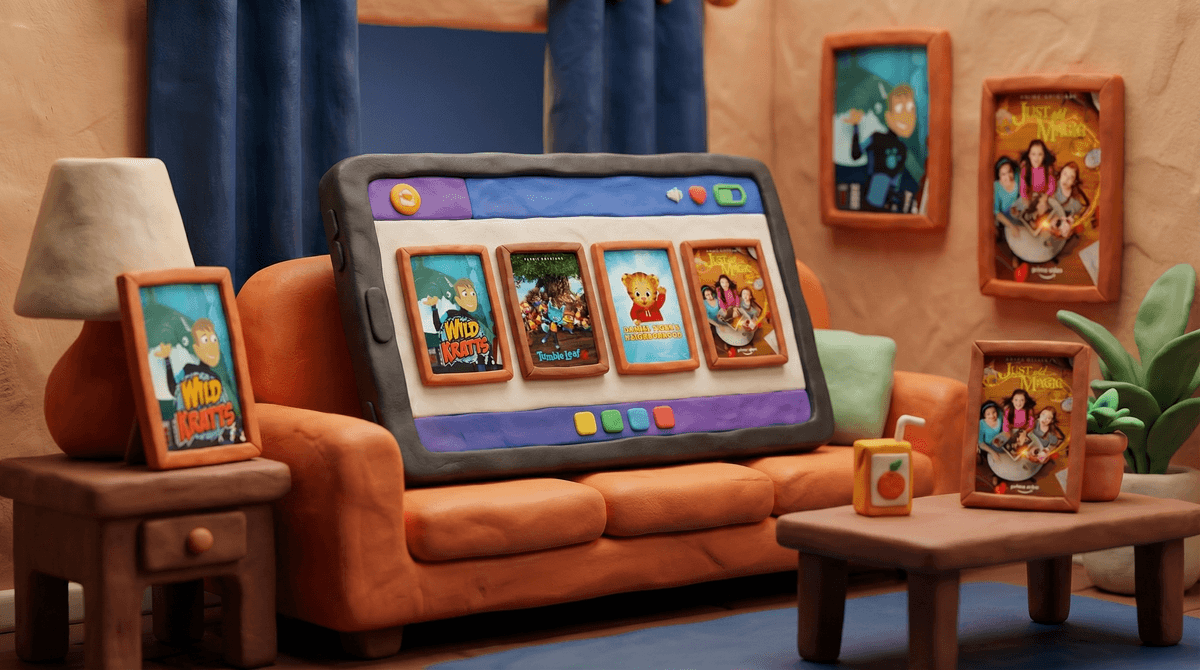
Amazon Prime Video is the streaming service that comes bundled with your Amazon Prime membership (the one you're already paying for because let's be honest, you need toilet paper delivered by tomorrow). It's got a solid kids section with everything from preschool shows to tween content, plus the ability to rent or buy newer releases.
Here's the thing: Prime Video is kind of the middle child of streaming services. It's not as kid-focused as Disney+, not as algorithm-driven as Netflix, and definitely not as overwhelming as YouTube. It just... exists there, with some genuinely great content mixed in with a bunch of stuff that makes you wonder who greenlit it.
The kids section includes Amazon Originals (their own productions), licensed content from other studios, PBS shows, Nickelodeon classics, and a rotating selection of movies. You can also add premium channels like Paramount+ or PBS Kids as add-ons if you want to go down that road.
It's probably already included in what you're paying for. If you have Prime for the shipping, you've got Prime Video. No additional subscription needed for the base content.
The offline download feature is legitimately good. Road trip? Flight? Doctor's waiting room that's running an hour behind? Download a few episodes and you're golden. The app actually makes this pretty intuitive.
PBS content is clutch. Prime Video has a solid collection of PBS shows, which means you can access quality educational content without dealing with the PBS Kids app (which, let's be real, has seen better days). We're talking Daniel Tiger's Neighborhood, Wild Kratts, and Odd Squad.
Some genuinely good Amazon Originals. Shows like Tumble Leaf for younger kids and Just Add Magic for tweens are actually well-produced and not just content slop.
Let's not sugarcoat it: Prime Video's interface is not winning any design awards. It's cluttered, mixes kids content with adult content in confusing ways, and the "recommendations" often feel like they're trying to get you to rent something rather than watch what's included.
The Kids Profile helps, but it's not perfect. You can set up a kids profile that filters content to age-appropriate viewing, which is essential. But even within the kids section, you'll find a weird mix of quality levels. One minute it's a beautifully animated show, the next it's... well, content that exists.
You need to actively curate. Unlike Netflix's kids section which is pretty locked down, Prime Video requires more parental involvement. You'll want to browse ahead of time and add shows to your watchlist, or be prepared to sit with your kid during their first few browsing sessions.
Ages 2-5:
- Daniel Tiger's Neighborhood - Social-emotional learning gold standard
- Tumble Leaf - Gorgeous stop-motion about curiosity and discovery
- If You Give a Mouse a Cookie - Based on the beloved books
- Creative Galaxy - Art and creativity focus
Ages 6-9:
- Wild Kratts - Animal science that's actually engaging
- Odd Squad - Math problem-solving with humor
- Just Add Magic - Mystery and friendship
- Gortimer Gibbon's Life on Normal Street - Slice-of-life with heart
Ages 10-13:
- The Kicks - Soccer and middle school dynamics
- Annedroids - STEM-focused with a girl protagonist
- Classic Nickelodeon content (availability varies)
The parental controls exist but require setup. You can create a Kids profile with a PIN, set viewing restrictions, and block specific titles. But this isn't automatic - you need to actually go into settings and configure it. Here's how to set up Prime Video parental controls.
Rentals and purchases are separate from Prime. This is where it gets tricky. Some content requires an additional rental or purchase fee, even with Prime. Kids don't always understand this distinction, so you can enable purchase PIN requirements to prevent surprise charges.
The autoplay can be aggressive. Like most streaming services, Prime Video will automatically play the next episode. You can disable this in settings, which is worth doing if you're trying to maintain any semblance of "just one episode" boundaries.
Ad-supported content exists. Some free content on Prime Video includes ads (marked as "Free with ads"). In the kids section, these ads are supposed to be family-friendly, but it's still something to be aware of.
Here's where we need to be honest: not all kids content on Prime Video is created equal. For every thoughtful, well-produced show, there's also low-budget content that feels like it was animated on someone's laptop in 2009.
The good stuff is really good. When Prime invests in quality content, it shows. Tumble Leaf is stunning. The PBS partnerships bring educational value. Some of their original series have genuine heart.
The filler is... filler. But there's also a lot of content that's just taking up space. Shows with minimal educational value, questionable animation quality, and plots that feel like they were generated by an algorithm (and honestly, maybe they were).
This is where active parenting comes in. You can't just hand your kid the remote and trust the algorithm. Browse together, preview shows, and build a watchlist of approved content. It's more work than Disney+ but less of a minefield than YouTube.
Prime Video for kids is a solid streaming option if you're already paying for Prime anyway. It's not going to be your only source of kids content, but it doesn't need to be. The PBS shows alone make it worthwhile, and the offline downloads are genuinely useful for travel.
The interface requires more parental involvement than some other services, but that's not necessarily a bad thing. It forces you to be more intentional about what your kids are watching, which aligns with the whole point of being a Screenwise parent.
Set up a kids profile, enable parental controls, curate a watchlist, and you'll be fine. Just don't expect it to be as polished as Disney+ or as algorithmically "helpful" as Netflix.
- Set up a Kids profile with appropriate age restrictions and a PIN for purchases
- Browse and build a watchlist of approved shows so your kids aren't just scrolling endlessly
- Download content before travel - seriously, this feature alone is worth it
- Check out alternatives to Amazon Prime Video for kids if you want to compare other streaming options
And if you're feeling overwhelmed by managing multiple streaming services and what's appropriate where, Screenwise can help you map out your family's streaming strategy based on your kids' ages and your family's values.