

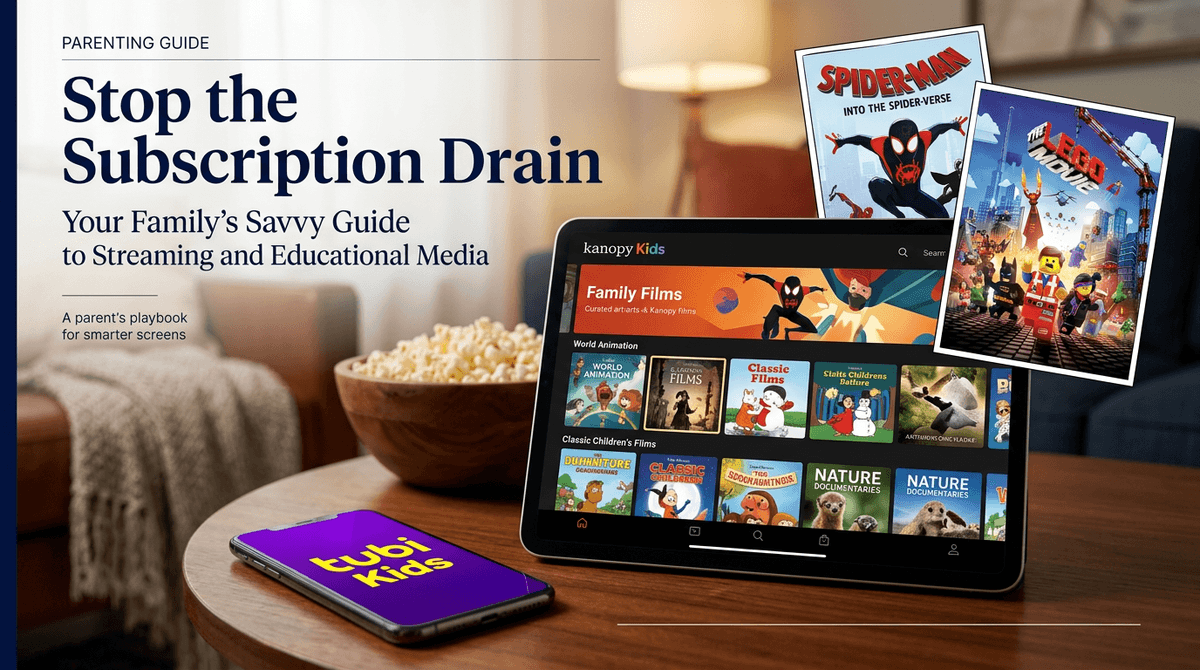
TL;DR: You don’t need a $20/month Netflix sub to have a great family movie night. In 2026, "FAST" (Free Ad-supported Streaming TV) services have actually gotten pretty good. The best safe bets are Tubi (huge library), Pluto TV (live channel vibes), and the absolute gold standard for quality, Kanopy (via your library card). Just make sure to set up a PIN, or your toddler might wander from Blippi straight into a TV-MA slasher flick.
Is it just me, or did we all wake up one day and realize we’re spending $150 a month on streaming services just to watch the same three episodes of Bluey and that one documentary about 90s boy bands?
The "Subscription Drain" is real. Between the price hikes and the crackdown on password sharing, family movie night has started to feel like a line item in a corporate budget. But here’s the secret: there is a massive world of legal, free movies out there. I’m not talking about the sketchy "watch-movies-free-hd.biz" sites that will give your laptop a virus and show your kids things they’ll need therapy for. I’m talking about legitimate apps that are actually worth your time.
If you’ve heard people talking about "FAST" services, it stands for Free Ad-supported Streaming TV. Think of it like old-school cable. You don't pay a monthly fee, but you do have to sit through a few commercials.
In 2026, these platforms have moved way beyond the "random 80s B-movies" phase. They are now licensing major hits from studios like Paramount, Warner Bros, and MGM. About 45% of families in our Screenwise community are now using at least one free service to supplement or replace their paid subs.
If you’re looking to cut costs without sacrificing the "vibes" of a proper movie night, these are the apps you need to download on your smart TV or tablet.
Tubi is basically the king of free streaming right now. Their library is massive—honestly, sometimes it feels bigger than Netflix.
- The Best Part: The Tubi Kids section is a dedicated space with a surprisingly good selection. You’ll find things like The Super Mario Bros. Movie (depending on the month), Sonic Boom, and a ton of LEGO content.
- The Catch: It is very easy for a kid to click "Exit Kids" and end up in the main library, which is full of R-rated horror and "unrated" indie films. You must set up a parental control PIN in the settings.
Pluto TV feels like a traditional TV guide. It has "live" channels that play content on a schedule, plus a huge on-demand library.
- The Best Part: They have dedicated 24/7 channels for things like SpongeBob SquarePants, Dora the Explorer, and even a "Family Movie" channel. It’s great for when your kids have "choice paralysis" and just want someone else to pick the show.
- The Catch: The ads on Pluto can be a bit repetitive, and the interface can feel a little cluttered for younger kids.
You don’t actually need a Roku device to watch this; it’s an app on most platforms now.
- The Best Part: They have a lot of "premium" feeling content and even some original shows. Their kids' section is well-organized and generally feels a bit "cleaner" than Tubi.
- The Catch: Like the others, it relies on ads, and the "exit" to adult content is just one click away.

If you want free movies without the ads, you need to dust off your library card.
Kanopy is arguably the best-kept secret in digital parenting. Most local libraries provide access for free.
- Why it’s great: Kanopy Kids is incredible. It features high-quality, educational, and artistic content that isn't just "brain rot." You’ll find animated versions of classic books like The Wild Robot by Peter Brown or Don’t Let the Pigeon Drive the Bus!.
- The Bonus: Zero ads. None. It’s the closest thing to a "premium" experience you can get for free.
Similar to Kanopy, Hoopla works through your library. It has a broader "blockbuster" feel than Kanopy but still maintains a "Kids Mode" that filters out adult content effectively.
When a service is free, the ads are the price. This brings up two main concerns for intentional parents:
- Inappropriate Ad Content: Even if your kid is watching a "G" rated movie on a free app, the commercials might be for a PG-13 slasher movie or a prescription drug with a list of side effects longer than the movie itself.
- Consumerism: Free apps are basically a 90-minute pitch for toys, cereal, and other apps. If you’re trying to minimize the "I want that!" factor in your house, Kanopy is your only real ad-free bet.
Pro-Tip: Use the commercial breaks as "Movement Breaks." When an ad starts, have everyone do 10 jumping jacks or a quick "reset" before the movie comes back on. It turns a negative (ads) into a positive (not being a couch potato).
Here’s what our Screenwise data shows is actually hitting the mark with families right now on these free platforms:
For the Littles (Ages 2-5)
- PBS Kids: Always free, always safe. No ads. It’s the baseline for a reason.
- HappyKids: A dedicated free app for toddlers and preschoolers. Very safe, very simple.
- Paddington: Frequently cycles through the free apps and is basically a warm hug in movie form.
For the Big Kids (Ages 6-11)
- The LEGO Movie: Often pops up on Tubi or The Roku Channel.
- Puss in Boots: The Last Wish: A genuine masterpiece that shows up on ad-supported tiers of services like Freevee.
- Spider-Man: Into the Spider-Verse: Keep an eye out; this one rotates through free services often.
For Teens (Ages 12+)
Don't just hand over the remote. Follow these three steps to make free streaming safe:
- Create an Account: Even though many of these apps let you watch as a "guest," creating a free account allows you to set up Parental Controls.
- Set a PIN: On Tubi, you can set a PIN that is required to view anything above a certain rating (e.g., PG). This is non-negotiable if you have younger kids.
- Check the "Kids" Toggle: Most of these apps have a "Kids Mode" toggle. Make sure it’s on, but remember it’s not a 100% guarantee.
You don't have to be a tech genius or a pirate to save money on movies. By using Tubi for variety and Kanopy for quality, you can easily ditch one or two of your paid subscriptions without the kids even noticing.
Just remember: Free isn't truly free. You’re paying with your time (ads) and your data. If you’re okay with that trade-off, enjoy the extra $20 in your pocket this month. Maybe spend it on some actual popcorn?
- Audit your subs: Look at your bank statement. If you haven't watched Disney+ in three months, cancel it and try Kanopy for a week.
- Set the PIN: Open your favorite free app right now and lock down the adult content.
- Check out our guide on managing screen time to make sure "free" doesn't turn into "forever."