

TL;DR
If you’re looking for a "guilt-free" app that actually teaches your toddler something beyond how to skip ads, Endless Alphabet is the gold standard. It uses quirky monsters and interactive puzzles to teach phonics and high-level vocabulary. It’s a one-time purchase with no ads, no high scores, and no "game over" stress.
Quick Links:
- The App: Endless Alphabet
- The Follow-up: Endless Reader
- Math Version: Endless Numbers
- The Best Free Alternative: Khan Academy Kids
If you’ve spent any time in the "Educational" section of the App Store, you know it’s a minefield of apps that claim to be "learning tools" but are actually just dopamine-delivery systems designed to sell your kid virtual stickers. Endless Alphabet is the rare exception.
Created by Originator, the app is a digital interactive dictionary. Here’s the loop:
- A pack of colorful, weirdly adorable monsters runs across the screen and knocks over a word (like "Gargantuan" or "Cooperate").
- The letters get scattered.
- Your child has to drag each letter back to its silhouette.
- The Magic Part: As they drag the letter "G," the letter itself comes to life, making its phonetic sound—"G-G-G-G"—until it’s dropped into place.
- Once the word is built, a short, hilarious animation plays featuring the monsters acting out the definition of the word.
It’s simple, tactile, and surprisingly sophisticated. It’s the kind of app that makes you feel like you’re actually winning at this digital parenting thing.
Find more apps from Originator
The "No-Fail" Philosophy
One of the best things about Endless Alphabet is what it doesn't have. There are no timers. There are no high scores. There are no flashing "TRY AGAIN" banners in red text when a kid misses a spot. It’s a sandbox environment. If a kid takes ten minutes to drag the 'R' into 'Alarm,' the app just waits patiently. This is huge for toddlers who are still developing fine motor skills and get easily frustrated by "game" mechanics.
The Vocabulary Flex
Most toddler apps stop at "A is for Apple." Endless Alphabet assumes your kid is capable of more. It introduces words like hilarious, obnoxious, and scrounge. There is nothing quite like hearing a three-year-old in a high-chair correctly use the word "bellow" because they saw a blue monster do it on an iPad. It builds a "word consciousness" that stays with them.
Zero Ad "Brain Rot"
We’ve all been there: you hand your kid a "free" game, and thirty seconds later they’ve clicked an ad for a mid-tier mobile RPG or a weirdly aggressive toy commercial. Endless Alphabet is a paid app (or a one-time unlock). Once you buy it, the "buy" buttons disappear, and there are no external links for little fingers to find. It’s a safe, contained digital backyard.
Learn more about why "free" apps are often the most expensive
Recommended Ages: 2 to 5
- Ages 2-3: At this stage, they’re mostly playing for the sensory feedback. They love the sounds the letters make and the funny animations. They might need help dragging the letters, but the phonetic reinforcement is already sinking in.
- Ages 4-5: This is the sweet spot. They start recognizing the words in the real world. This is also a great bridge to Endless Reader, which moves from single words to sight words and short sentences.
Screen Time Context
Even though this is "educational," it’s still high-stimulation. The colors are bright, and the animations are snappy. For the 2-5 crowd, we generally recommend "co-viewing." Instead of using it as a digital babysitter while you cook dinner (though no judgment, we’ve all done it), sit with them for 10 minutes. Ask them, "What sound does that letter make?" or "Can you roar like that monster?"
Check out our guide on screen time limits for preschoolers
From a privacy and safety standpoint, Endless Alphabet is about as low-risk as it gets.
- Offline Play: You can use it in airplane mode (perfect for flights or long car rides).
- No Social Features: There is no chat, no "friends list," and no way for your child to interact with anyone else.
- Data Privacy: Originator is generally very good about COPPA compliance. They aren't harvesting your toddler's data to sell them sneakers later.
The only "danger" is to your storage space. The app downloads animations as you go, so if you unlock the full "Endless" pack, it can eat up a couple of gigabytes on your device.
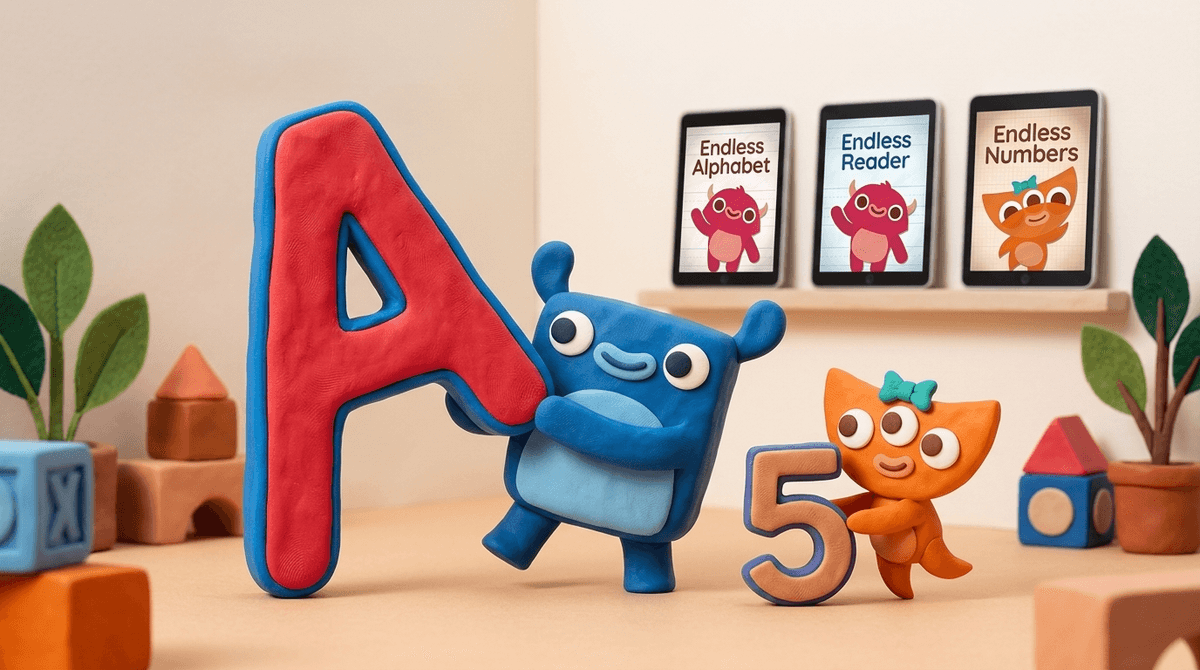
If your kid hits a wall with the alphabet or you just want to diversify their digital diet, the "Endless" series has expanded into a full curriculum.
This is the logical next step. It uses the same monsters but focuses on "sight words"—those tricky words like "the," "there," and "said" that don't always follow phonetic rules. It places the words into sentences, helping kids understand context.
Same vibe, but for early numeracy. It covers counting, sequences, and basic addition. Like the alphabet version, the numbers come to life and make noise as you drag them.
This one focuses on spelling patterns and rhymes. It’s a bit more advanced and great for kids who are starting to transition into kindergarten.
Compare Endless Alphabet vs Khan Academy Kids
The Cost Factor
You’ll likely see the app for "free" in the App Store, but that’s just a sampler. To get the full library of words (which you’ll want, because the free version is very short), there’s an in-app purchase. It’s usually around $9.00 to $15.00 depending on bundles.
In a world of $0.99 cent trash, $15 might feel steep for an app. But think of it like a high-quality wooden toy or a beautiful picture book. You’re paying for the lack of ads, the quality of the animation, and the fact that it actually works.
The "Brain Rot" Antidote
We talk a lot at Screenwise about "active" vs. "passive" screen time. Passive screen time is leaning back and letting Cocomelon or Skibidi Toilet wash over them. Active screen time is engaging, problem-solving, and interacting. Endless Alphabet is firmly in the "active" category.
If your kid finds it "boring"
Occasionally, a kid who is used to the high-speed chaos of Roblox or YouTube might find Endless Alphabet a bit slow. That’s actually a good thing. It’s a sign that their "boredom threshold" needs a little recalibration. Stick with it—the monsters usually win them over.
Endless Alphabet is one of the few apps that lives up to the hype. It’s charming, genuinely educational, and respects your child’s developing brain by not cluttering it with ads and "freemium" hooks.
If you’re going to let your toddler use a tablet, this should be the first icon on the home screen. It turns "screen time" into "learning time" without the kid even realizing they’re being taught.
Next Steps:
- Download the free version of Endless Alphabet to see if the "vibe" fits your kid.
- If they dig it, look for the "Endless Bundle" to save a few bucks on the Reader and Numbers apps.
- Check out Metamorphabet for a similarly artistic, low-stress alphabet experience.