

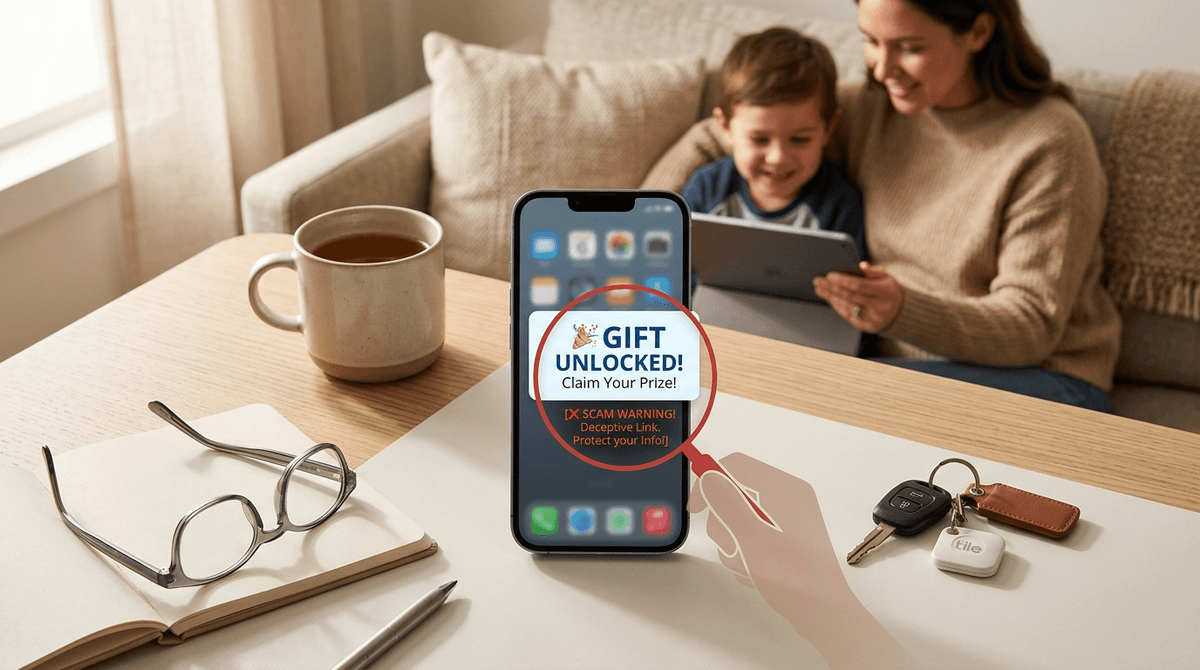
TL;DR: Scammers are targeting kids on Discord and Roblox using sophisticated social engineering. The "Accidental Ban" scam, fake "Free Robux" generators, and malicious "Nitro" gift links are the big three to watch for. Most of these result in hijacked accounts or stolen credit card info. The best defense is enabling Two-Factor Authentication (2FA) and teaching your kids that "if it’s free, it’s a trap."
Check out our guide on setting up Roblox parental controls
Learn how to secure your child's Discord account
Ask our chatbot about the latest gaming scams
It’s a Tuesday afternoon, and your kid is upstairs on Roblox or chatting with friends on Discord. Suddenly, they’re downstairs in a panic because someone messaged them saying their account is about to be deleted for "illegal activity." Or maybe they’re just super excited because they found a "glitch" that gives them free Fortnite skins or Minecraft coins.
In the 90s, "stranger danger" meant not getting into a van with a puppy. In 2026, it means not clicking a link for a "Free Nitro" gift from someone who looks like a friend but is actually a bot that just hijacked that friend’s account.
Scammers aren't just looking for money anymore; they’re looking for "digital equity"—accounts with rare items, established social networks, or saved payment methods. Here is how they’re doing it and how you can stop them.
1. The "Accidental Report" (Social Engineering)
This is the most psychological scam currently circulating on Discord and Steam.
A user (who might even be on your child's friend list because their account was already hacked) messages your kid: "Hey, I’m so sorry, I accidentally reported your account for making illegal purchases/fraud instead of someone else. I tried to tell the admin, but they said you have to contact them yourself or you'll be banned in 24 hours."
They then give your child a link to a "Discord Admin" or "Steam Support" person. This "admin" is just another scammer. They will ask your child to "verify" their account by changing their email to a "temporary" one (which the scammer controls) or by sending a screenshot of their login token. Once they do this, the account is gone.
2. The "Free Robux" Generator
Roblox is essentially a digital playground where Robux is the only currency that matters. Kids want it, and they want it without asking you for your credit card.
Scammers create YouTube videos or TikTok clips showing "working glitches" or websites that "generate" currency. These sites usually ask the kid to:
- Enter their password (direct theft).
- Download a "plugin" or "launcher" (malware/keyloggers).
- Complete "surveys" that harvest personal data to sell to advertisers.
The Reality Check: There is no such thing as a Robux generator. Period.
3. Fake Discord Nitro Links
Discord offers a premium subscription called "Nitro" that lets kids use fancy emojis and bigger file sizes. It’s a status symbol.
Scammers send links that look like discord.gift/something but are actually discorcl.gift/something or discord-nitro.com. When the kid clicks it, it asks them to log in to "claim" the gift. The moment they enter their credentials, the scammer has their account and immediately sends the same scam link to everyone on your kid's friend list.
It’s easy to think, "My kid is tech-savvy, they’d never fall for that." But scammers don't target tech skills; they target emotions.
- Fear of Loss: The "Accidental Ban" scam works because it creates an urgent, scary deadline. Kids don't want to lose their Minecraft worlds or their Roblox friends.
- Social Proof: If a message comes from a "friend" (whose account was hacked), a child is 10x more likely to trust it.
- The "Deal" Mentality: Kids don't have a lot of disposable income. The idea of getting something for free that usually costs $10 is incredibly tempting.
For Elementary Kids (Ages 7-11)
At this age, the focus should be on The Wall. They should not be on Discord yet (the terms of service require you to be 13+), and their Roblox settings should be restricted so only friends can message them.
- The Talk: "In games, if someone offers you something for free, it's almost always a trick to take your account. Just like you wouldn't take a 'free' toy from a stranger at the park, don't take one online."
For Middle Schoolers (Ages 12-14)
This is the danger zone. They want independence and are likely using Discord to coordinate Fortnite or Among Us sessions.
- The Talk: Introduce the concept of Phishing. Explain that even if a link comes from a friend, if the friend is acting weird or the link looks "off," they should text that friend IRL to see if they actually sent it.
For High Schoolers (Ages 15+)
They likely know about scams, but they might be overconfident.
If you do nothing else, do these three things tonight:
- Enable Two-Factor Authentication (2FA): This is the single most important step. Even if a scammer gets your child's password, they can't get in without a code from your phone or an app like Google Authenticator.
- Check Privacy Settings: On Roblox, go to Settings > Privacy and set "Who can message me?" to "Friends" or "No one." On Discord, go to User Settings > Privacy & Safety and turn on "Keep me safe" (which scans direct messages for explicit or suspicious content).
- Remove Saved Credit Cards: Don't leave your "main" credit card saved in the App Store or on Roblox. Use gift cards for purchases instead. This limits the "blast radius" if an account is compromised.
Check out our guide on the best 2FA apps for families
Learn how to spot a phishing link in 5 seconds
The "Accidental Ban" scam is particularly nasty because it often involves the scammer asking for a "verification fee" to prove the user is real. They might ask for $50 in Steam gift cards or even Apple gift cards.
No legitimate company—not Discord, not Roblox, not Steam, and certainly not the IRS—will ever ask you to pay a fine or verify your identity using gift cards. If gift cards are mentioned, it is 100% a scam.
Don't make this a lecture about "those dangerous games." Instead, make it about "digital street smarts."
Try saying: "Hey, I was reading about some weird scams on Discord where people pretend to be admins. If you ever get a message saying you're in trouble or being reported, don't panic. Just come show me. We'll look at it together. I'm not going to be mad; I just want to make sure your account doesn't get stolen."
By removing the fear of getting in trouble, you ensure that you are the first person they come to when something feels "sus."
Scams are an inevitable part of the digital world. You can't shield your kids from every malicious link, but you can give them the tools to recognize them.
Think of it like teaching them to cross the street. You don't tell them to never go outside; you tell them to look both ways and watch out for cars that aren't stopping. In the digital world, Discord and Roblox are the busy intersections. 2FA is the seatbelt. And your open communication is the GPS.
- Audit the accounts: Sit down with your kid and check the 2FA status on their most-used apps.
- The "Friend Check": Ask them if they've ever received a weird link from a friend. It's a great conversation starter.
- Set up a "Family Tech Hub": Use a password manager like 1Password to keep track of their logins so you can help them recover accounts if things go sideways.
Learn more about how Robux is in fact real money
Check out our guide on Discord safety for parents
Ask our chatbot for a script to talk to your teen about scams