Scratchjr

Scratchjr

app

Everyone, 2015, Education

WISE
96%

WISE Score

4.0

App Store

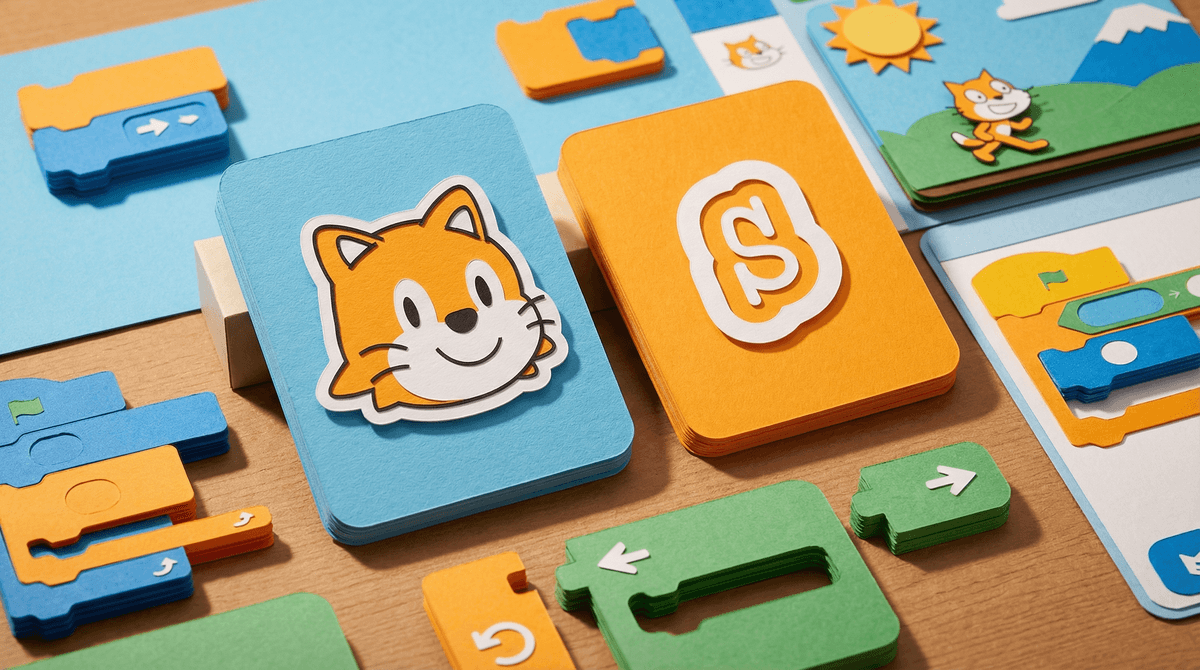
MIT's brilliant intro-to-coding app that lets kindergarteners program stories without turning into screen zombies—the unicorn of educational apps.

Screenwise Verdict

This is what educational technology should be: thoughtfully designed by actual researchers, free from commercial garbage, and genuinely teaching transferable skills. ScratchJr isn't pretending to be educational while really being a dopamine slot machine—it's the real deal.

Yes, it's from 2014, but unlike most apps that age, it hasn't been enshittified with ads or IAP because it's run by nonprofits. The interface still works beautifully, and coding logic doesn't get outdated. Your kindergartener is learning the same computational thinking concepts that professional developers use, just with cartoon cats instead of Python.

The only 'downside' is that it requires actual engagement and thinking, so kids who are used to passive consumption might resist at first. But that's a feature, not a bug. This is one of the very few apps where more screen time might actually be... fine? Gasp.

If you're going to let your young kid use a tablet, this should be installed. Full stop.
Age Fit

Genuinely perfect for ages 5-7 as advertised, though some advanced 4-year-olds and younger 8-year-olds will still enjoy it. By 9, most kids are ready for full Scratch, but this remains the best on-ramp for the younger set.

WISE Breakdown
Wholesome
95

Designed explicitly for young children's cognitive, personal, social, and emotional development. Non-competitive, collaborative learning environment with no social comparison or pressure. Created by MIT Media Lab and Tufts researchers specifically to support healthy early childhood development.

Imaginative
98

Pure creative coding platform where kids build their own interactive stories and games from scratch. Open-ended design with no prescribed outcomes—children express themselves through programming, storytelling, and character design. Encourages problem-solving and project design without templates or limitations.

Safe
98

Offline app with no social features, no ads, no in-app purchases, and no user-generated content from strangers. Kids mode available. Created by nonprofit educational institutions (MIT, Tufts, Scratch Foundation) with educational mission rather than commercial incentives. Zero manipulation or addictive loops—sessions are finite and project-based.

Enriching
96

Teaches foundational computational thinking, sequencing, and logic through age-appropriate visual programming. Supports early numeracy and literacy development in meaningful context. Builds problem-solving skills, spatial reasoning, and executive function. Research-backed educational design from leading institutions. Skills transfer to future STEM learning.

Parent Info
✓

Why It Might Be Great

  • Teaches actual coding logic (sequencing, loops, conditionals) through visual blocks that 5-year-olds can grasp—this isn't fake 'learning,' it's real computer science
  • Completely offline, zero ads, zero IAP, zero social features, zero data harvesting—made by actual educators who aren't trying to sell you anything
  • Open-ended creativity means kids make their own stories and games rather than consuming content, building genuine problem-solving and executive function skills
  • Research-backed by MIT Media Lab and Tufts—the design is intentionally aligned with early childhood development, not just slapping 'educational' on entertainment
  • Skills actually transfer: kids who learn ScratchJr transition smoothly to Scratch (ages 8+) and beyond, building a genuine foundation for computational thinking
⚠

What to Watch For

  • Requires tablet (iPad/Android)—not available on phones, which is actually a feature since the interface needs space
  • Some kids need adult scaffolding at first to understand the block logic, especially younger 5-year-olds—it's not a 'drop them off' app initially
  • Projects are saved locally, so if you delete the app or switch devices, work is lost unless you export (teaches good digital citizenship but can cause tears)
  • Not flashy or gamified—some screen-addicted kids might find it 'boring' at first compared to high-stimulation apps, which honestly tells you something about their baseline

Conversation Starters

  • "What story are you trying to tell with your characters? Walk me through what you want them to do."
  • "Why did you choose that block? What do you think will happen when you run it?"
  • "Uh oh, it's not doing what you wanted—what block could we try instead? How can we debug this together?"
  • "Could you teach me how to make a character jump? I want to learn how you figured that out."
  • "What project do you want to make next? What would make it even cooler?"

Ask Anything

Get a personalized guide on any topic

Related Guides