From blocks to blueprints
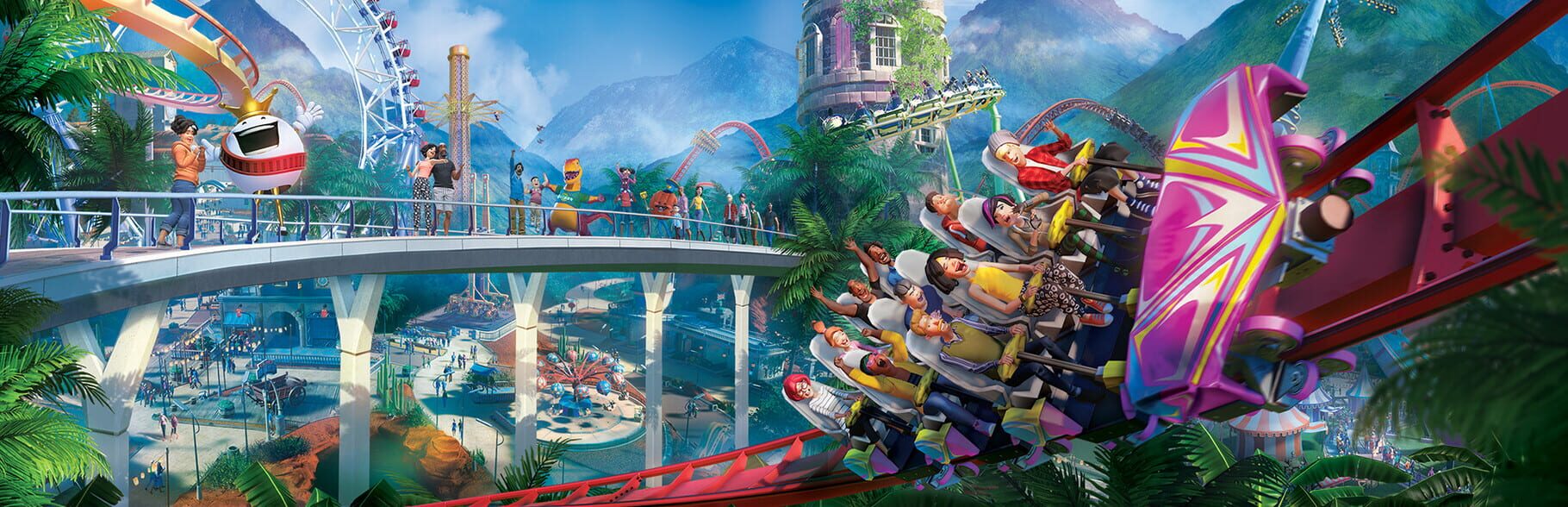
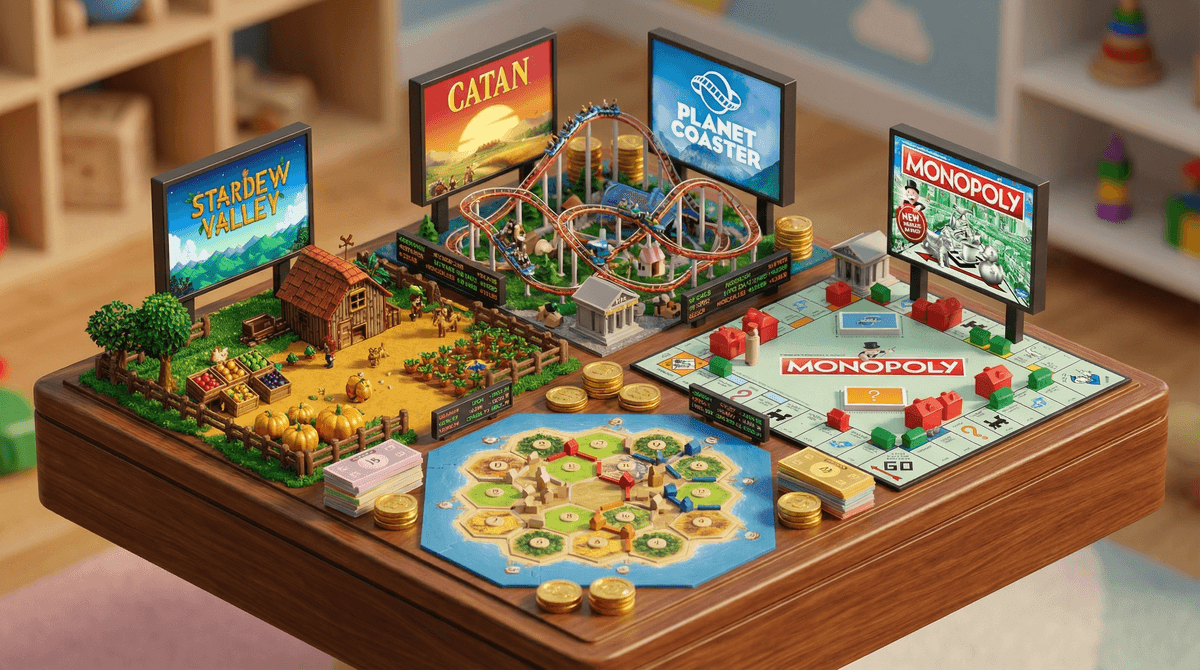
If you have a kid who spent years obsessing over Minecraft and is finally finding the blocks a bit limiting, Planet Coaster is the natural graduation ceremony. This isn't just a game where you plop down a pre-made ride and watch people barf. It is a piece-by-piece construction kit. You aren't just building a coaster; you are designing the queue scenery, the lighting, and the exact angle of the gift shop roof. It is a black hole for time in the best possible way.
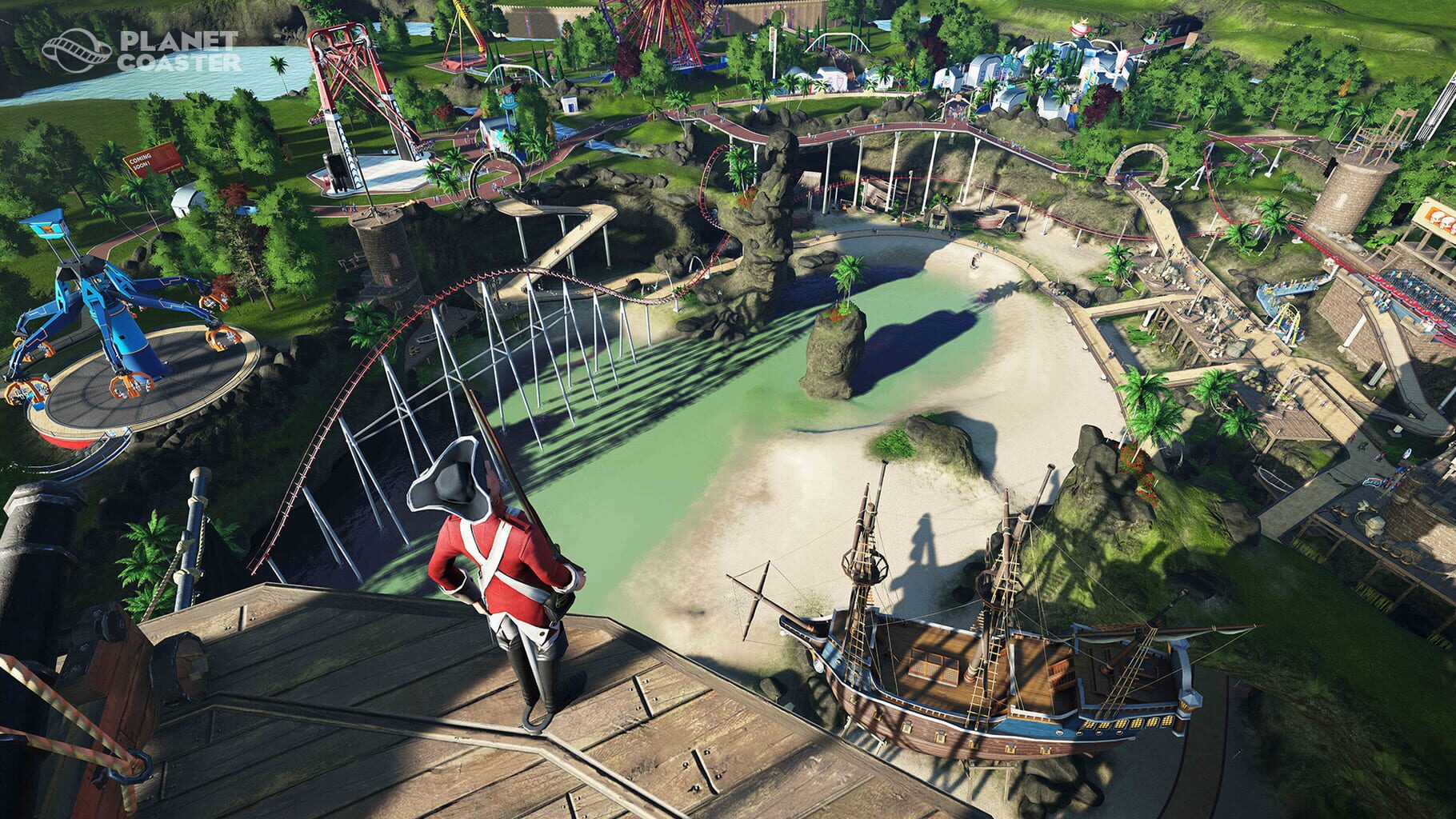
The "spiritual successor" tag is real. The developer, Frontier Developments, took everything that worked in the classic theme park sims of the early 2000s and removed the technical ceilings. In the old games, you were limited by grids. Here, you can rotate any object on any axis. If your kid wants to build a sci-fi burger joint tucked inside a hollowed-out volcano, they can. That level of freedom is a massive flex for their design skills, but it also means they need a decent mouse and some desk space. This isn't a "lean back on the couch" experience.
The "management wall" is real
There is a specific moment in Planet Coaster where the fun stops being about loops and starts being about trash cans. You can build the most beautiful park in the world, but if you don't have enough janitors or your ticket prices are too high, the whole thing collapses. For kids who just want to be "the ideas guy," this can be a brick wall of frustration.
If you see them getting tilted because they ran out of money, point them toward the sandbox mode immediately. However, if they actually enjoy the challenge of keeping the books balanced, it’s one of the best economics learning games for kids. It forces them to understand the relationship between investment and return. Building a profitable park requires more than just cool rides; it's about teaching kids economics through play by making them manage staff wages and the price of a digital soda.
How to use the community library
The most useful feature for a frustrated builder is the community sharing system. Instead of building a complex building from scratch, players can download "blueprints" made by other people. It’s a great way for a kid to see how a pro builder used 500 individual wooden planks to create a realistic-looking pirate ship.
We recommend using this as a learning tool. If they are stuck on a design, have them download a few community creations to see how the "guts" of the building are put together. It turns the game from a solitary building project into a masterclass in 3D design.
A note on the "Spooky" stuff
While the base game is as wholesome as a day at a real-world Disney park, the optional DLC packs (specifically the Spooky and Adventure ones) can add some "mild violence" and jump-scare animatronics. We’re talking skeletons and spiders. For an 8-year-old who is sensitive to that stuff, it might turn their fun park into a nightmare. You can easily enjoy the game without those packs, so just check the library before you buy the "Complete Edition" or whatever bundle is on sale. If they get hooked and want more, there is also a sequel that expands on these ideas even further.