The "Anti-Algorithm" Creative Tool
In an era where most music apps for kids are either glorified ad delivery systems or over-engineered DAW (Digital Audio Workstation) clones, Incredibox feels like a miracle. It’s a closed loop. There is no "feed" pushing you toward the next viral sound, and there are no timers forcing you to wait for a "stamina" bar to refill.
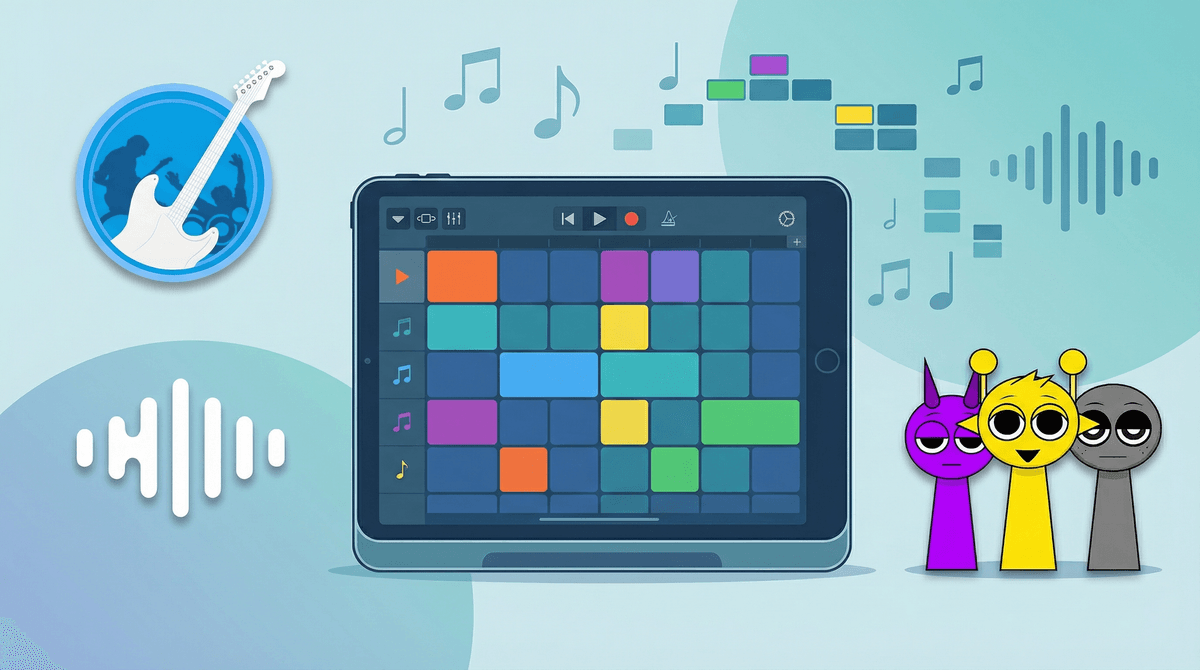
The brilliance of the Lyon-based studio So Far So Good was in realizing that kids don't actually want a blank slate; they want a playground with boundaries. By giving players a fixed set of sounds that are mathematically guaranteed to stay in time and in key, the app removes the frustration of "sucking" at music. Your kid isn't just making noise; they are composing. If they’ve spent any time in the more chaotic corners of the internet, this will feel like a focused, meditative breath of fresh air.
Unlocking the "Bonus" Logic
While the app looks like a simple sandbox, there is a subtle strategy layer that keeps kids coming back. To unlock the cinematic, animated choruses (the "Bonuses"), you have to find specific combinations of sounds. This turns the experience into a logic puzzle.
Instead of just dragging random hats and sunglasses onto the beatboxers, kids start to pay attention to the icons. They begin to categorize: "I need two more percussion loops and one specific melody to trigger the animation." This is where the visual blocks make learning music and rhythm easy, as kids subconsciously map out the structure of a song—intro, layering, bridge, and climax—without ever looking at a sheet of music.
The "Safe Mode" Reality Check
The app’s synopsis mentions community mods and sharing, which is where the "friend-to-friend" advice kicks in: Enable Safe Mode immediately.
Without it, the app is a bit too porous. It’s very easy for a curious seven-year-old to tap their way out of the app and onto YouTube or Instagram to "see what other people are making." While the community is generally focused on the music, the open web is still the open web. Safe Mode locks those doors, keeping the experience strictly about the beat-making.
If your kid is older (10+) and wants to see the Top 50 chart, they’ll see a lot of community-created mods. Some of these are incredibly creative, but because they are user-generated, the visual themes can occasionally lean into "internet weirdness"—think slightly darker aesthetics or creepypasta-adjacent character designs. It’s nothing scandalous, but it’s a shift from the polished, official versions provided by the developers.
Beyond the Sandbox
If your kid has outgrown the "toy" feel of Toca Band but isn't quite ready for the steep learning curve of GarageBand, Incredibox is the perfect middle-ground. It teaches the concept of "the mix"—the idea that a song is a living thing you can add to or subtract from in real-time.
A pro tip for parents: use the Automatic Mode if you just need some high-quality, kid-friendly background music for a car ride or a Lego session. It’s better than 90% of the "Lo-fi Beats to Study To" playlists on Spotify, and because it’s generated on the fly, it never gets repetitive.
When they eventually record a mix they’re proud of, have them export the MP3. There is a massive confidence boost in a kid being able to say, "I made this," and then hearing that file play through the car speakers like a real song.