

Visual Block Music Apps That Make Rhythm and Fractions Click
TL;DR: Apps like Chrome Music Lab, GarageBand, and Incredibox use visual blocks to make abstract music concepts tangible. Kids can literally see that four quarter notes equal one whole note, or that a 3/4 time signature creates a waltz pattern. It's the same cognitive leap that makes Minecraft teach spatial reasoning—when you can manipulate something with your hands (or mouse), your brain gets it faster.
There's this beautiful moment that happens when a kid is messing around with a block-based music app and suddenly goes: "Oh WAIT. So if I put two of these together, it's the same as one of THOSE?"
That's the sound of fractions clicking into place—not through a worksheet, but through sound.
Music is inherently mathematical. A whole note is literally twice as long as a half note, which is twice as long as a quarter note. Time signatures are fractions (4/4, 3/4, 6/8). Rhythm is division and multiplication made audible.
But here's the problem: when you're staring at traditional sheet music, those relationships are abstract. Black dots on lines. Numbers that don't feel like anything.
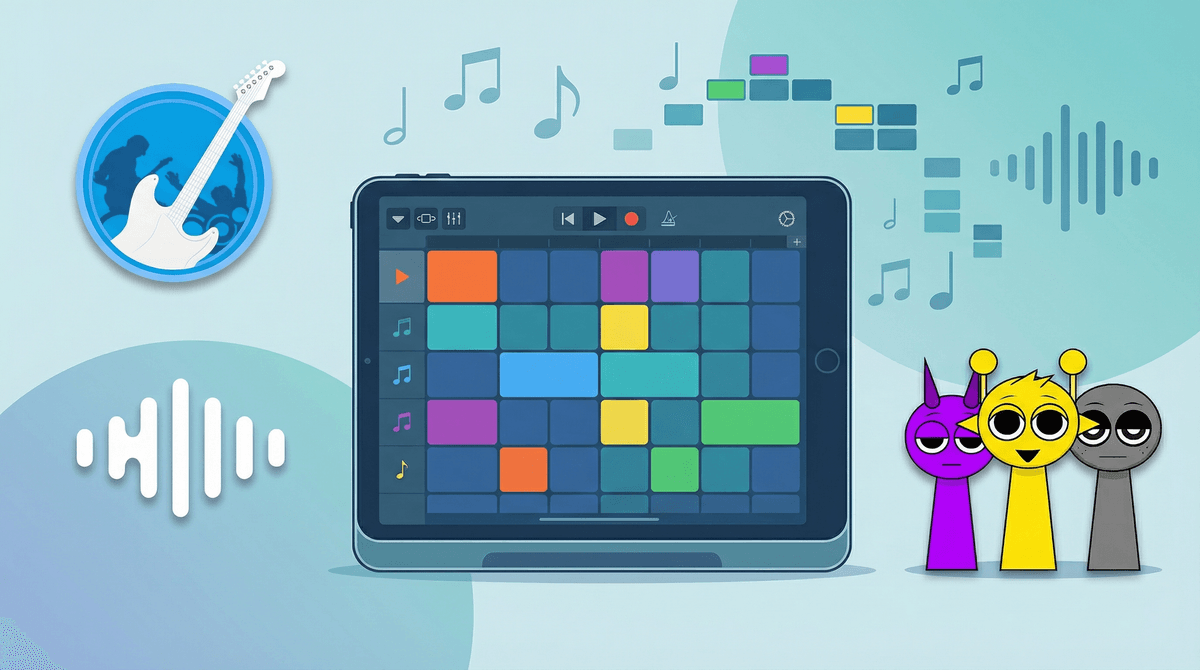
Visual block music apps solve this by making time spatial. A whole note is a longer block. Four quarter notes take up the same visual space as one whole note. You can drag them around, stack them, swap them out. The math becomes manipulable, and suddenly fractions aren't just numbers—they're proportions you can hear.
It's the same principle that makes LEGO brilliant for teaching engineering concepts, or why Scratch makes coding accessible. When abstract concepts get a physical (or visual) form, kids can experiment, fail, iterate, and learn without the pressure of "getting it right."
Ages: 5+
Cost: Free
Platform: Browser-based (works on everything)
This is the gold standard for visual music learning, and it's completely free with zero ads or data collection. Chrome Music Lab is a collection of experiments created by Google that let kids explore music through interactive visuals.
The Song Maker tool is where the magic happens. Kids click to place notes on a grid—the vertical axis is pitch, the horizontal is time. They can see and hear how melodies work, experiment with rhythm patterns, and create loops. There's no "wrong" way to use it.
The Rhythm experiment is pure visual-block brilliance. Kids can see how different note values fit together in measures, literally dragging quarter notes, eighth notes, and rests into place. The visual proportions match the time proportions exactly.
Best part? No account required. Just open a browser and go.
Ages: 8+
Cost: Free on Apple devices
Platform: iOS, iPadOS, macOS
If your family is in the Apple ecosystem, GarageBand is shockingly powerful for a free app. The Live Loops feature uses a grid of colored blocks that kids can tap to trigger different musical loops—drums, bass lines, melodies. They're essentially building songs by stacking blocks in time.
The Piano Roll view is where the fraction learning happens. Notes are rectangles on a grid. Longer rectangles = longer notes. Kids can snap notes to a grid, and that grid is divided into measures and beats. They can see how four quarter notes fill a 4/4 measure, or how triplets divide a beat into three equal parts.
The learning curve is steeper than Chrome Music Lab, but for kids who want to make "real" music (especially if they're into hip-hop, EDM, or pop production), GarageBand delivers professional-level tools with visual block interfaces.
Ages: 6+
Cost: $4.99 (app) or free in browser with limited features
Platform: iOS, Android, browser
Incredibox is the most game-like of these apps. Kids drag clothing items onto beatboxing characters to create layered music. Each character represents a different musical element—beats, melodies, effects, voices.
The block concept here is more abstract but still powerful: kids learn about layering and how different rhythmic and melodic elements combine to create a full song. They're essentially building a vertical "stack" of sounds that play simultaneously, which is a core concept in music production.
The visual feedback is immediate and satisfying. Drag a hat onto a character, hear a hi-hat pattern. Drag a different hat, hear a different pattern. Kids naturally start experimenting with combinations, learning through iteration.
It's less overtly educational than Chrome Music Lab, but it's wildly engaging. Kids will spend an hour creating beats without realizing they're learning about rhythm, harmony, and arrangement.
Ages: 10+
Cost: Free tier available, $7.99/month for premium
Platform: Browser-based, iOS, Android
Soundtrap is essentially a web-based digital audio workstation (DAW) with collaboration features. Think GarageBand but in a browser and with multiplayer.
The interface uses blocks for loops and regions of audio. Kids can see how measures line up, how different instrument tracks stack vertically, and how time flows horizontally. The grid snapping makes it easy to keep everything in rhythm.
The collaboration feature is brilliant for siblings or friends working on projects together. Multiple people can edit the same project simultaneously, which turns music creation into a social activity.
It's more complex than the other apps listed here, but for middle schoolers interested in serious music production, it's a fantastic stepping stone toward professional tools like Ableton or Logic.
Ages: 8+
Cost: Free
Platform: Browser-based
Beepbox is a chiptune music maker that uses a piano roll interface. It's perfect for kids who love retro video game music (think old Nintendo or Game Boy soundtracks).
The visual block system is crystal clear: each note is a colored rectangle on a grid. Longer rectangles = longer notes. Different colors = different pitches. Kids can see the mathematical relationships instantly.
The constraint of chiptune (limited instruments, simple waveforms) actually makes it easier to focus on rhythm and melody without getting overwhelmed by production choices. It's like learning to draw with a pencil before moving to oil paints.
Plus, the retro aesthetic is genuinely cool to kids. They're not making "educational music"—they're making Undertale-style soundtracks.
Here's what's sneaky brilliant about these apps: kids are doing fraction operations without realizing it.
When they discover that two eighth notes fit in the same space as one quarter note, they've just learned that 1/8 + 1/8 = 1/4. When they realize a dotted quarter note is longer than a regular quarter note, they're working with 1/4 + 1/8 = 3/8.
They're also learning about equivalent fractions. A measure of 4/4 can be filled with four quarter notes, eight eighth notes, two half notes, or one whole note. All different representations of the same total time.
This isn't theoretical math—it's applied math with immediate auditory feedback. Get it right, and it sounds good. Get it wrong, and you can hear the problem.
For kids who struggle with traditional math instruction, this can be a revelation. Suddenly fractions aren't arbitrary rules—they're tools for making music.
Ages 5-7: Start with Chrome Music Lab Song Maker and Rhythm experiments. Keep sessions short (15-20 minutes). Focus on exploration, not instruction. Let them make weird sounds and discover patterns on their own.
Ages 8-10: Add Incredibox for more structured creation, or Beepbox if they're into retro gaming. GarageBand Live Loops work great here too. They can handle more complexity and will start asking questions about why certain combinations sound good together.
Ages 11+: Soundtrap or full GarageBand if they want to create "real" music. They can handle the full piano roll interface and will benefit from watching YouTube tutorials about music production. This is where it can transition from play to actual skill-building.
This isn't a replacement for music lessons. If your kid is serious about learning an instrument, they'll still need traditional instruction. But these apps are fantastic for building musical intuition and making abstract concepts concrete.
The learning is often invisible. Your kid won't say "Mom, I'm learning about fractions!" They'll say "Listen to this beat I made!" That's fine. The learning is happening in the background.
Let them make bad music. Seriously. The whole point is experimentation. If you hover and correct ("That doesn't sound very good..."), you'll kill the intrinsic motivation. Let them create garbage for a while. They'll self-correct through iteration.
These apps are great for neurodivergent learners. The visual-spatial approach works brilliantly for kids with ADHD, dyslexia, or dyscalculia. The immediate feedback loop keeps attention engaged, and the lack of written instructions removes a common barrier.
Watch for the "I want to make REAL music" moment. When kids hit the limits of these beginner tools, that's your cue that they're ready for the next level—either more advanced software or actual music lessons. Don't push it, but be ready when they ask.
Visual block music apps are one of those rare educational tools that don't feel educational. Kids think they're playing. Parents know they're learning fractions, rhythm, pattern recognition, and basic music theory.
The best part? Unlike Roblox or Fortnite, you don't need to worry about in-app purchases, chat features, or predatory design. These are genuinely creative tools that respect both the user's attention and their intelligence.
Start with Chrome Music Lab because it's free, simple, and works on any device. If your kid gets hooked, expand from there based on their interests and your device ecosystem.
And when they come running to show you their creation—even if it sounds like a cat walking on a keyboard—listen. Because what they're really showing you is that they've figured out how to make math sing.
Next Steps:
