

YouTube Age Ratings Explained: What Parents Actually Need to Know
TL;DR: YouTube has three main options for kids: YouTube Kids (under 13), supervised accounts with content levels (9-17), and regular YouTube (13+). But age restrictions are just the starting point—the real work is understanding what your kid actually watches and why the algorithm matters more than the age gate.
Let's cut through the confusion: YouTube's age rating system is kind of a mess, and it's designed more for legal compliance than actual safety. But understanding how it works is still crucial because this is probably where your kids spend a huge chunk of their screen time.
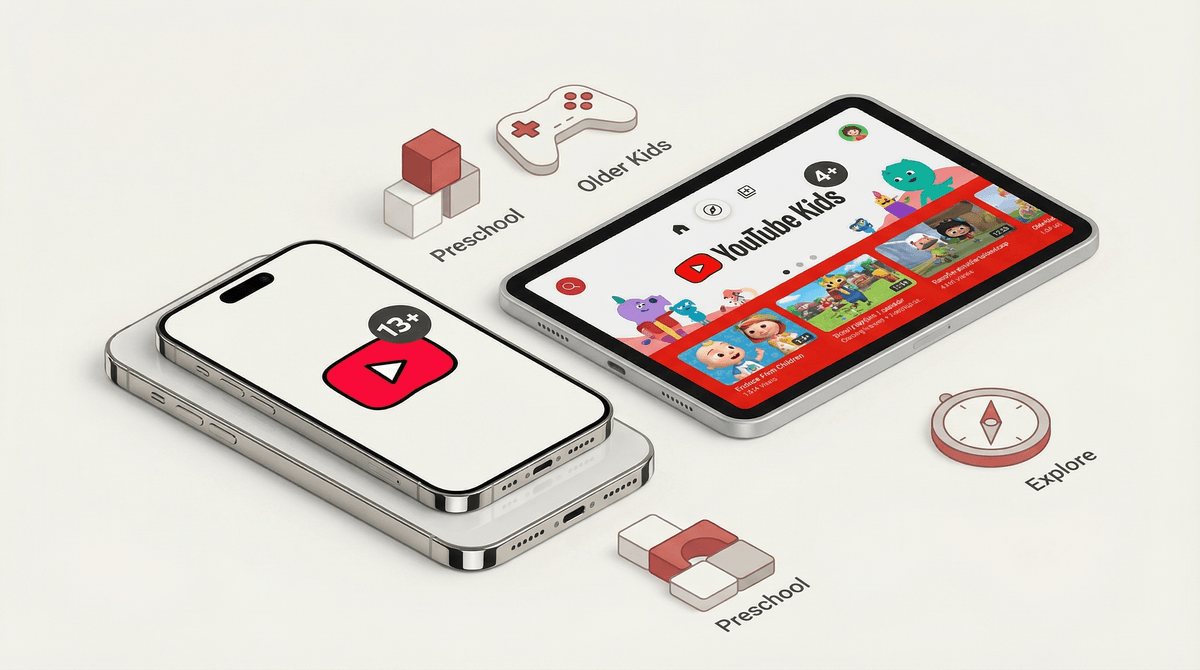
Official age: Under 13
This is YouTube's walled garden version—a separate app with content that's been filtered (mostly by algorithms, some by humans) to be "appropriate" for kids. You get three content levels:
-
Preschool (Ages 4 and under): Focuses on creativity, learning, and exploration. Think Cocomelon and Blippi.
-
Younger (Ages 5-8): Broader range including songs, cartoons, and crafts. This is where you'll find channels like Ryan's World and various Minecraft content.
-
Older (Ages 9-12): Adds music videos and gaming content. Popular vloggers and gaming channels start appearing here.
The catch? YouTube Kids still has problems. The algorithm isn't perfect, and weird, inappropriate content occasionally slips through. Plus, many genuinely good educational channels aren't available because creators haven't specifically marked their content for YouTube Kids.
Supervised Accounts on Regular YouTube
Official age: 9-17 (with three content settings)
This is YouTube's newer solution—letting kids use the real YouTube app but with parental controls through Google Family Link. You get three content levels:
-
Explore (Ages 9+): Includes vlogs, tutorials, gaming, music videos, news, educational content, and DIY. Most popular kid-friendly creators are here.
-
Explore More (Ages 13+): Adds live streams and a broader range of video content. Think more mature gaming content, commentary channels, and trending topics.
-
Most of YouTube (Ages 13+): Almost everything except age-restricted content (explicit music, mature content, etc.). This is basically regular YouTube with the most extreme stuff filtered out.
The supervised approach is honestly more realistic for kids over 9. They get access to the creators they actually want to watch, and you maintain some oversight through activity reports and content restrictions.
Regular YouTube
Official age: 13+
Once your kid hits 13, they can legally have their own Google account and full YouTube access. Age-restricted content (marked 18+) is still blocked unless they verify their age, but otherwise it's the wild west.
The age gates are easily bypassed—any kid with basic internet skills can lie about their birthdate or watch YouTube logged out. The real protection isn't the age restriction; it's the content filtering system you choose and your ongoing involvement.
YouTube's algorithm is the actual gatekeeper. It determines what videos get recommended in the sidebar, what shows up in search results, and what autoplays next. This matters infinitely more than the stated age rating because your kid isn't just watching one video—they're being fed a stream of content based on what they (and millions of others) have watched before.
Individual videos don't have standardized age ratings like movies do. Instead, creators can mark their content as "made for kids" (triggering COPPA protections, which disables comments and personalized ads) or as "age-restricted" (18+). Everything else exists in an unrated middle ground.
This is why you'll find wildly different content at the same "age level." A Minecraft tutorial for 10-year-olds and a true crime documentary can both be unrestricted on a supervised account set to "Explore."
For kids under 9: Start with YouTube Kids and actually curate their experience. Use the "Approved Content Only" setting where you manually select which channels they can watch. Yes, it's more work upfront, but it's the only way to truly control what they see. Check out our guide on YouTube Kids vs. regular YouTube for more details.
For kids 9-12: Supervised accounts with the "Explore" setting are probably your best bet. Set up Google Family Link and actually look at the activity reports. Have real conversations about what they're watching and why—this age is when kids start forming their own media preferences and learning to navigate recommendations.
For kids 13+: The training wheels need to come off gradually. If they've had supervised access and you've been having ongoing conversations about media literacy, they're probably ready for more independence. But keep the dialogue open. Ask about their favorite channels, watch videos together sometimes, and talk about how the algorithm works. Understanding YouTube's recommendation system is a crucial digital literacy skill.
Parents worry about explicit content, but the bigger risks are often subtler:
- Parasocial relationships with creators who feel like friends but are actually strangers
- Consumerism disguised as entertainment (unboxing videos, toy reviews, endless product placements)
- Algorithm rabbit holes that can radicalize kids toward extreme content
- Comment sections that expose kids to predatory behavior or toxic communities
- Beauty and body image content that can trigger anxiety and self-esteem issues
The age rating won't protect against these. Your involvement will.
-
Use supervised accounts through Family Link for kids 9-17. This gives you visibility and control without completely blocking access.
-
Turn off autoplay—this single setting prevents the algorithm from pulling kids down rabbit holes.
-
Disable search for younger kids. Let them only watch from their subscriptions or your curated list.
-
Check watch history weekly. Not to spy, but to understand what they're interested in and catch any concerning patterns early.
-
Use Restricted Mode as a backup filter (though it's imperfect and blocks some legitimate educational content).
Full walkthrough: How to set up YouTube parental controls
Ages 4-7: Co-viewing is non-negotiable. YouTube Kids only, with approved content. Treat it like you would TV—scheduled time, specific shows, not a free-for-all. Check out educational YouTube channels for young kids for good starting points.
Ages 8-10: Transition to supervised accounts if they're ready. Introduce the concept of the algorithm and how it tries to keep them watching. Start teaching them to be critical viewers. Channels like Crash Course Kids and SciShow Kids are great for this age.
Ages 11-13: More independence but with check-ins. They should be able to explain why they like certain channels and recognize when content is trying to sell them something. This is when gaming content, commentary channels, and music videos become big interests. Have honest conversations about how YouTubers make money so they understand the business model.
Ages 14+: They likely want full access. If you've built good media literacy skills, this is reasonable. But stay curious about what they watch—not to control it, but to understand their world. Some of the best conversations with teens happen when you genuinely engage with their interests.
YouTube's age ratings are a starting framework, not a solution. The platform is too massive, too algorithmic, and too varied for age gates to do the heavy lifting. Your actual strategy should be:
- Choose the right access level for your kid's age and maturity
- Set up technical controls that make sense for your family
- Stay involved in what they watch
- Teach media literacy skills progressively
- Have ongoing conversations about content, creators, and the business of online video
The goal isn't to keep your kids in a bubble forever—it's to teach them to navigate YouTube (and the broader internet) thoughtfully and safely. The age rating is just where you start, not where you stop.
- Set up a supervised Google account if your kid is 9+
- Review your current YouTube setup and adjust content levels if needed
- Have a family conversation about how the algorithm works and why it matters
- Check out alternatives to YouTube for more controlled video experiences
- Explore kid-friendly YouTube channels that align with your family's values
Remember: every family's comfort level is different, and that's okay. The "right" age for different levels of YouTube access depends on your kid's maturity, your family's values, and your capacity for involvement. Trust your gut, stay informed, and adjust as you go.