

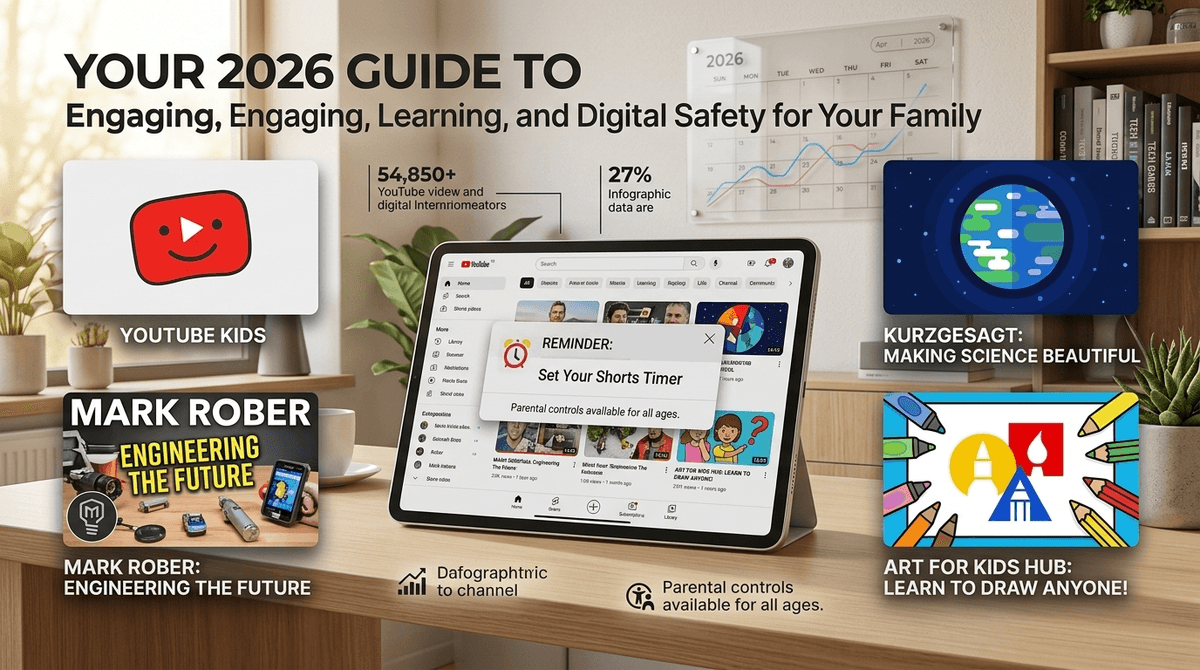
Beyond the Rabbit Hole: Your 2026 Guide to YouTube
TL;DR: YouTube isn't going anywhere, and 42% of families let kids browse solo while 38% use supervised accounts. The new Shorts timer (finally!) helps tame the infinite scroll, AI-generated content is getting weirder, and supervised accounts are your best friend for ages 9-12. Here's how to make YouTube work for your family instead of against it.
YouTube rolled out a Shorts timer feature in late 2025 that actually works—you can now set daily limits on Shorts specifically, separate from regular videos. This is huge because Shorts are the digital equivalent of a bag of chips: you think you'll have just one, and suddenly 45 minutes have evaporated.
The other big shift? AI-generated content is everywhere, and it's getting increasingly difficult to distinguish from human-created videos. We're seeing channels that pump out dozens of videos daily using AI voiceovers, AI-generated visuals, and AI-written scripts. Some of it's educational, some of it's... deeply weird. More on that below.
Only 20% of families keep YouTube completely off-limits, which tracks with what I'm seeing at school pickup. The platform is just too embedded in kid culture—from Minecraft tutorials to cooking videos to those oddly satisfying slime compilations.
Here's the breakdown:
- 20% no usage (usually younger kids or families with strict screen policies)
- 38% supervised accounts (this is the sweet spot for elementary schoolers)
- 42% solo browsing (mostly tweens and teens, but also some younger kids whose parents haven't set up restrictions yet)
The average screen time across all platforms sits at 4.2 hours daily, with YouTube being a significant chunk of that. Weekends bump up to 5 hours, which... yeah, that sounds about right.
YouTube Kids (Ages 3-8): Only 20% of families actually use it, and I get why. The interface feels very "baby" after age 6 or 7, and the content selection can be limiting. But it's genuinely the safest option for younger kids—everything is pre-vetted, comments are disabled, and there's no algorithm rabbit hole to the weird side of the internet.
The downside? Your 8-year-old who wants to watch Minecraft building tutorials will find the Kids version frustratingly limited. The creators they actually want to watch often aren't on YouTube Kids.
Supervised Accounts (Ages 9-12): This is where most families should land for elementary and middle schoolers. You link your child's Google account to yours, set content restrictions (9+, 13+, or 18+), and get visibility into their watch history and subscriptions.
The beauty of supervised accounts: your kid gets access to actual YouTube content—the good Minecraft tutorials, Mark Rober's engineering videos, baking channels, whatever—but you can still block specific channels, pause watch history, and set screen time limits through Family Link.
Regular YouTube (13+, technically): Once kids hit middle school, most parents gradually loosen restrictions. The algorithm becomes more sophisticated, recommended content gets more mature, and honestly, they're probably watching on friends' devices anyway.
Here's what's keeping me up at night: AI-generated content is flooding YouTube, and it's not always obvious. I'm seeing channels that create "educational" videos about historical events or science topics using AI-generated scripts that are... let's say "creative" with facts.
Some red flags for AI-generated weirdness:
- Channels posting 10+ videos daily (no human creator can sustain that)
- Slightly off voiceovers that sound almost-but-not-quite natural
- Visuals that look like they came from an AI image generator (weird hands, uncanny valley faces)
- Scripts that are technically grammatical but subtly nonsensical
The tricky part? Some AI content is actually good! Crash Course and other educational channels use AI tools to enhance their production. It's the low-effort, fact-free AI slop that's the problem.
What to do: Teach your kids to look for creator credentials, check multiple sources for information, and be skeptical of channels that seem to appear overnight with thousands of videos.
YouTube Shorts are TikTok for people who don't want to admit they're watching TikTok. They're addictive by design—vertical, snappy, algorithm-driven, and engineered to keep you scrolling.
The new timer feature lets you set daily limits specifically for Shorts (separate from regular YouTube videos). This is a game-changer because you can say "30 minutes of Shorts, unlimited educational content" without banning the whole platform.
How to set it up:
- Open YouTube app → Profile → Settings → General
- Find "Shorts watch time reminder"
- Set your limit (15, 30, 60 minutes, or custom)
- Enable break reminders
Pro tip: Set this up on your own account first. Model the behavior you want to see.
Ages 3-6: Stick with YouTube Kids or pre-downloaded videos you've vetted. At this age, they don't need algorithmic recommendations—they need Bluey, Sesame Street, and maybe some Blippi if you can tolerate it.
Ages 7-9: Transition to supervised accounts with 9+ content settings. Watch together initially to see what they're drawn to. Subscribe to quality channels like SciShow Kids, Art for Kids Hub, or game tutorial channels for whatever they're into.
Ages 10-12: Supervised accounts with 13+ content, but keep checking in on watch history. This is the age where they'll stumble onto drama channels, commentary videos, and content that's technically age-appropriate but emotionally intense. Talk about what they're watching and why it's interesting.
Ages 13+: Most kids get regular YouTube access around middle school. The focus shifts from blocking content to building critical thinking skills. Talk about parasocial relationships, creator drama, and how the algorithm shapes what they see.
The algorithm is not your friend. YouTube's recommendation system is designed to maximize watch time, not child development. One innocent video about space can lead to conspiracy theories about flat earth. One Minecraft video can spiral into content from creators with... let's say questionable values.
Creator culture is complicated. The YouTubers your kids love are running businesses. Sponsorships, merch drops, drama with other creators—it's all part of the ecosystem. Help your kids understand that their favorite creator's "authentic" personality is still a performance.
Comments are a cesspool. Even on wholesome content, YouTube comments can be toxic. Supervised accounts let you disable comments, which I highly recommend for kids under 13.
Watch history is your friend. Check it weekly, not to spy, but to understand what your kid is into. It's a conversation starter: "I saw you've been watching a lot of baking videos—want to try making something this weekend?"
Set up restricted mode (even with supervised accounts). It's not perfect, but it filters out mature content.
Block specific channels if they're problematic. Don't just tell your kid "don't watch that"—actually block it through parental controls.
Talk about parasocial relationships. Kids need to understand that they don't actually know their favorite YouTubers, no matter how authentic they seem.
Discuss misinformation. YouTube is full of confident people saying wrong things. Teach your kids to verify information, especially on science, history, or current events.
Address the commercialism. Every video is trying to sell something—whether it's merch, a sponsored product, or just getting you to watch the next video. Help kids recognize manipulation tactics.
YouTube isn't inherently good or bad—it's a tool, and like any tool, it depends on how you use it. The families who have the best relationship with YouTube are the ones who:
- Use supervised accounts for elementary schoolers (not YouTube Kids, not unrestricted access)
- Set up the Shorts timer to prevent infinite scrolling
- Actually check watch history weekly and talk about what kids are watching
- Model healthy usage themselves (yes, that means you)
- Treat YouTube like a library, not a babysitter—curate subscriptions, don't just let the algorithm run wild
The goal isn't to create a perfectly controlled YouTube experience. It's to help kids develop the critical thinking skills they need to navigate an algorithm-driven platform without falling into rabbit holes or getting manipulated by creators.
And honestly? Some YouTube content is genuinely great. Kurzgesagt for science, 3Blue1Brown for math, Binging with Babish for cooking—there's incredible educational content if you're intentional about finding it.
- Set up supervised accounts if you haven't already (Family Link app makes this straightforward)
- Enable the Shorts timer on all devices
- Sit down with your kid and subscribe to 10-15 quality channels together
- Block problematic channels you've seen in their history
- Schedule a weekly check-in to review what they're watching
Want more specific guidance? Find age-appropriate YouTube channels or learn more about setting up parental controls.
The YouTube rabbit hole is real, but with the right guardrails, it doesn't have to swallow your kid whole.