

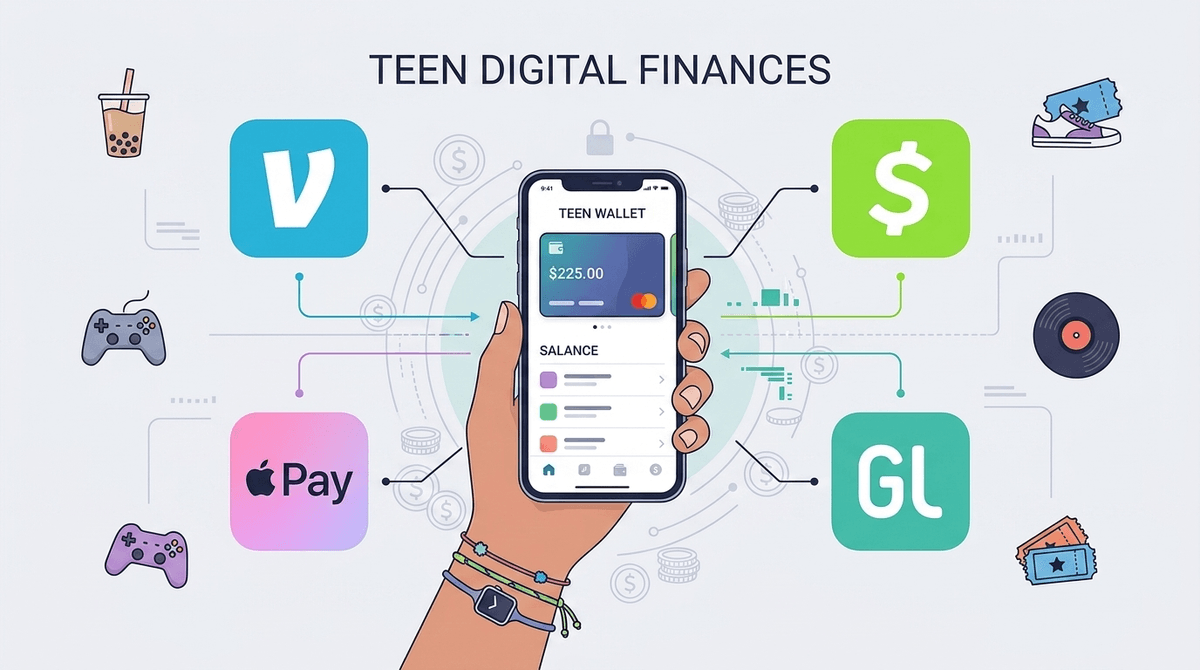
TL;DR: Cash is officially "Ohio" (meaning: weird/outdated). If your teen is heading to the mall or a football game, they’re likely asking for a Venmo or Cash App rather than a $20 bill. For the 13+ crowd, Venmo Teen and Apple Cash are the gold standards for ease of use, while Greenlight remains the best "training wheels" option for younger kids or those who need more guardrails.
Quick Links
- Best for Beginners: Greenlight
- Best for iPhone Users: Apple Cash
- Best for Social Teens: Venmo
- Best for Crypto/Stock Curious: Cash App
We’ve officially hit the era where physical wallets are basically just accessories for holding a library card. Peer-to-peer (P2P) payment apps like Venmo and Cash App have dominated the adult world for a decade, but recently, they’ve opened the gates for the under-18 crowd.
These aren't just ways to send $5 for a Starbucks; they are full-blown financial ecosystems. Most now offer a debit card, the ability to "direct deposit" a paycheck from a summer job, and even entry-level investing. For parents, it’s a way to stop being the family ATM and start seeing exactly where that "lunch money" is actually going (spoiler: it’s often Roblox or DoorDash).
It’s about autonomy and social currency. Sending a Venmo with a string of nonsensical emojis is the modern version of splitting a pizza. There’s also a heavy "gamification" element—apps like Step or Cash App often have "boosts" or rewards that feel more like leveling up in a game than balancing a checkbook.
Plus, if they want to buy a skin in Fortnite or a digital item on the Steam store, having their own digital card means they don't have to nag you for your CC info every time a new "brain rot" meme becomes a wearable item.
Learn more about how Robux is in fact real money
Ages 8-18 If you aren't ready to set your teen loose in the wild, Greenlight is the "helicopter parent" of banking apps—in a good way. It’s a debit card and app combo that lets parents set specific spend controls. You can literally dictate that they can spend $10 at Starbucks but $0 at GameStop.
- The Pro: Incredible granular control and a great chore/allowance automation system.
- The Con: There’s a monthly subscription fee, which feels a bit "mid" when other apps are free.
Ages 13-18 If your family is deep in the Apple ecosystem, this is the path of least resistance. You set it up through Family Sharing, and your teen can send/receive money via iMessage. It lives in their Apple Wallet, so they can use Apple Pay at almost any store.
- The Pro: No extra apps to download; parents can see transactions in their own Wallet app.
- The Con: It’s strictly for iPhone users. If your teen switches to Android, that money is a headache to move.
Ages 13-17 Venmo finally launched a specific "Teen Account" that parents monitor. It comes with a debit card and allows the teen to be part of the Venmo social feed (which you should probably talk to them about).
- The Pro: It’s what all their friends are using. It makes splitting the bill for Chipotle seamless.
- The Con: The "Social Feed" by default can be a privacy nightmare. You’ll want to check out our guide on Venmo privacy settings.
Ages 13+ Cash App is arguably the "coolest" of the bunch, but it’s also the most "Wild West." It allows for Bitcoin and stock trading (with parent approval), and its "Cash Card" is highly customizable.
- The Pro: Very fast, very trendy, and the "Boosts" (instant discounts at places like McDonald's) are actually great.
- The Con: It is a major target for scammers. The app’s culture is a bit more "hustle-heavy" than Venmo.
Digital money doesn't feel "real" to a 14-year-old. When they tap a phone, they don't feel the sting of a $20 bill leaving their hand. This can lead to some pretty reckless spending on Roblox or TikTok coins.
The Scam Factor
Teens are prime targets for "money flipping" or "accidental payment" scams. A stranger sends them $50 "by accident," asks for it back, and then the original $50 (which was sent from a stolen account) gets clawed back by the bank, leaving your teen out $50 of their own money. Rule #1: Never send money to someone you don't know in real life.
The Privacy Trap
Venmo is a social network. By default, transactions can be public. Do you really want the whole school knowing your kid just paid $15 for "Skibidi Rizz" (don't ask)? Rule #2: Set all transaction visibility to "Private" immediately upon setup.
See the latest payment app scams targeting teens
Before you hit "approve" on that account request, have a real talk about digital footprints and financial literacy.
- The "Paper" Trail: Explain that every transaction is recorded. If they’re buying something they shouldn't be, there’s a digital receipt that Mom or Dad can see in real-time.
- The Entrepreneurship Angle: Is Roblox teaching them how to manage a budget, or is it just a casino for kids? Use these apps to track their spending over a month. If 90% of their money goes to "Avatar items," that’s a great opening for a conversation about digital wellness and consumerism.
- The "Request" Feature: Teach them the etiquette of requesting money. There’s nothing more annoying than a kid who "requests" $20 from a parent with no explanation.
Giving your teen access to Venmo or Apple Cash isn't just about convenience; it’s a massive milestone in trust. It’s better they make a $10 mistake on a scam or a "brain rot" game now, while you’re still monitoring the account, than a $1,000 mistake when they’re off at college.
If they’re under 13, stick with Greenlight. If they’re 15 and social, Venmo is the way to go. Just make sure you’ve dived into those privacy settings first.
- Audit their current apps: See if they’ve already tried to bypass age ratings on Cash App.
- Set up a "Tax": Some parents use these apps to teach kids about "taxing" their allowance into a savings bucket.
- Read our guide: How to teach financial literacy through gaming.