

TL;DR: YouTube’s algorithm isn't a librarian; it’s a matchmaker. It doesn't care if a video is "good" for your kid—it only cares if they’ll keep watching. To keep the "brain rot" at bay, move away from YouTube Kids when they're ready and set up a YouTube Supervised Account to gain more control without the "baby" interface.
Quick Links for Quality Content:
- Science & Curiosity: Mark Rober, Kurzgesagt – In a Nutshell
- Storytelling & Animation: The Odd 1s Out, Jaiden Animations
- Gaming (The Non-Toxic Kind): Stampylonghead, DanTDM
If you’ve ever wondered why your kid went from watching a 10-minute video on Minecraft build tips to a three-hour loop of Skibidi Toilet or some bizarre "Only in Ohio" meme compilation, you’ve met the algorithm.
Most parents think of YouTube like a streaming service—similar to Netflix or Disney+. But it’s fundamentally different. On Netflix, humans (mostly) curate what’s there. On YouTube, an AI is constantly testing "matches." It looks at what your kid just watched, what other kids who liked that video also watched, and what will keep them glued to the screen for the longest possible time.
The algorithm doesn't have a moral compass. It doesn't know that a video of a guy screaming while playing Roblox is objectively more annoying than a documentary about space. It just knows that the screaming guy has a 90% "retention rate," so it pushes that content harder.

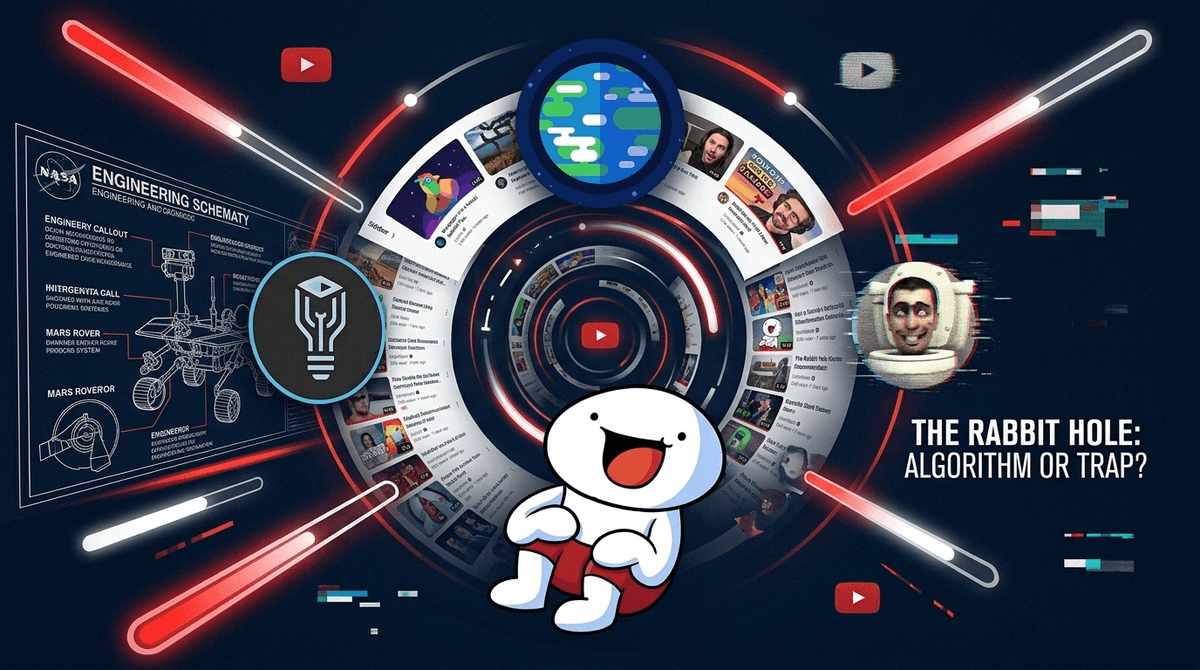
The "Rabbit Hole" is a feature, not a bug. YouTube’s AI is designed to lead users down increasingly specific paths. For a 10-year-old, that path often looks like this:
- The Hook: They search for something benign, like "How to find diamonds in Minecraft."
- The Pivot: The sidebar suggests a "Minecraft Challenge" video with a high-energy creator.
- The Descent: Three videos later, they are watching "MrBeast-style" clones doing expensive stunts or "brain rot" content—videos that use fast cuts, loud noises, and bright colors to trigger dopamine hits.
- The Bottom: They end up in the world of "Shorts"—YouTube's answer to TikTok. This is where the algorithm is most aggressive, serving up 60-second clips that are often weird, out of context, or just plain junk.
This is why your kid starts saying things are "Sigma" or "Ohio" or "Gyatt" out of nowhere. They aren't just watching videos; they are being immersed in a very specific, AI-curated subculture.
For the under-7 crowd, YouTube Kids is a decent walled garden, though it still has its share of low-quality "unboxing" videos that feel like commercials for toys you don't want to buy.
But once a kid hits 8 or 9, they hate YouTube Kids. It feels like "baby stuff." This is where many parents make the mistake of handing over a full, unrestricted YouTube account.
Don't do that.
Instead, use Supervised Accounts. This is the middle ground. It allows your child to use the regular YouTube app or website, but with three levels of content filtering:
- Explore: Generally for ages 9+.
- Explore More: Generally for ages 13+.
- Most of YouTube: Everything except age-restricted content.
The biggest win here? You can see their search and watch history from your own device using Google Family Link.
If we want kids to stop watching garbage, we have to point them toward the good stuff. The algorithm won't always do it for them. Here are some "Screenwise-approved" creators who actually put effort into their production.
Ages 7+ The gold standard. He’s a former NASA engineer who builds "glitter bombs" to catch porch pirates and giant science experiments. It’s high-energy enough to compete with "brain rot" but actually teaches engineering and physics.
Ages 10+ Beautifully animated videos about complex topics like biology, space, and philosophy. It’s "smart" content that feels like a premium movie.
Ages 8+ James Rallison tells funny, relatable stories about his life through simple animation. It’s a great example of how YouTube can be a platform for genuine creative storytelling rather than just "challenges."
Ages 12+ Deep dives into science and "the way the world works." This is great for older kids who are starting to outgrow the "wacky" creators and want something more substantial.
Ages 5-10 If your kid is into Minecraft, Stampy is the "Mr. Rogers" of the platform. He’s polite, creative, and his "Lovely World" series is genuinely wholesome compared to the screaming "Let's Play" creators.
The most dangerous button on YouTube is Autoplay.
When Autoplay is on, the algorithm makes the choice for your child. It removes the "pause" where a kid might think, "Okay, I'm done." Instead, it just slides them into the next video.
Step 1 for any intentional parent: Go into your kid's YouTube settings and toggle Autoplay to OFF. This forces them to make a conscious choice about what to watch next.
Step 2: Turn off "Shorts" (if possible). While you can't fully delete the Shorts tab, you can use browser extensions on a computer or just talk to your kids about why Shorts are essentially "digital candy"—fine in small doses, but they'll make you feel sick if that's all you eat.
Instead of being the "Screen Police," try being a "Media Critic."
When you see your kid watching something that looks like total brain rot—maybe it’s a video of someone playing Garten of Banban while making weird noises—don't just tell them to turn it off. Ask them:
- "What do you like about this creator?"
- "Do you think they’re actually having fun, or are they just acting for the camera?"
- "How do you feel after watching 30 minutes of these short clips versus watching a full movie or playing a game?"
Teaching them to recognize when they are being "played" by an algorithm is a superpower. It turns them from a passive consumer into an intentional user.
YouTube is the world’s biggest library, but the librarian is an AI that gets paid every time your kid stays five minutes longer. It is not designed to help your child grow; it is designed to keep them on the platform.
By using Supervised Accounts, turning off Autoplay, and manually seeding their feed with high-quality creators like Mark Rober, you can take the steering wheel back from the algorithm.
- Check the History: Spend 5 minutes tonight looking at your kid's YouTube watch history. Don't judge—just observe. What is the algorithm "matching" them with?
- Set up Family Link: If you haven't yet, get Google Family Link set up so you can manage their YouTube experience from your phone.
- Find a "Bridge" Creator: Find one high-quality channel that matches your child's interests and watch a video together.