

TL;DR
- The Big Move: Enable TikTok Family Pairing immediately. it’s the only way to manage their settings from your own phone.
- Privacy 101: Accounts for users under 16 are private by default, but kids often "age up" their birthdays. Check the settings manually.
- The Dopamine Fix: Use the "Time Away" and "Screen Time Breaks" to interrupt the infinite scroll.
- Safety First: Disable Direct Messages and set "Comments" to friends only.
- Alternative: If they aren't ready for the "For You Page," check out Zigazoo or Pinterest.
At this point, TikTok isn't just an app; it’s the primary search engine for Gen Z and Gen Alpha. It’s where they learn how to do the "latest dance," find out why everyone is calling things "Ohio" (which basically means weird or cringey), and where they go to watch "Skibidi Toilet" edits that would make an adult’s brain melt.
The core of the app is the "For You Page" (FYP). Unlike Instagram or Snapchat, where you primarily see what your friends post, TikTok uses a hyper-aggressive algorithm to show you exactly what you want to see—even if you didn't know you wanted to see it. It’s a dopamine slot machine, and for a developing brain, it’s incredibly hard to put down.
Learn more about how the TikTok algorithm works
It’s the community. Whether they are into Minecraft builds, Roblox drama, or DIY crafts, there is a "side" of TikTok for them. It’s also their primary source of humor. If you feel out of the loop at the dinner table, it’s likely because the jokes were born on TikTok three hours ago.
But with that community comes exposure. The "brain rot" content—low-effort, loud, and chaotic videos—is one thing, but the privacy implications of being on a platform owned by ByteDance are another.
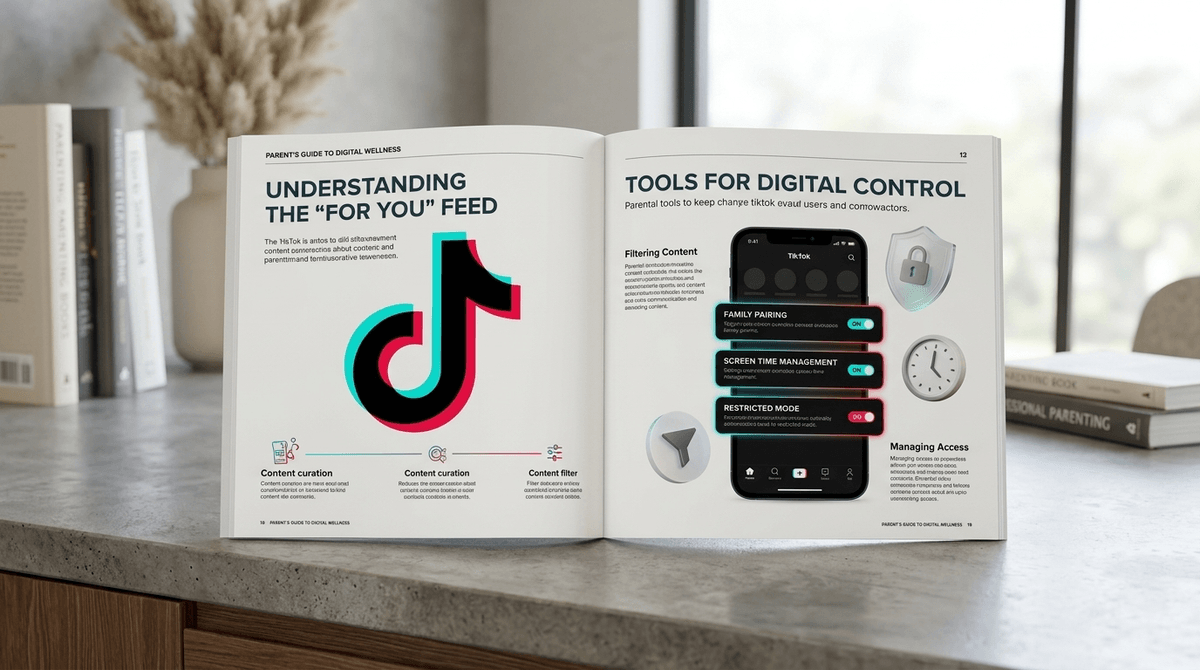
If you take one thing away from this guide, let it be this: Family Pairing is your best friend.
This feature allows you to link your TikTok account to your teen’s. You don’t need to spend your time scrolling their feed (unless you want to), but it gives you remote control over their safety settings. You can set screen time limits, restrict content, and manage their privacy settings directly from your device.
How to set it up:
- Open TikTok on both phones.
- Go to Profile > Settings and Privacy > Family Pairing.
- Follow the prompts to scan the QR code.
Even if you don't use Family Pairing, you should manually audit these five settings on your child's phone.
1. Private Account
For users aged 13-15, accounts are private by default. This means only people they approve can follow them or see their videos. However, many kids lie about their age when signing up to get a "Pro" account or to access DMs.
- Action: Go to Settings > Privacy > Private Account and toggle it ON.
2. Direct Messages (DMs)
TikTok has actually been fairly responsible here: DMs are disabled for users under 16. For those 16-17, the setting is "No One" by default.
- Action: Ensure this is set to "No One" or "Friends" (mutual followers). There is rarely a reason for a 14-year-old to be receiving DMs from strangers on TikTok.
3. "Suggest Your Account to Others"
This is how TikTok's algorithm helps people find each other. It can suggest your child’s account to their phone contacts, Facebook friends, or people who send them links.
- Action: Turn all of these OFF in the Privacy menu to keep their profile "low profile."
4. Downloads and Duets
By default, anyone can download a public video or "Duet" with it (placing their video next to yours).
- Action: Set Downloads to OFF and Duet/Stitch to "Only Me" or "Friends." This prevents strangers from using your child’s face in their own content.
5. Comments and Mentions
You can filter out "spam and offensive comments" automatically, but you can also add custom keywords. If you’re worried about specific topics or bullying, this is a powerful tool.
- Action: Set Comments to "Friends" and use the "Filter Keywords" tool to block specific words.
TikTok is designed to be "sticky." You know that feeling when you check the clock and 45 minutes have vanished? For a kid, that's 10x more intense.
Screen Time Management
TikTok now has a default 60-minute daily screen time limit for users under 18. When they hit the limit, they have to enter a passcode to keep watching.
- The Reality Check: Kids are smart. They will ask you for the code, or they’ll just use the app in a mobile browser.
- The Fix: Use Family Pairing to set a hard limit that you control. Use the "Screen Time Breaks" feature, which prompts them to look away from the screen every 20 minutes. It sounds small, but it breaks the "flow state" of the scroll.
Sleep Mode
This is a newer feature that mutes push notifications during sleep hours.
- Action: Enable this to ensure their phone isn't buzzing at 2 AM with a notification that "Someone you may know is on TikTok."
You’ve probably heard the term "brain rot" used to describe the nonsensical, high-stimulation content that dominates the FYP. While most of it is harmless (if annoying), some of it can be mature or inappropriate.
TikTok’s "Restricted Mode" acts as a blunt instrument to filter out content that "may not be appropriate for all audiences." It’s not perfect—no algorithm is—but it’s a good baseline for younger teens.
If your kid is seeing too much of a certain "vibe" (like fitness influencers or political rants), you can actually "Refresh" their For You feed. This wipes the slate clean and treats them like a new user, which can be a great "digital reset."
Check out our guide on managing "brain rot" and digital wellness
- Ages 10-12: Honestly? Avoid the main TikTok app. If they want to make videos, try Zigazoo, which is moderated by humans and designed for kids. If they want to watch videos, YouTube Kids is a safer (though still imperfect) bet.
- Ages 13-15: This is the "training wheels" phase. Use Family Pairing, keep the account private, and have regular "show me your FYP" sessions.
- Ages 16+: At this stage, it’s about data privacy and critical thinking. Talk to them about how ByteDance uses their data and the "filter bubble" effect.
Instead of being the "Screen Police," try being the "Digital Coach."
- Don't judge the "cringe": If they like a weird trend, ask them to explain it. "Why is everyone saying 'Rizz'?" (Hint: It’s short for charisma).
- Discuss the "Scroll Hole": Ask them, "Do you ever feel like you've been on there too long and your brain feels kind of fuzzy?" Most kids will actually say yes. Use that as an opening to talk about the "Time Away" switch.
- The "Permanent Record" Talk: Remind them that even with a private account, anything they post can be screen-recorded and shared.
TikTok is the most influential app in the world right now. You don't have to love it, but you do need to understand it. By using Family Pairing, keeping the account Private, and setting Screen Time Breaks, you can turn a potential "brain rot" factory into a manageable part of their digital life.
It's not about total control; it's about giving them the guardrails they need until they're mature enough to drive the car themselves.
Next Steps:
- Audit their phone tonight. Check those five privacy settings.
- Set up Family Pairing. It takes two minutes.
- Watch 10 minutes of their FYP with them. You’ll learn more about their world in those 10 minutes than in a week of "How was school?"