

Let me be real with you: the app store is an absolute nightmare to navigate. You've got 47 different math apps that all look identical, games that claim to be "educational" but are basically slot machines for kids, and a whole bunch of stuff that looks perfect until you realize it's monetized to hell and back.
Eight is such a specific age — they're reading independently, they're curious about everything, and they're starting to have opinions about what's cool. They're also at that age where they're seeing what older kids are doing and wanting in on it, but they're not quite ready for the deep end of social media or unsupervised internet access.
So what actually works? What's worth the storage space on your device? Let me break down the apps that are actually good — not just "keeps them quiet for 20 minutes" good, but genuinely worth your time and theirs.
Creative & Making Stuff
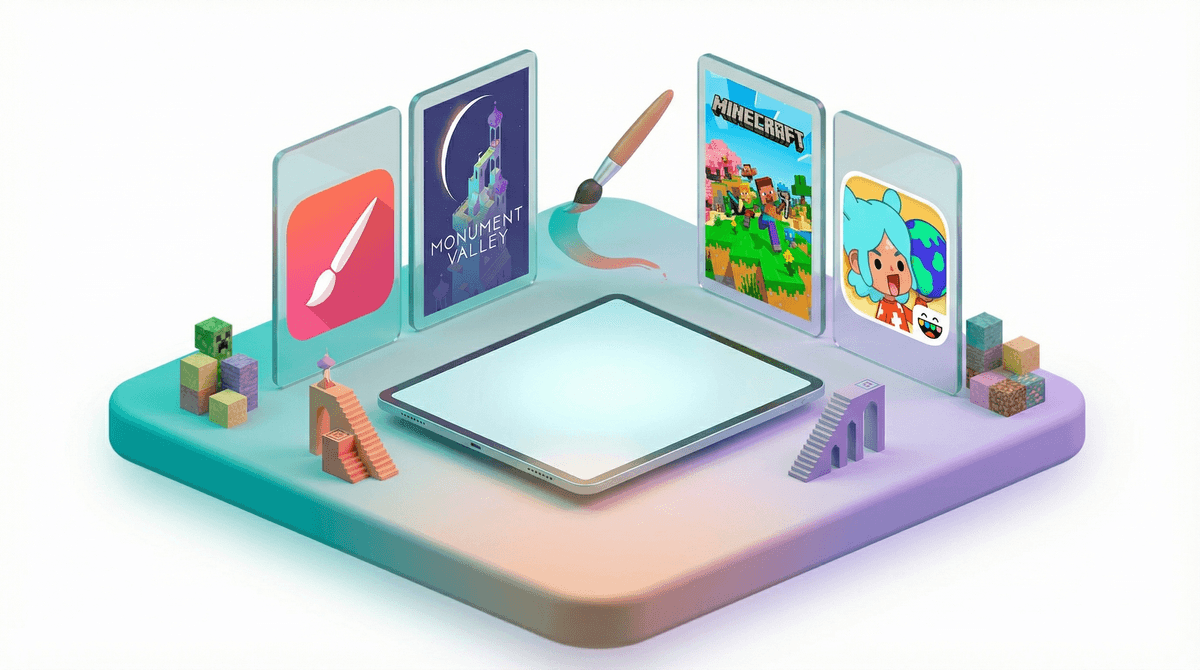
Procreate is the gold standard for digital art, but it costs money upfront (around $13). No subscriptions, no ads, no in-app purchases trying to nickel and dime you. If your kid likes drawing at all, this is worth it. The interface takes a minute to learn, but there are tons of YouTube tutorials made specifically for kids.
Toca Boca apps (like Toca Life World) are still hugely popular with 8-year-olds even though they skew younger. They're digital dollhouses basically — open-ended, creative, and yes, there are in-app purchases, but the base game is genuinely playable without spending more. About 60% of second and third graders have at least one Toca app.
GarageBand is free on Apple devices and shockingly good for music creation. Even if your kid has zero musical training, they can mess around and make something that sounds decent. It's the kind of app where they'll surprise you with what they create.
Actually Educational (But They Won't Hate It)
Duolingo for language learning is still the best free option out there. The owl is mildly threatening, the lessons are short, and it actually works if they stick with it. The gamification is real, but in this case, it's working in your favor.
Khan Academy Kids is completely free (actually free, not "free with limitations") and covers math, reading, and logic skills. It's designed for younger kids but has content that works well for 8-year-olds who need reinforcement or want to work ahead. No ads, no subscriptions, just solid educational content.
Prodigy Math is the math game that like 70% of elementary schoolers are playing. It's a fantasy RPG where you battle monsters by solving math problems. The free version is totally usable, though they do push the premium membership pretty hard. Many schools actually assign it as homework, so your kid might already know about it.
Games That Aren't Brain Rot
Minecraft (yes, it's an app too) is the obvious one. If they're not playing it yet, they will be soon. It costs about $7, but there are no surprise charges after that unless you get into the marketplace. It's creative, it's problem-solving, and it's what everyone talks about at recess. Learn more about why Minecraft is actually pretty great .
.
Roblox is the other elephant in the room. About 75% of 8-year-olds are on Roblox. It's not a single game — it's a platform with millions of games. Some are great, some are absolute garbage, and the monetization is aggressive. If you're going to allow it (and honestly, fighting it is tough given how social it is), you need to set up parental controls properly and have real conversations about Robux spending.
Monument Valley and its sequel are beautiful puzzle games that are actually challenging in a good way. They cost money upfront (around $5 each) but are completely worth it. No ads, no in-app purchases, just a genuinely lovely game experience.
Reading & Stories
Epic! is like Netflix for kids' books. It's a subscription (around $10/month), but if your kid is a reader, it pays for itself immediately. Thousands of books, including popular series, graphic novels, and audiobooks. Many schools provide free access, so check before you pay.
Libby connects to your local library and lets you borrow ebooks and audiobooks for free. Yes, actually free. The selection depends on your library system, but it's usually pretty solid. This is the app I recommend first for reading because, you know, free.
Most "free" games marketed to kids are designed to be addictive and push in-app purchases. If an app is free and has a million downloads, look closely at what it's actually doing. Games that have you waiting for timers to expire, watching ads for rewards, or constantly pushing you to buy gems/coins/whatever are teaching some pretty questionable lessons about patience and money.
Apps that include chat features or social elements need extra scrutiny at this age. Even with parental controls, 8-year-olds aren't ready for unsupervised interaction with strangers online.
YouTube and YouTube Kids are technically apps, but they're complicated enough to deserve their own conversation. Here's the breakdown on YouTube vs. YouTube Kids if you're trying to figure out which (if either) makes sense for your family.
The best apps for 8-year-olds are the ones that either teach something valuable, let them create something, or entertain them without turning their brain into mush. Ideally all three.
You don't need 50 apps on their device. A handful of quality options beats a home screen full of garbage. And honestly? Sometimes the best "app" is still a book, a board game, or just sending them outside. But when you do need screens — for a long car ride, a quiet afternoon, or because you need 30 minutes to make dinner in peace — these apps won't make you feel like a terrible parent.
The apps your kid gravitates toward will tell you a lot about their interests. Pay attention to what they actually use versus what sits ignored on the home screen. And remember: the app itself is only part of the equation. How much time they spend on it, when they use it, and what it's replacing matters just as much as which specific app it is.
Need help figuring out what's age-appropriate for your specific kid? Screenwise can help you understand your family's digital habits in context with your community — because what works for one 8-year-old might be completely wrong for another.