

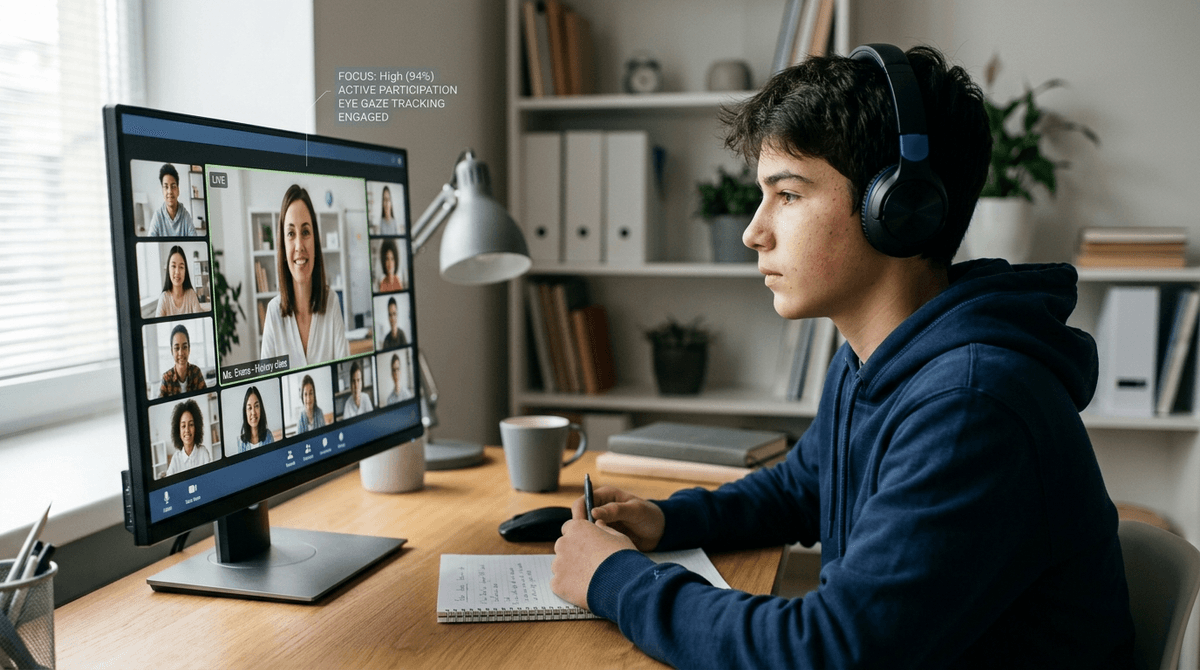
Your child’s online teacher isn’t just a talking head; they are a digital conductor who must balance hand gestures, eye contact, and screen-sharing to keep kids from clicking away. Researchers have developed a new way to measure these "micro-moves" to define what actually makes a virtual lesson work.
Identify high-quality online instruction by watching how teachers coordinate their physical bodies with their digital tools to maintain student focus.
Online learning is often a "black box" for parents until the midterm grades arrive. This framework gives you a concrete checklist to use during a trial lesson or a school observation.
A teacher who masters "digital body language" keeps a child’s attention longer than one who simply knows the curriculum but stares at their second monitor the whole time. When you are paying for an online tutor or evaluating a virtual school, you aren't just paying for subject expertise—you are paying for the teacher's ability to "orchestrate" a digital environment.
The shift to virtual school exposed a massive gap: traditional teaching skills don't always translate to a laptop screen. Researchers realized we need a standard way to measure how a teacher moves, looks, and clicks when they are limited by a small camera frame. This paper seeks to bridge the gap between "classroom charisma" and "digital effectiveness" by turning teaching behaviors into trackable data points.
Effective virtual teaching is "multimodal," meaning it happens through several channels at once. The researchers built a "multimodal grid" to track four specific types of behavior that keep kids engaged:
- Gaze direction: This isn't just about looking at the screen. High-performing teachers look directly into the webcam lens to simulate eye contact, rather than looking at their own taskbar or a second monitor.
- Communicational gestures: The study prioritizes "observable" actions. Teachers who use their hands to emphasize points—keeping their hands within the camera’s view—provide better non-verbal cues than those who stay static.
- Physical posture: How a teacher sits signals their presence. A teacher who leans in or adjusts their position in response to student questions creates a more "proximal" feeling, making the student feel seen.
- Digital tool management: This is now considered a "pedagogical gesture." How quickly and smoothly a teacher switches from a lecture to a shared whiteboard or a breakout room is as important as how they use their voice.
Technical proficiency is no longer an "extra" skill for teachers; it is the infrastructure of their pedagogy. If a teacher fumbles with a screen share or can't find the "mute all" button, it is the modern equivalent of a teacher in a physical classroom dropping their notes and spending five minutes picking them up. It breaks the "spell" of the lesson and gives a child’s brain permission to wander.
The research implies that "eye contact" in 2026 isn't about looking at the student's face on the screen—it's about looking at the little green light of the camera. That counter-intuitive physical habit is what makes a student feel like the teacher is actually talking to them.
This paper is a theoretical proposal and a methodological tool, not a report on a finished experiment. The authors have created the "ruler," but they haven't yet used it to measure thousands of classrooms.
As a preprint, the proposed grid has not yet undergone full peer review or wide-scale empirical validation. We don't yet have data proving that a teacher who scores 10/10 on this grid will definitely produce a student with higher test scores.
- If you are trial-testing a new online tutor, watch their hands during the session; if they keep their hands off-screen or in their lap the whole time, your child is missing out on critical non-verbal cues that aid memory and comprehension.
- If your child complains that online school is "boring," check the teacher's gaze during a live session; if the teacher is constantly looking down or to the side at a second monitor, your child will subconsciously feel ignored and is more likely to tab over to a game or YouTube.
- If a virtual teacher struggles to navigate their own software (like fumbling with a digital pen or taking too long to share a link), consider a different provider; the research suggests software "orchestration" is a primary indicator of a teacher’s ability to maintain a controlled learning environment.
- If your child is in a large virtual class, look for "posture shifts" in the teacher; those who move their bodies and change their framing are using "physical orchestration" to command the digital space more effectively than those who sit perfectly still.
Look for teachers who treat the webcam like a stage rather than a window. The best virtual instructors use their eyes, hands, and software as a single, coordinated instrument to keep students from drifting away.
Intissar Bamou, Christine Michel, Hassina El Kechai (2026). Observing Teachers' Instrumental Pedagogical Orchestration in Synchronous Online Learning: A Multimodal Grid Based on Videoconferencing Traces. arXiv (preprint). — arxiv.org